Changelog

📜 Changes

This changelog is a history of our major product updates.
September 2026

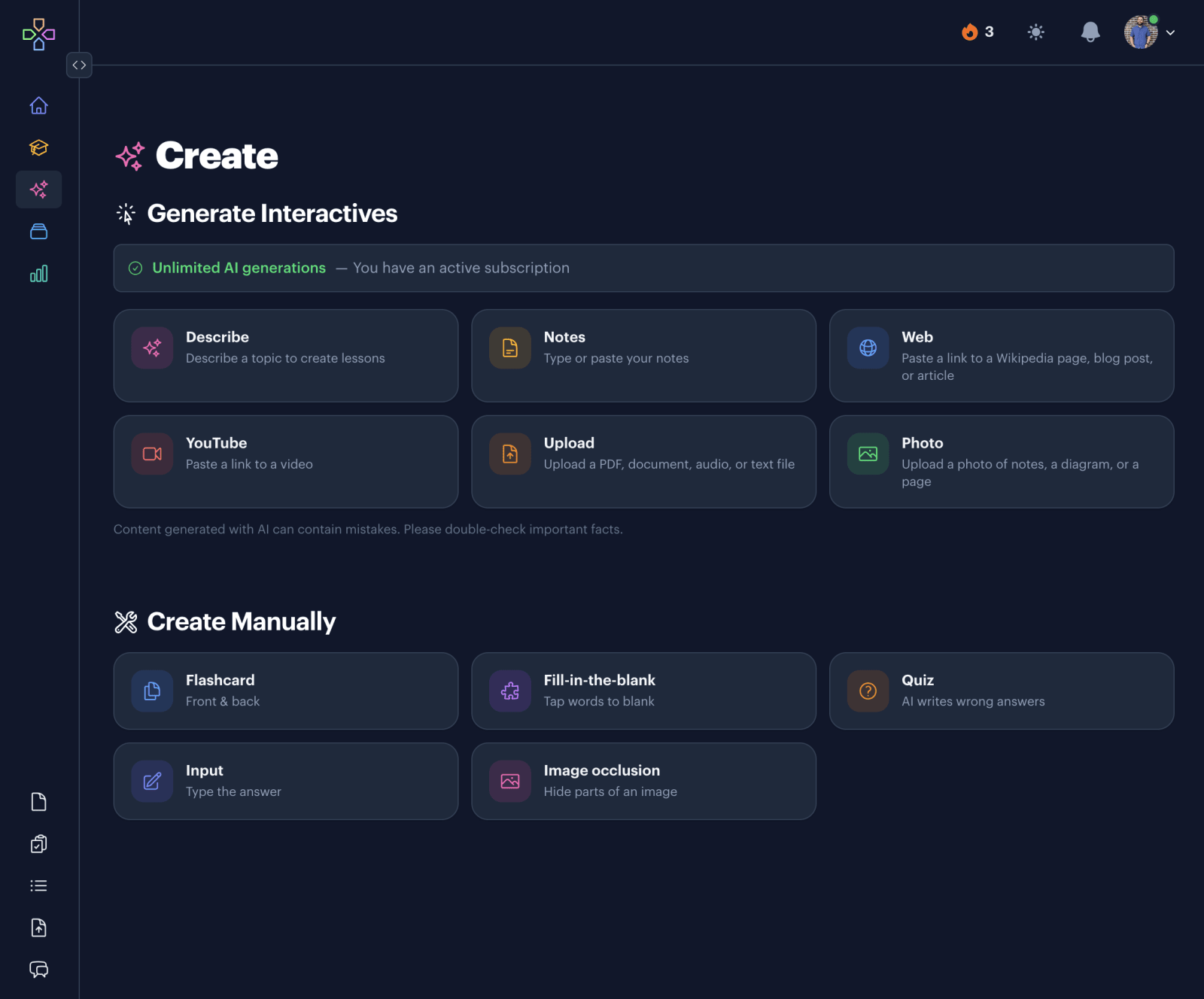
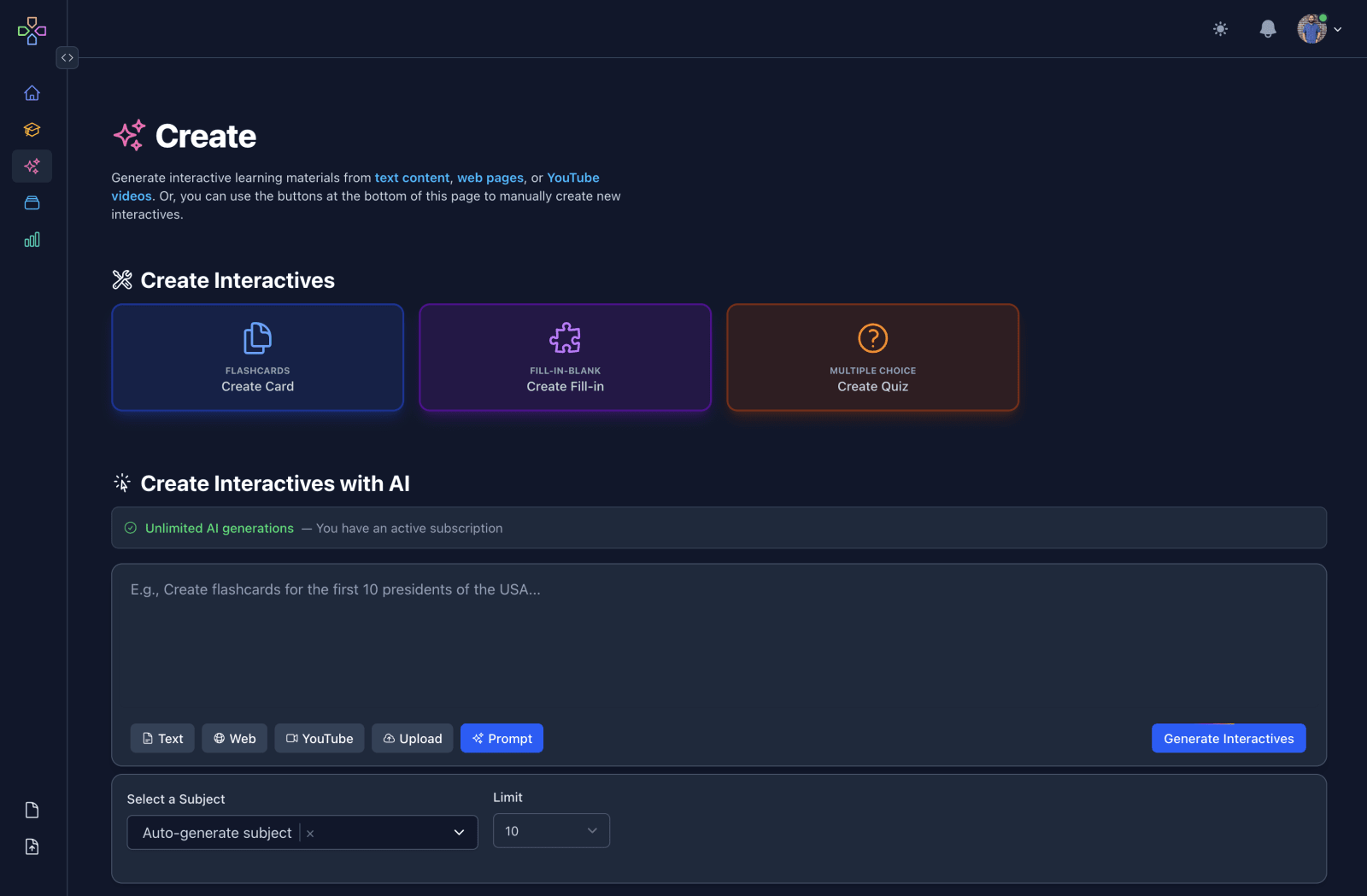
The redesigned Create page on Interact, with a card for each way to generate or manually create a lesson.
The redesigned Create page.
  • Completely redesigned the Create page.

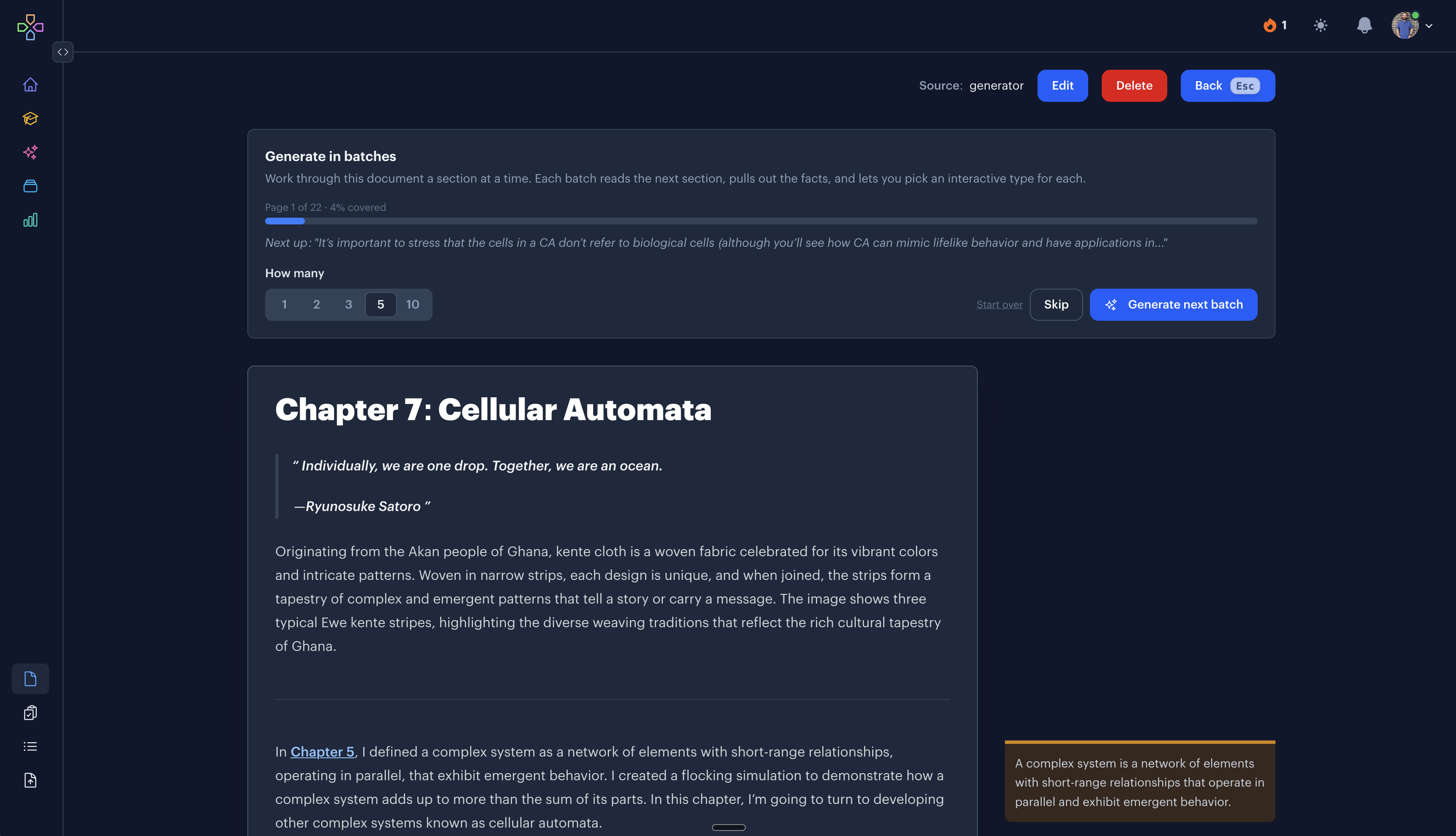
  • Renamed Interactive Mode to Ask, and gave it a lot more to do. It started out as a way to ask questions about your learning data. Now it can create and update subjects, goals, resources, lessons, and notes, so you can change almost anything by typing a sentence instead of clicking through screens. It will also answer a general question about a topic and offer to build interactives from the answer.

  • Integrated math syntax into the generator features. Generated lessons can now include LaTeX equations, which works well for math and physics subjects. Code snippets come through with syntax highlighting too.

  • Launched v0.3 of the native apps with major usability improvements and bug fixes for interactive lessons.

August 2026

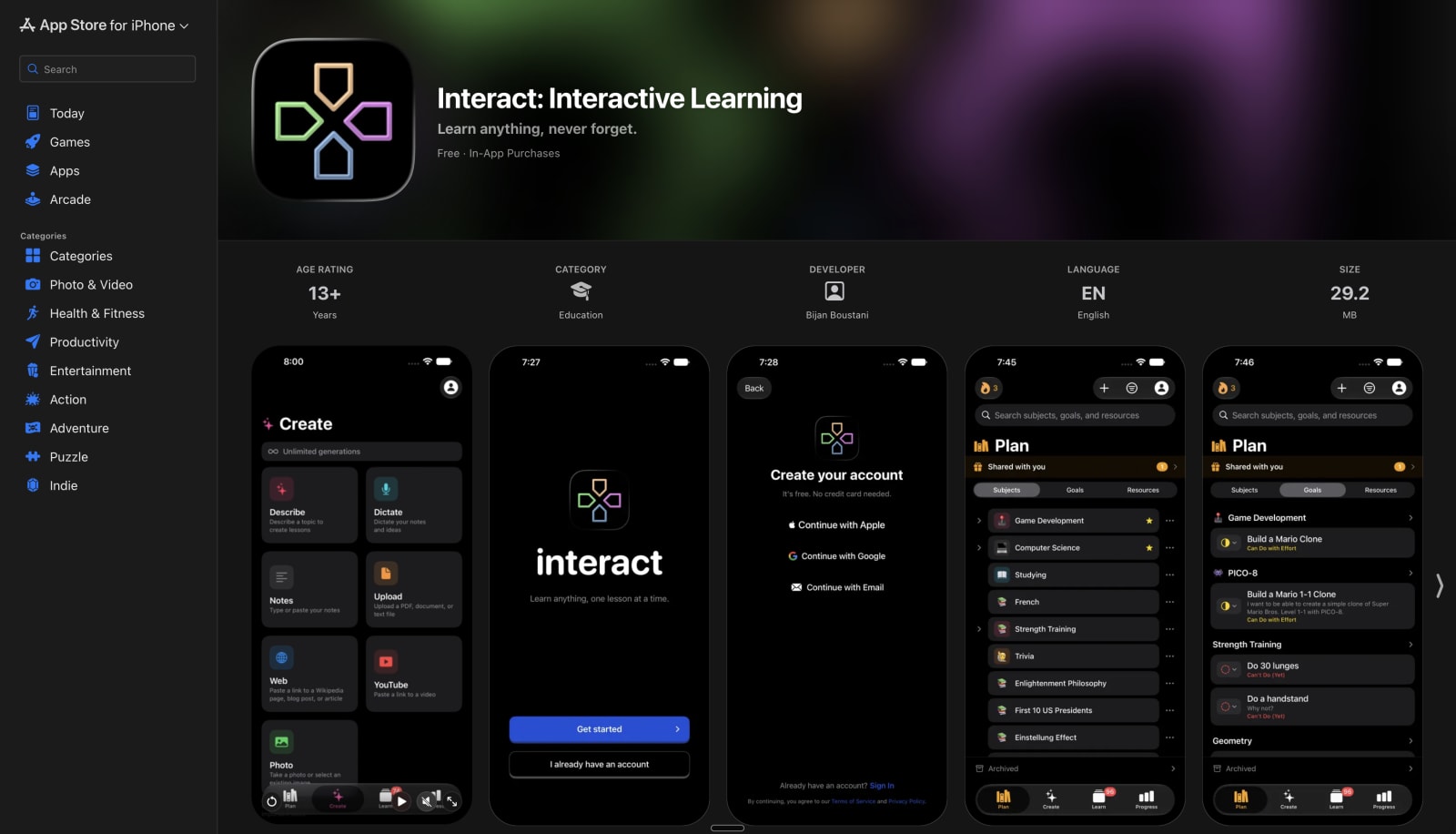
The Interact listing on the App Store.
Interact is live on the App Store!
  • Interact is live on the App Store! After the soft launch, the native apps are approved and available to everyone. Download Interact on the App Store for iPhone, iPad, Apple TV, and Apple Watch.

  • Rebuilt the sharing features. Shared subjects now show a full preview of everything inside, visitors can play the interactives right on the page, and a share link flows straight through signup into your own cloned copy.

  • Built an AI curriculum builder so you can scaffold out a curriculum with a prompt like "I want to learn Electric Guitar in the style of Metallica and Kirk Hammett". Then we can fetch relevant content to create subjects, goals, and resources.

  • Swipe down on the Learn screen for a quick review. This works well when you don't have time to review dozens of interactives, but just want to do a couple at a time.

  • Added a new Dictate feature to the iOS app.

  • The Generator features now show what they're doing at each step. A step-by-step progress checklist plays out on web and iOS while your lesson is built.

  • Wrote a new Docs section, with guides covering everything from your first subject to the Apple TV app.

  • Added a new "Agent View" and llms.txt for a machine-readable version of what we do here.

  • Massively upgraded the confetti particle system on iOS.
July 2026

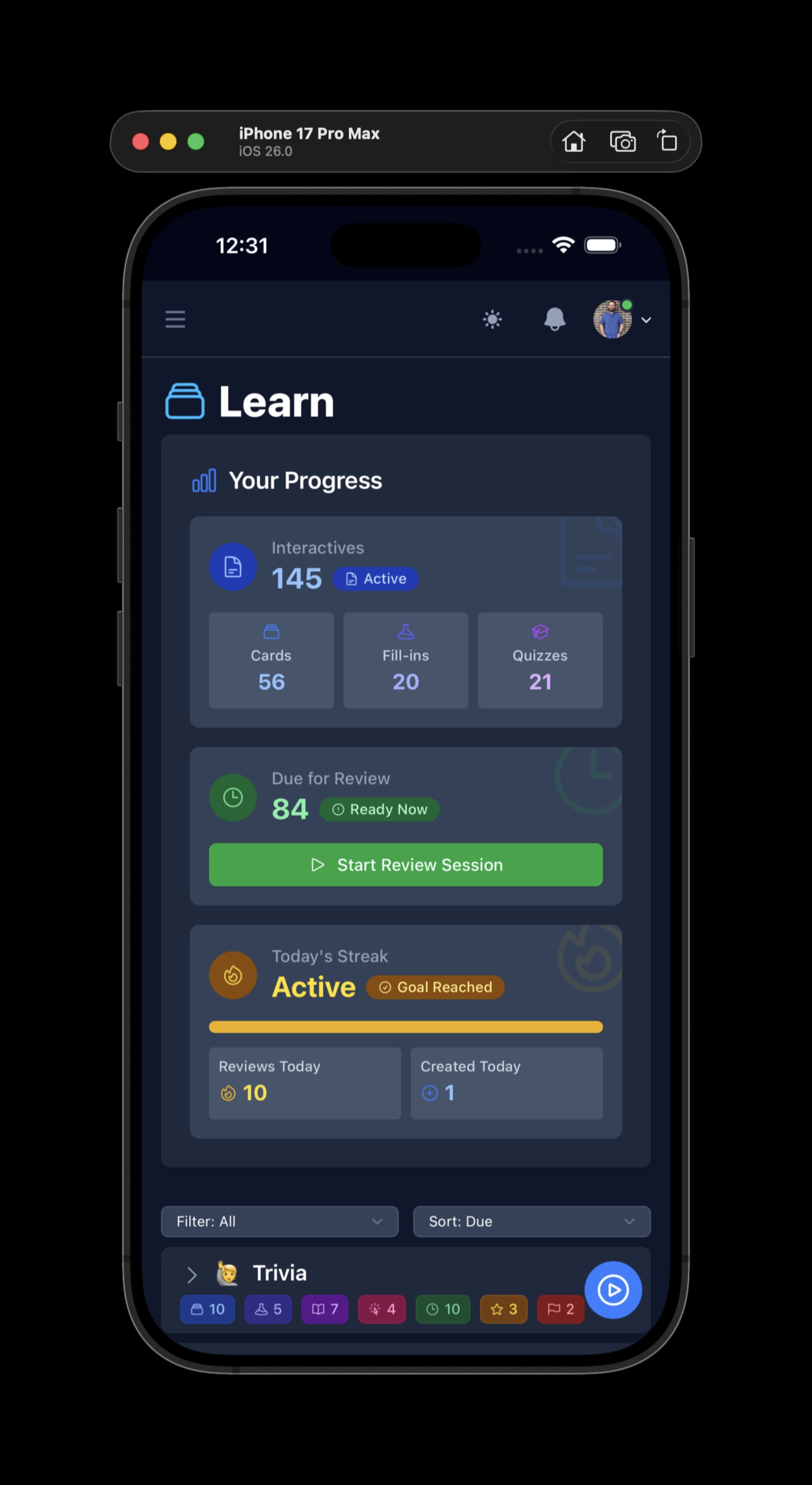
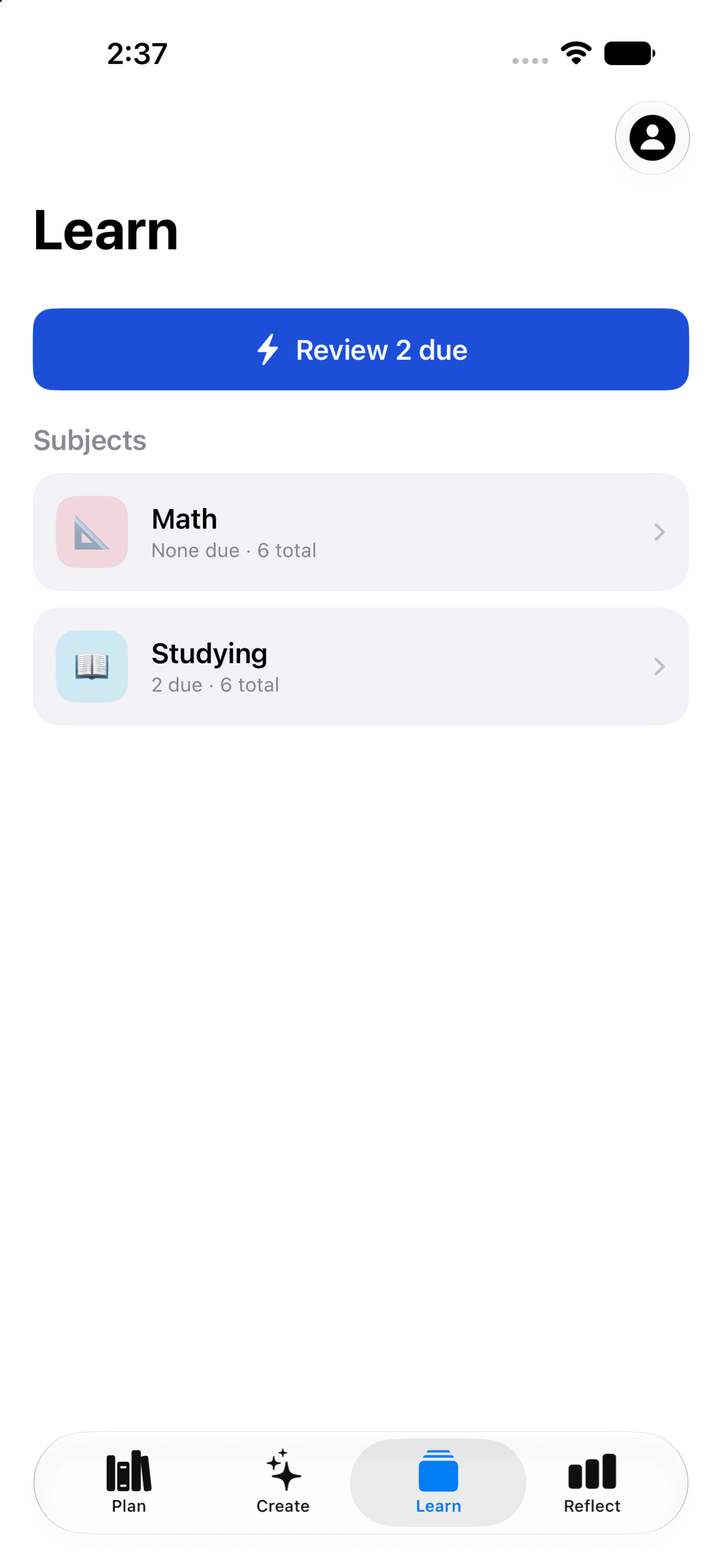
Native iOS application with the new Learn screen.
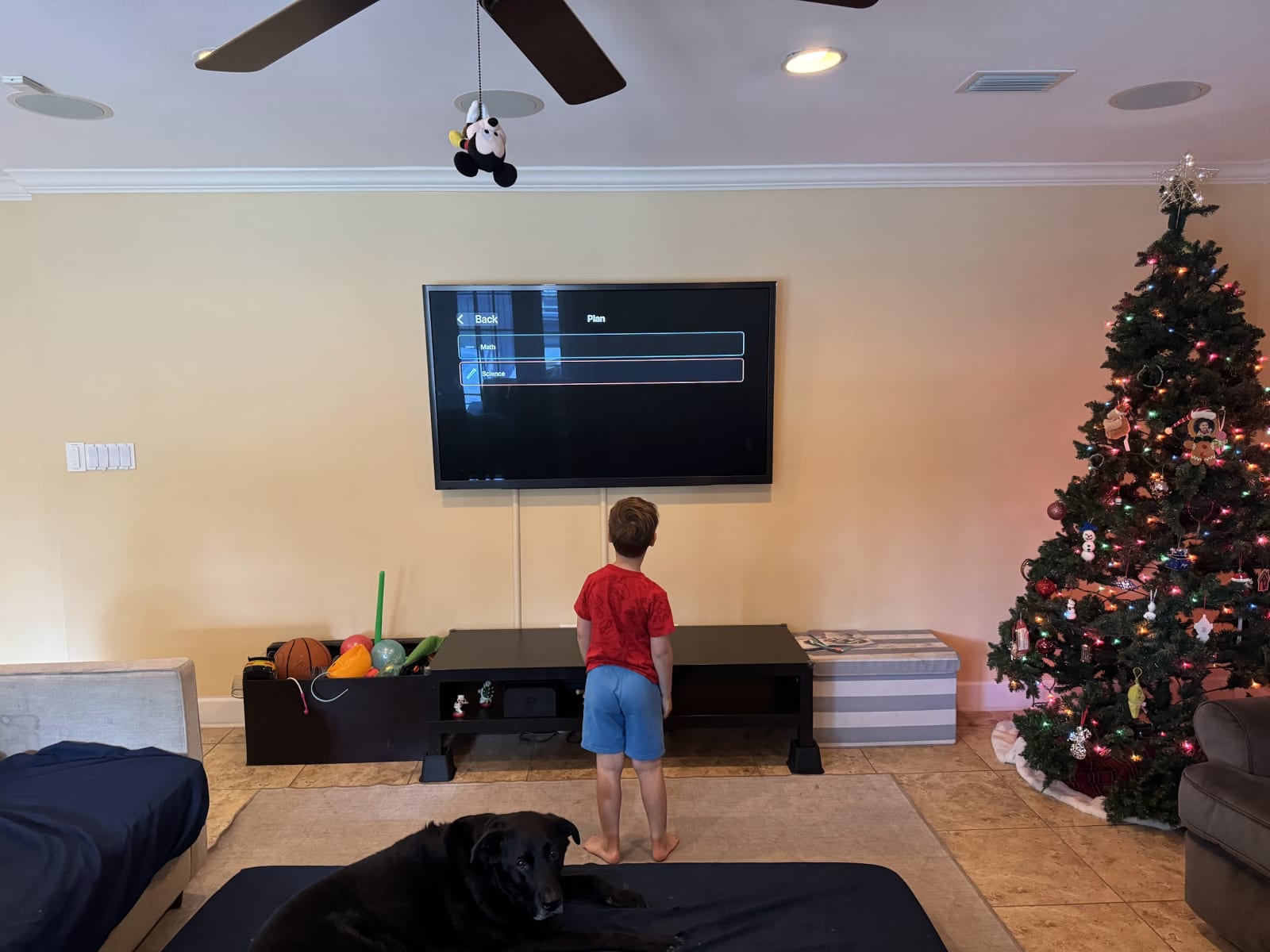
  • Built working native applications for iOS, iPadOS, and tvOS. For realsies! The web experience had grown complicated, so this was a huge opportunity to reset the product to the core experience.
  • Put a ton of work into the iOS screens for building a curriculum and generating interactives. It works with a plain description, pasted content, photo uploads, etc. We also ported a ton of settings into the Profile screen.
  • The tvOS app is surprisingly fun. It allows you to filter for video resources and jump directly to YouTube for saved videos. And you can play through interactives.
  • Handled design changes to adapt the native app to work well on iPadOS as well.
  • Implemented a full sharing system. Share a subject with someone and they can accept it, clone it, and make it their own. This also included some moderation tools for the sharing features.
  • Reduced onboarding friction for new users. Opening a shared link now flows straight through signup and back to the shared subject.
  • Added self-serve account deletion with a 30-day grace period, plus a new Accessibility page.
  • Added custom haptic feedback for the iOS app. And some gesture-based interactions.
  • Big light mode redesign with a warm paper look. Dark mode got a refresh too and is now the default.

June 2026

  • Built a new Evals system to measure and improve how well we handle different kinds of source content.
  • Huge month for the native iOS app. Built out the Plan screen with subjects, goals, and resources, including creating, editing, starring, flagging, archiving, drag and drop reordering, and search.
  • One-tap generation of interactives directly from a curriculum Resource.
  • Sign in with Apple and Google both working in the native app.
  • Set up push notifications for the native apps.
  • Upgraded our core stack with the latest versions of Elixir and Phoenix LiveView.

May 2026

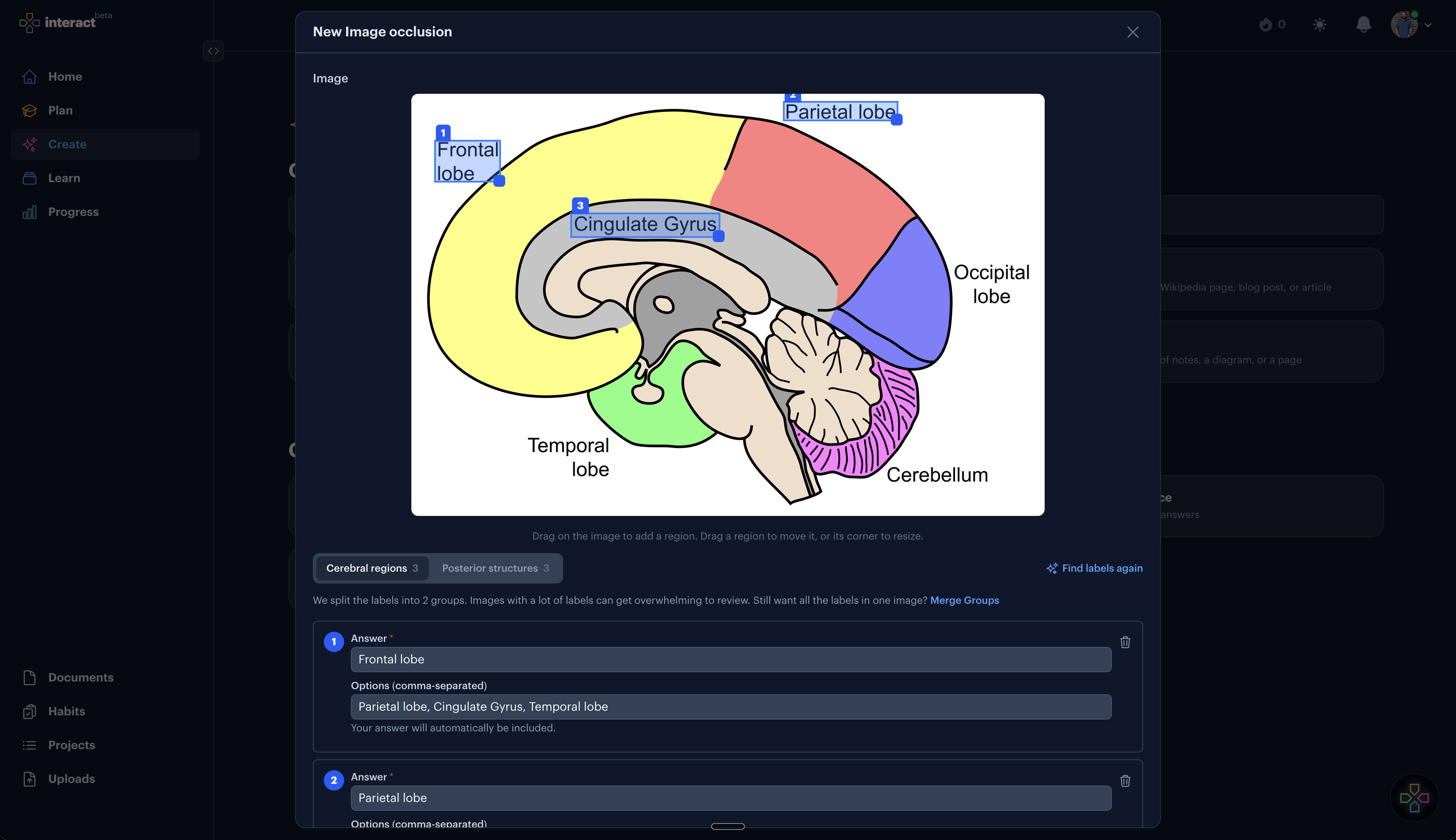
New Image Occlusion type interactive.
  • Added a new Image Occlusion interactive type. Upload an image, mask regions, and review them as a visual flashcard.
  • Added sharable user profiles with profile photos and a member-since date. You can selectively share what shows up on your public profile.
  • Added a new Talk to a Human page with an embedded Calendly so anyone can schedule a quick demo.
  • Major redesign for the landing page demos to make them easier to customize and try out.
  • For YouTube and Web content, added the ability to either fetch content only or auto-generate interactives.
  • Interactive counts on the Learn page are now clickable to filter by type.
  • Added handy route aliases for /app/create, /app/plan, and /app/reflect.
  • Added a new in-app Bug Report feature.
  • Added gamepad input support. Likely only works well for flashcards so far.

April 2026

  • Major redesign for the Curriculum page. The filtering features are _wayyyy_ better.
  • Added a long-awaited streak "freeze" feature. You can get up to 3 freezes and they will automatically get used to save your streak.
  • Added a new "Input" interactive type that allows you to enter a text response.
  • Added support for adding mathematical expressions to Markdown content.
  • Added a "reversible" option for flashcards so it's easy to create cards that we can review from front to back and back to front.
  • Added new confetti animations for ability progressions and other celebrations.
  • Updated the Weekly Review system so we can access previous reviews.
  • Added v1 for a data export system. You can go to your User Settings page and trigger an export your data as JSON.
  • Major redesign for the Progress page.
  • Reworked the Projects system with new states, editable tasks, and better sorting and mobile input handling.
  • Upgraded to the latest versions of Elixir and Erlang. It should be imperceptibly faster if you look and feel really hard at it.

March 2026

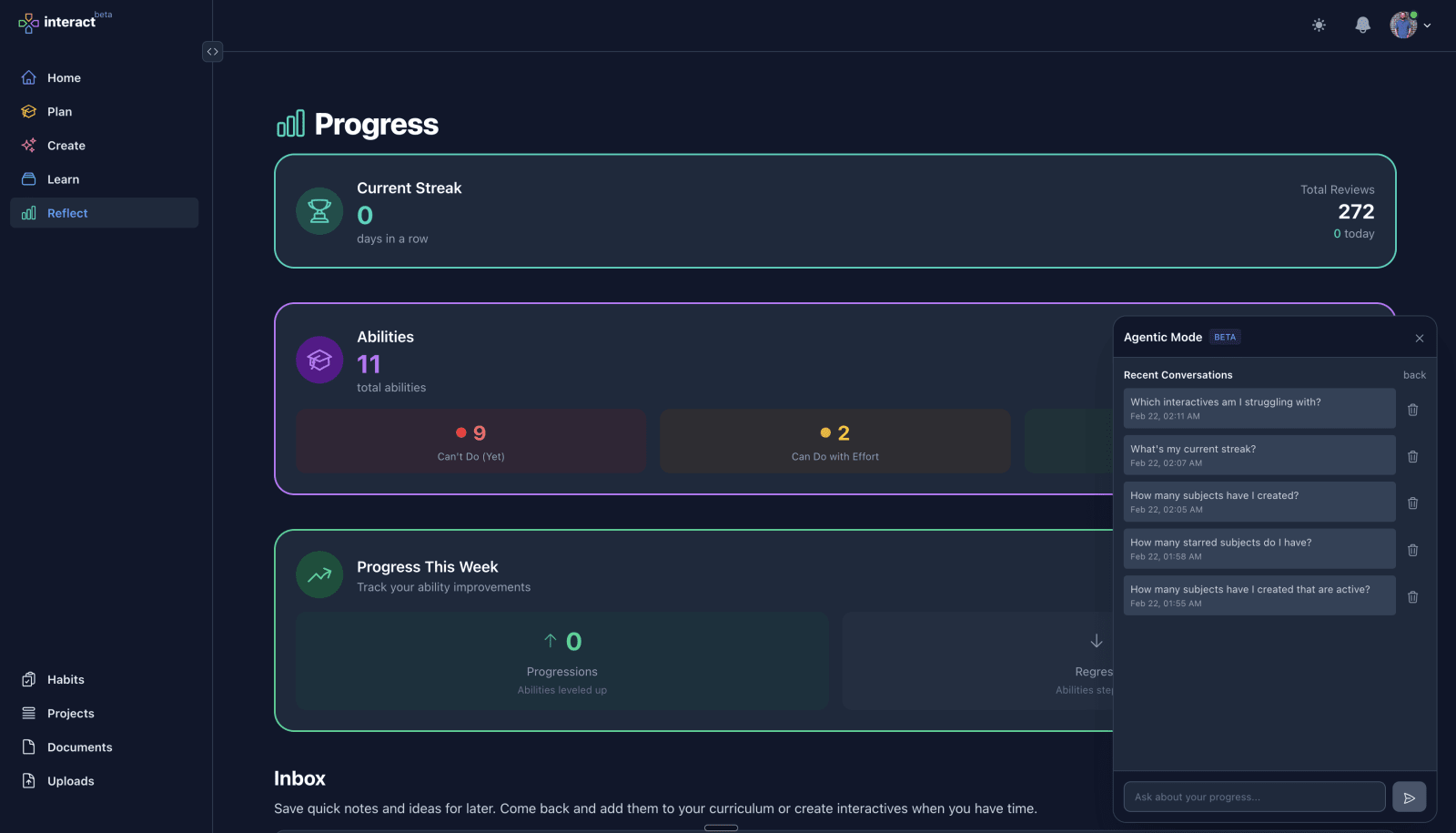
Initial Agent Mode panel with chat interface.
  • Working on a new Agent Mode, which allows you to interact with the application using natural language.
  • Major redesign for the Landing page Hero section.
  • Finally got around to doing a big typography refresh.
  • Started a terminology overhaul. Confusing terms like "Abilities" got changed to Goals and "Documents" changed to Notes.
  • Rearchitected the empty Blog and Docs pages in preparation for writing content.
  • Added a new configuration option so users can set their own preferred default Home page when they sign in.
  • Started a big revamp for Goals and the form we use to create them.
  • Major internal updates to project plans and decisions about how we're going to move forward with this project!

February 2026

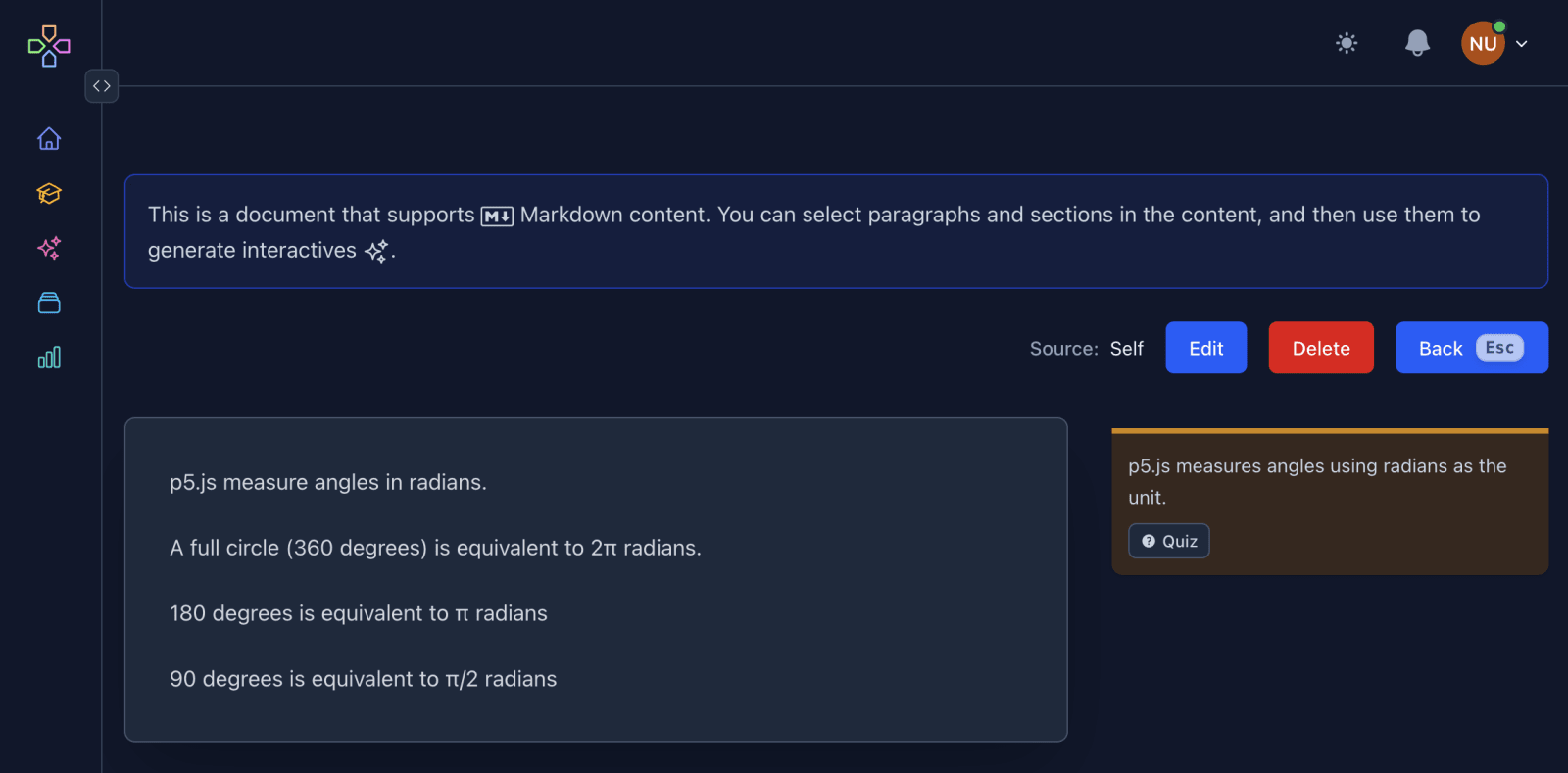
Document sidebar with annotations and links to related interactives.
  • Set up new Document annotation features to show relationships between document source content and resulting interactives.
  • Built a new Projects system. The idea is to extract actionable material from Resources like textbooks and turn them into groups of tasks that can be completed.

January 2026

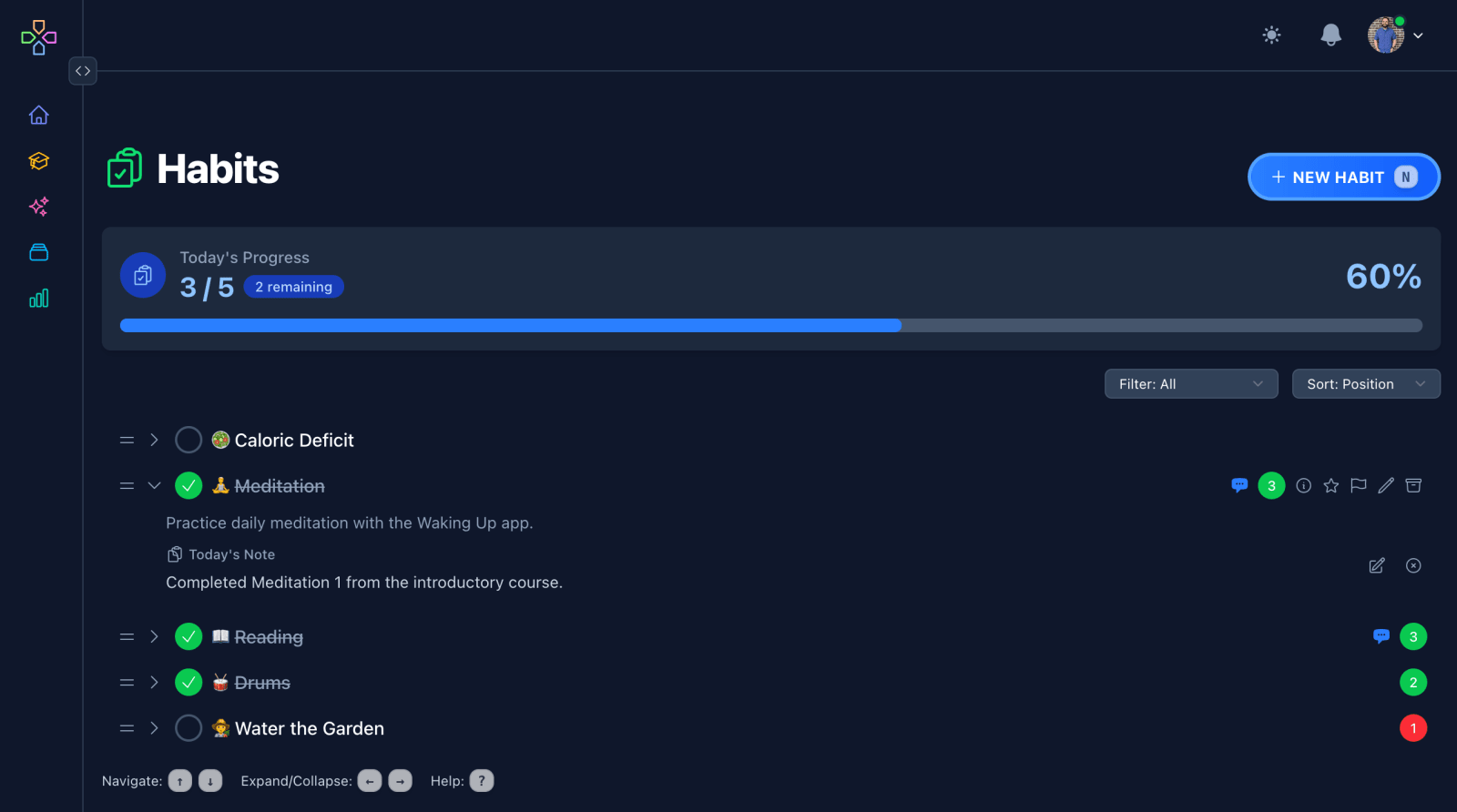
Habits system with daily habits and notes.
  • Set up a new Habits system for daily habit tracking.
  • Added a new Inbox section to save ideas and notes for later.
  • Extended the features for Resources to track progress and use them as a Goodreads alternative.
  • Improved form patterns to reduce the potential for overwhelming with optional fields.

December 2025

Working iOS application!
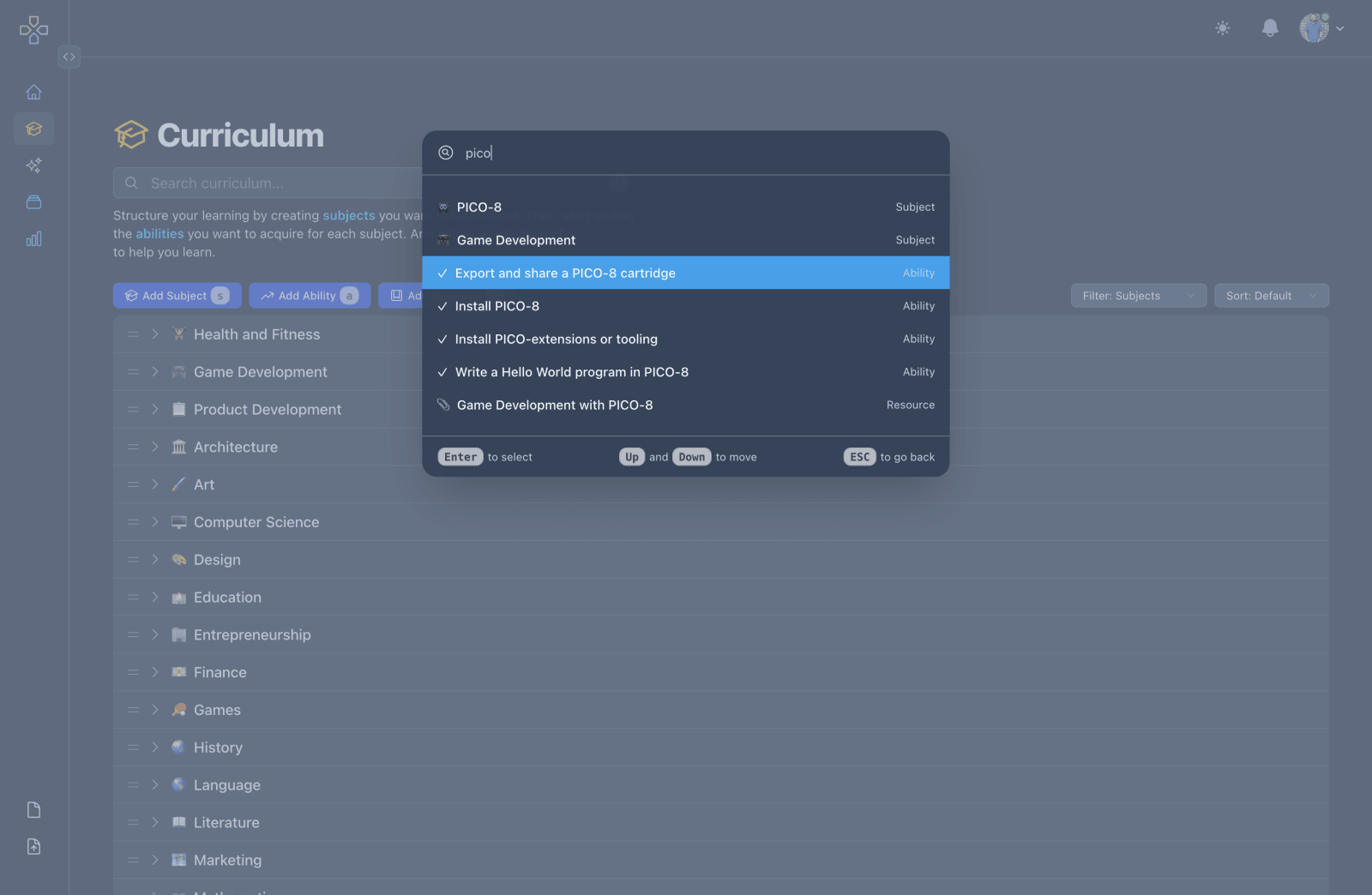
Command Palette with search and navigation.
  • Working iOS application!
  • Added the ability to register and sign in with Apple and Google accounts.
  • Added audio playback to cards using Text-to-Speech. Voices configurable in user settings. Supports multiple langauges!
  • Built an onboarding checklist with an unobtrusive panel for guiding new users through the product.
  • Major changes to support changing AI models and handle rate limiting.
  • Significantly improved the Command Palette for context-aware searching and navigation.
  • Working subscriptions and payment processing with Stripe.

November 2025

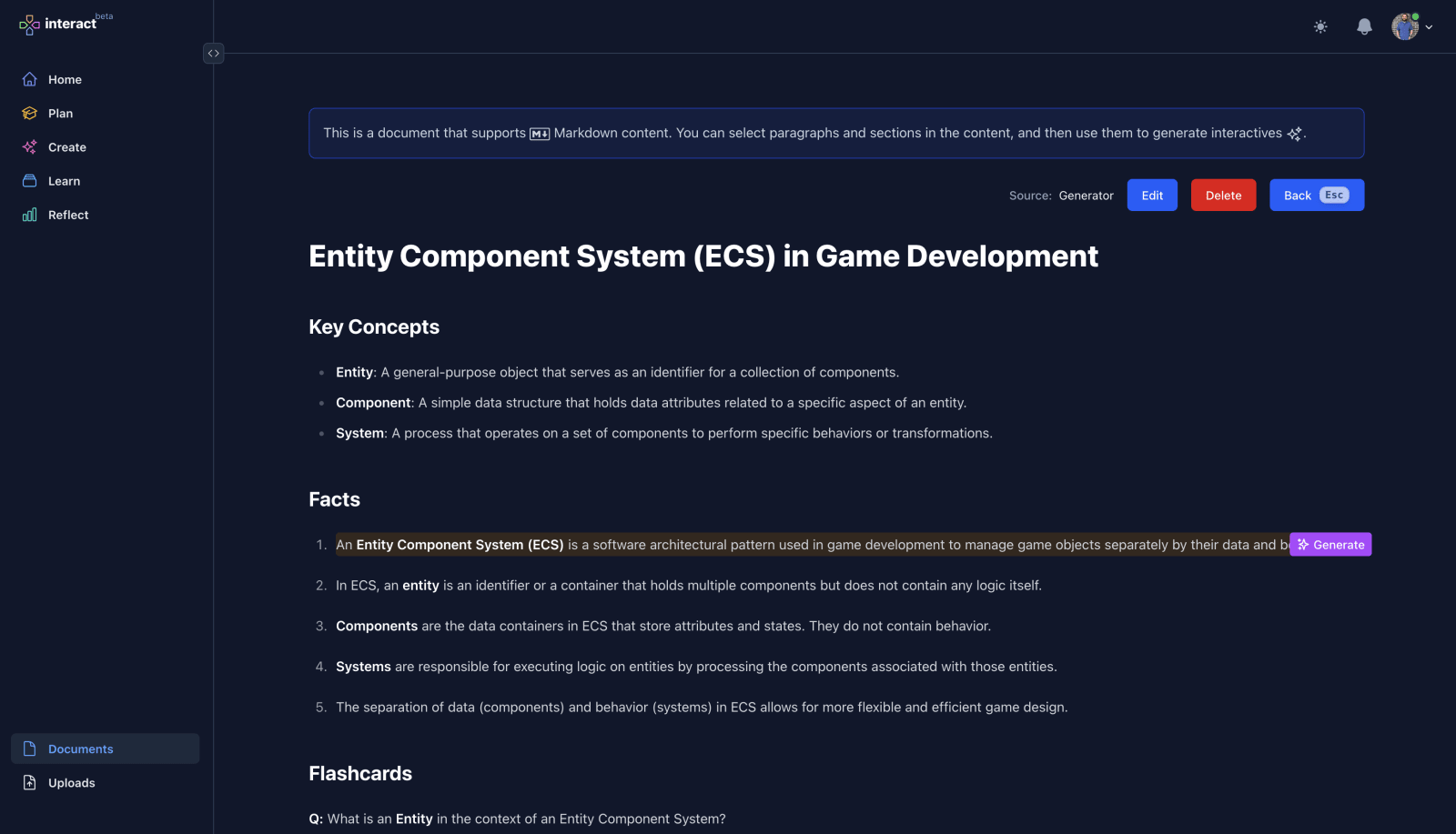
Document page with working selections to generate interactives.
  • Added the ability to share subjects along with all related abilities, resources, and interactives. Subjects default to private, but we can now make them public. Or we can selectively share subjects via email invites.
  • Started working on new Documents pages that allow more granular selection of content to use for interactives.
  • Surfaced Uploads in the product to be able to access all previous uploaded files.

October 2025

Prototype of the tvOS app with school subjects.
  • Made significant progress on the user experience for handling large chunks of content.
  • Revived the native application development with working authentication and multi-platform Xcode project!

September 2025

Generator with new prompt and upload options.
  • Working prompts! Generate interactives from instructions ("Create flashcards for the first 10 presidents of the USA.").
  • Working uploads! Generate interactives from PDFs, images, text files, and audio files.

August 2025

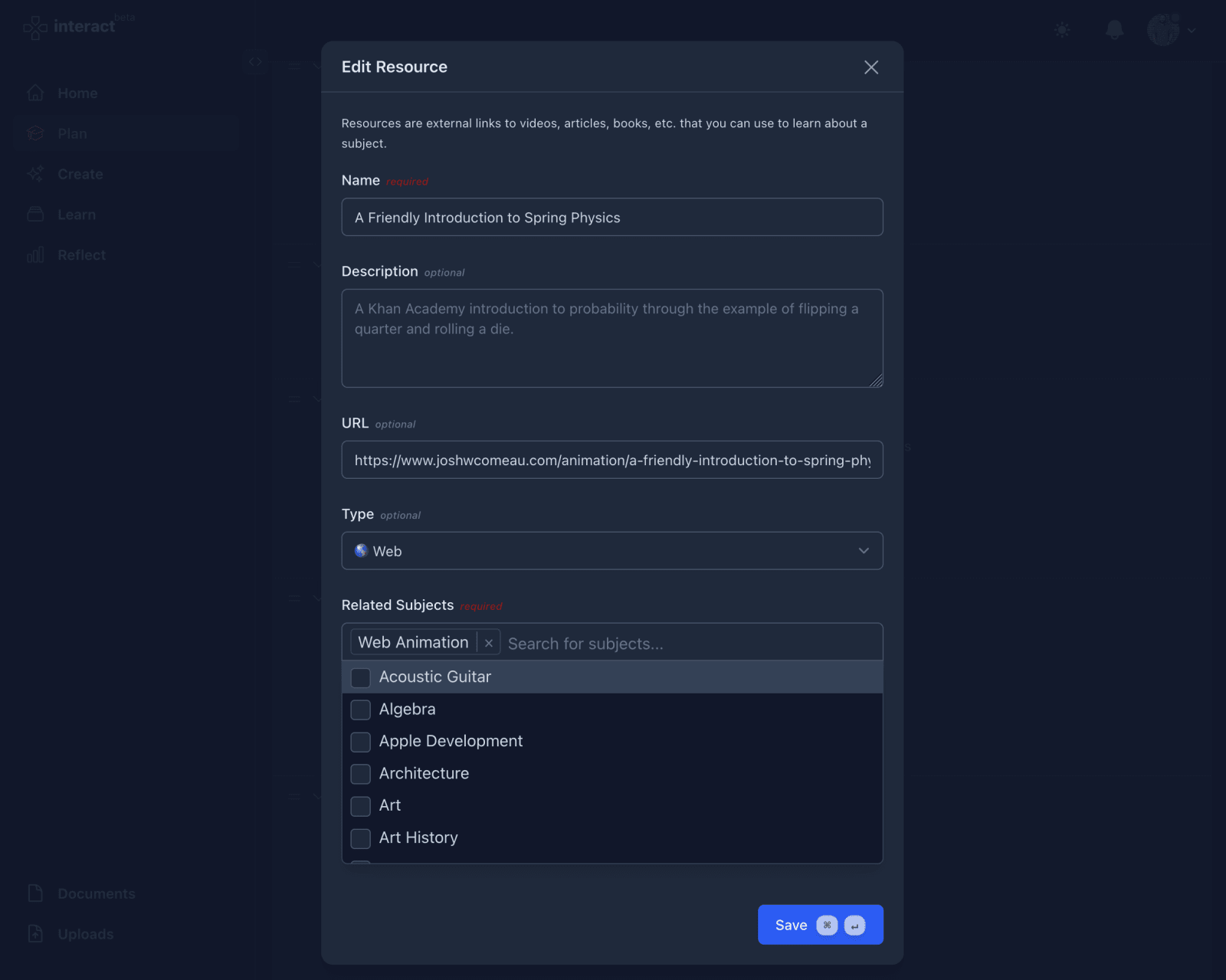
Added combobox inputs for selecting subjects in forms.
  • Big improvements to UX for forms.
  • Added feature flagging.
  • Updated the landing page with screenshots of the app.
  • Upgraded Elixir and Erlang.
  • Added the ability to subscribe.

July 2025

Added proof uploads for abilities.
  • Major filtering improvements on the Curriculum page.
  • Made it easier to star, flag, edit, and archive interactives.
  • Added the ability to upload artifacts for abilities.
  • Created a print stylesheet for printing out a full curriculum.

June 2025

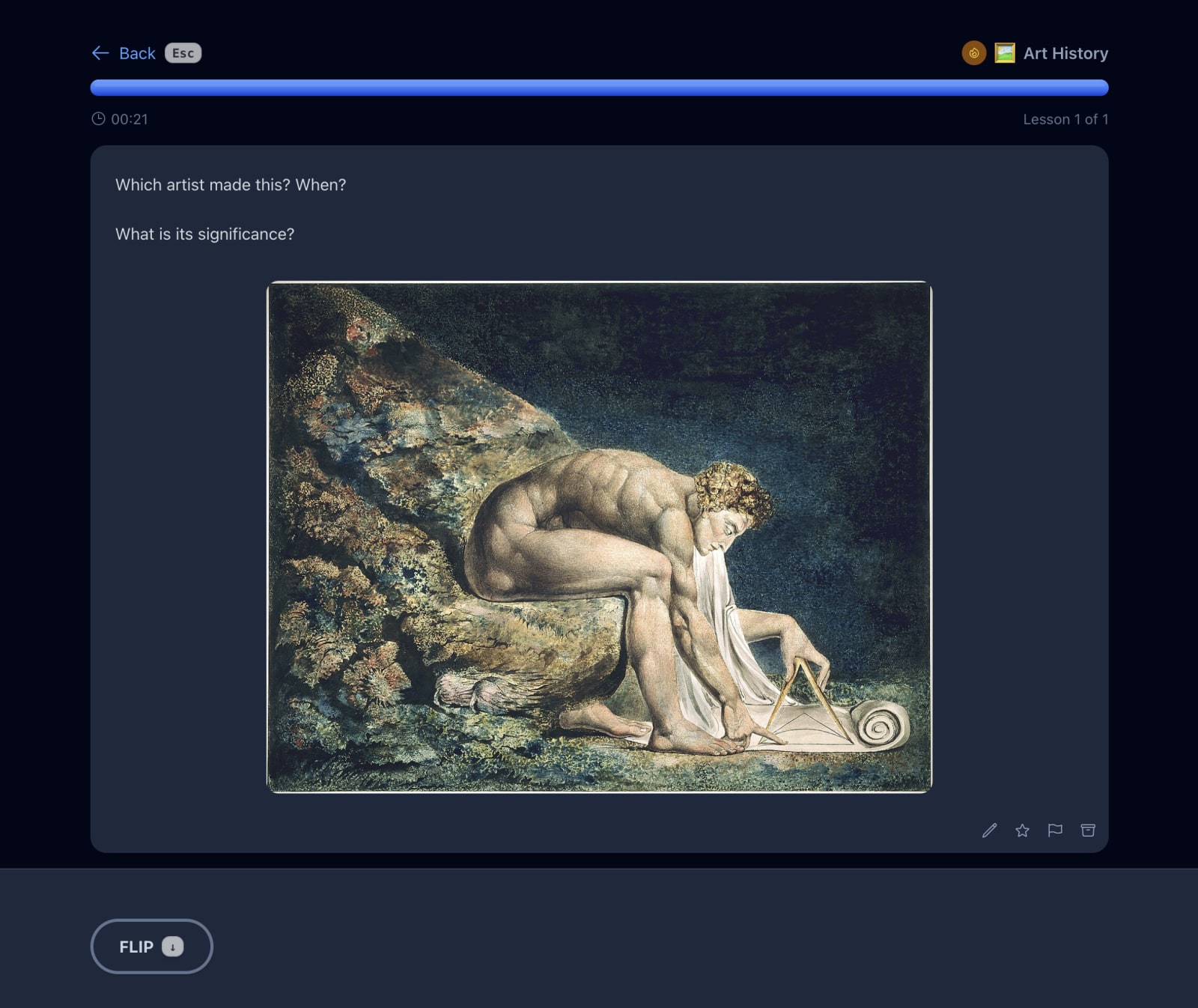
Interactive lesson with working image uploads. Plus editing, starring, flagging, and keyboard shortcuts.
  • Started working on new native iOS and tvOS apps!
  • Added the ability to star subjects.
  • Sort abilities in the context of a subject.
  • Tons of tiny usability improvements as a result of daily use.
  • Started a more intentional onboarding experience by revealing features only when relevant.
  • Focused on improving performance.

May 2025

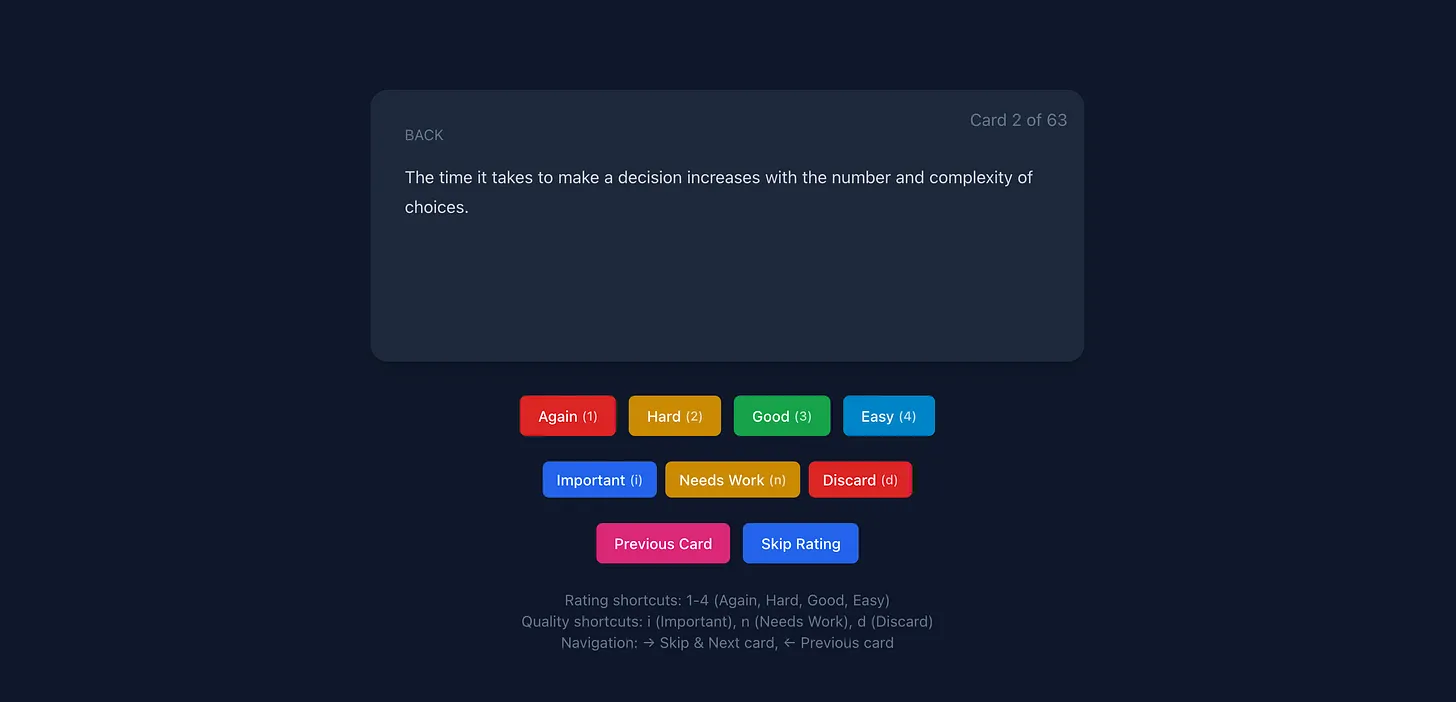
Original version of the Lesson page with spaced repetition options.
  • Implemented a custom spaced repetition algorithm.
  • Started using the app daily to learn new things.
  • Set up a weekly progress review system.
  • Implemented the Progress page to review target abilities.
  • Cleaned up a lot of features based on soft launch feedback.
  • Added test coverage for a lot of core features.

April 2025

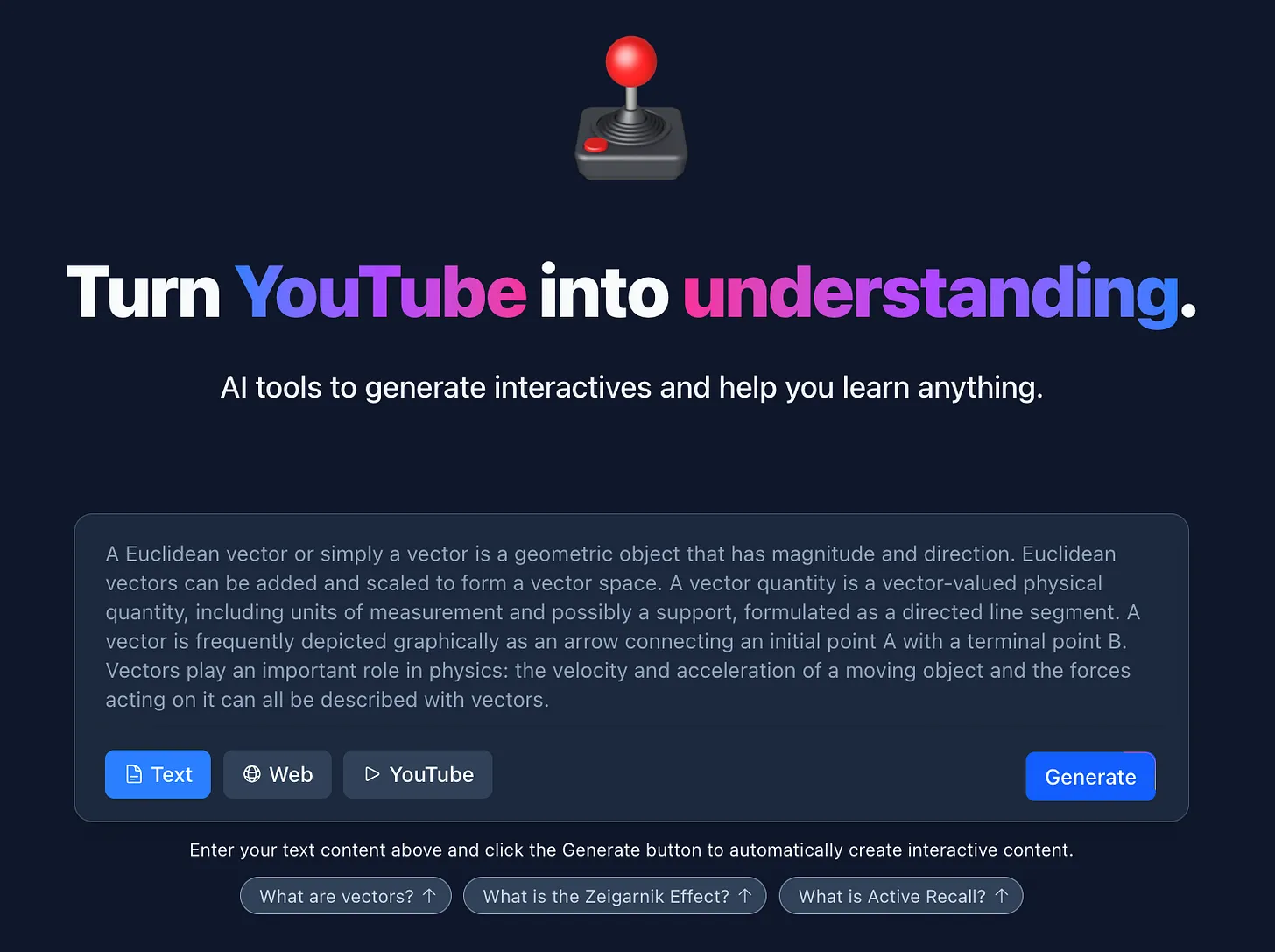
Original landing page hero section with working demo.
  • Soft launched and shared with friends. Set up a system for aggregating advice, feedback, and follow-up actions.
  • Added a working demo on the landing page to generate interactives and navigate through the lesson experience.
  • Redesigned the hero section and interactive demo on the landing page.
  • Created a new logo and color palette.
  • Added sound effects and keyboard shortcuts for interactives.
  • Set up monitoring, analytics, error tracking, and a new status page.

March 2025

An extensible Curriculum with nestable subjects.
  • Set up a mobile version of the app as a PWA. Added a new Mobile install page.
  • Added public pages and wrote copy for the Roadmap, Changelog, and About pages.
  • Set up external resources, including a public GitHub repo for reporting issues, a Discord community, and email service.
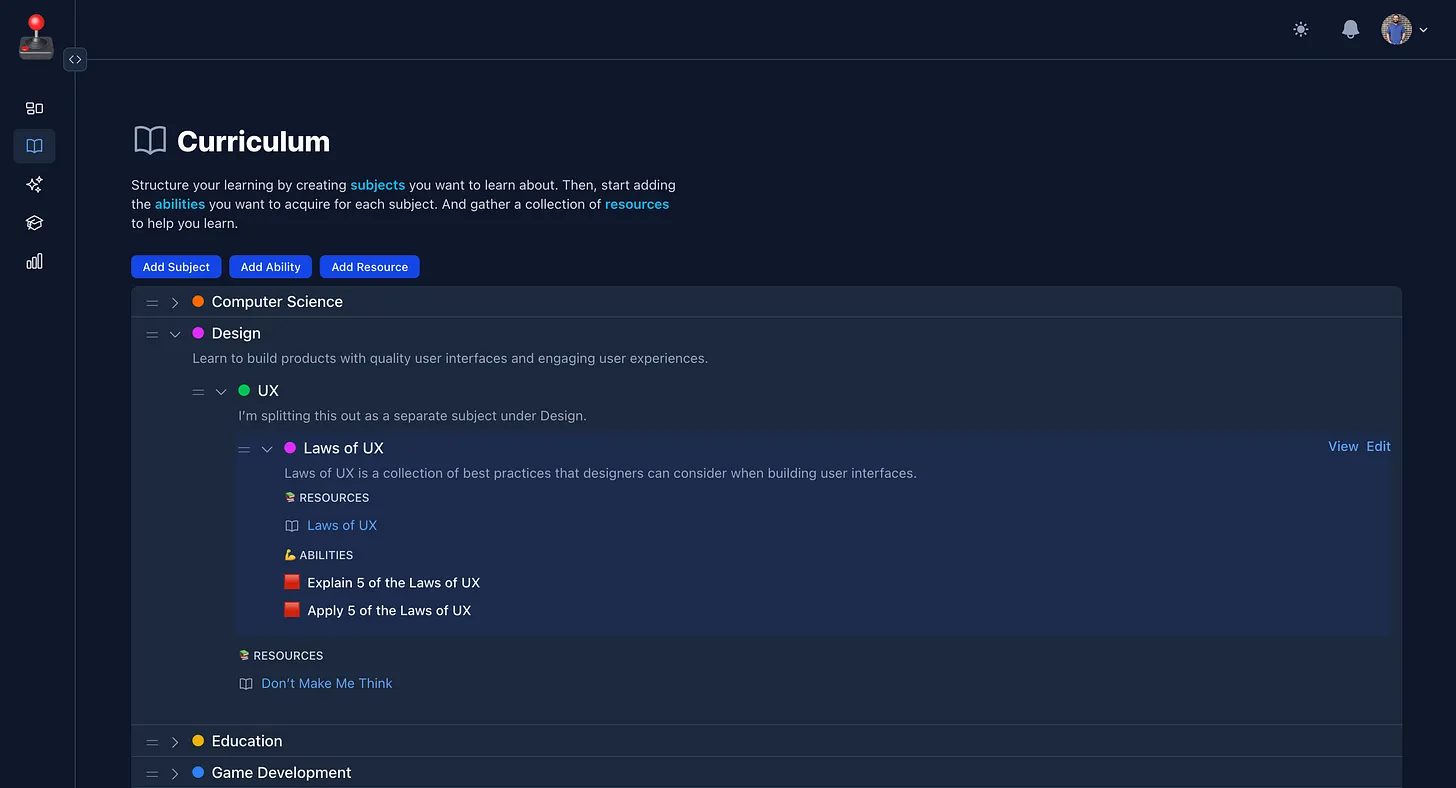
  • Built the Curriculum page to track subjects, abilities, and resources.
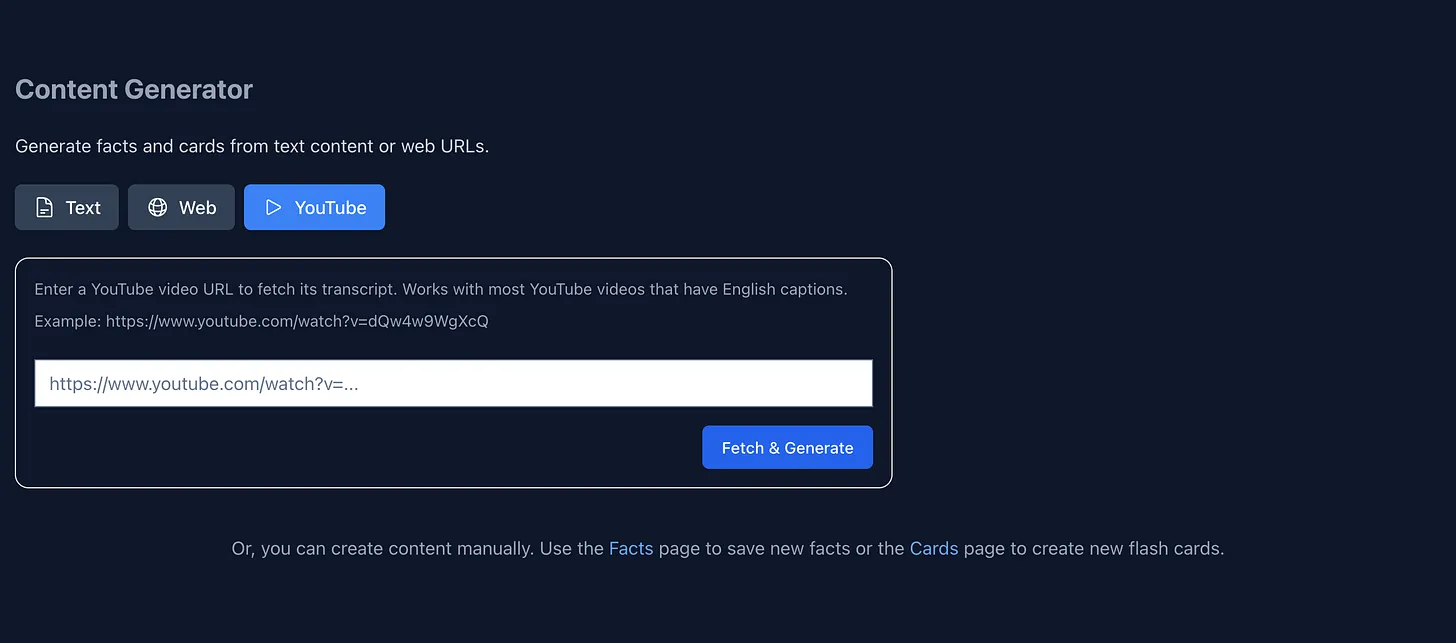
  • Built the Generator page with working examples using text, web pages, and YouTube videos.
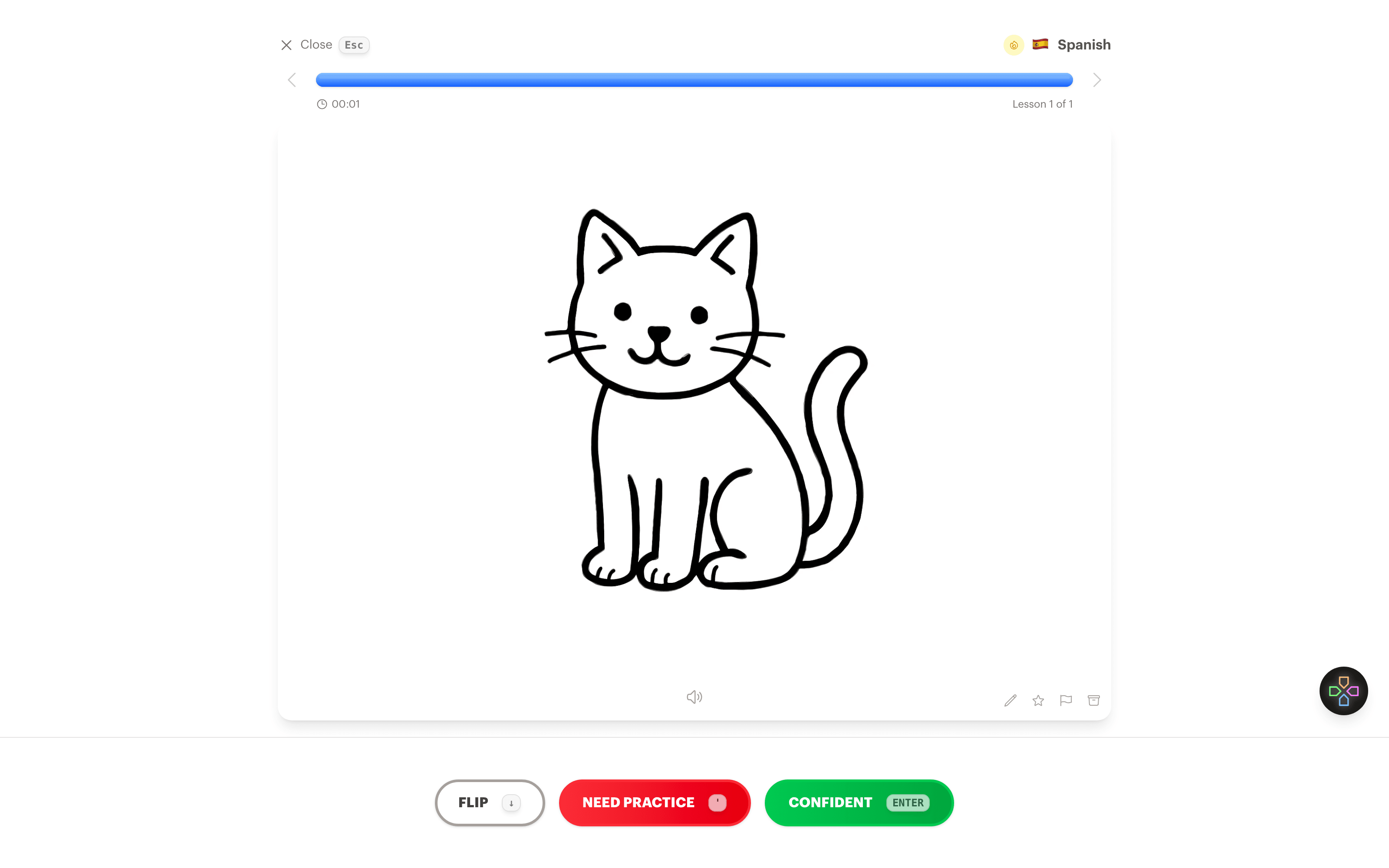
  • Built the Learn page with flashcards as the first interactive example.
  • Built the Progress page with a streak and graph.
  • Built the Dashboard page for navigation.

February 2025

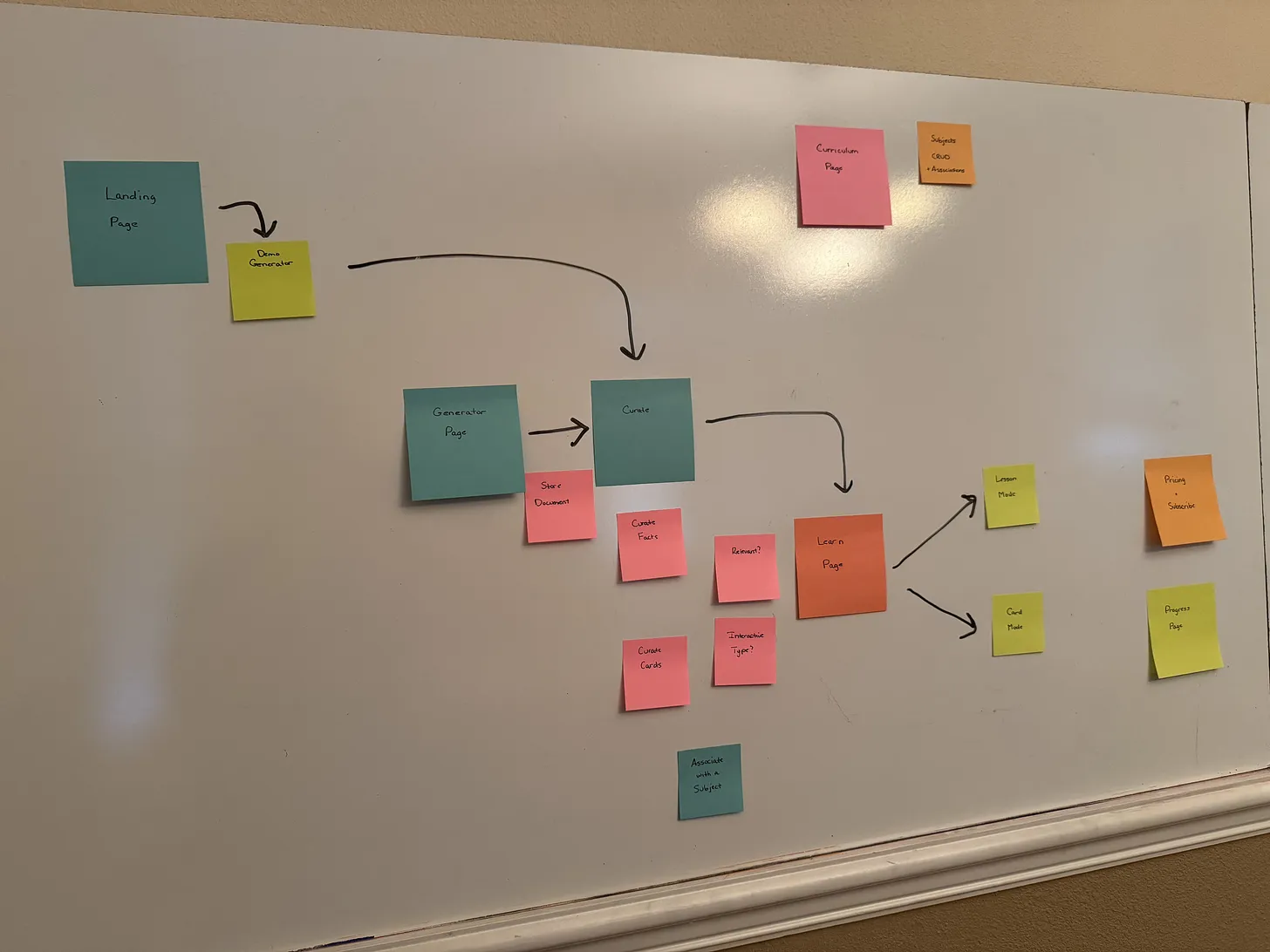
Sketching out the product from end to end.
An early prototype for the interactive generator.
  • Experimented with using AI to generate interactive quizzes. ✨
  • Sketched an initial Domain Model.
  • Configured CI/CD and set up production deploys with Fly.io.
  • Created a new repository on GitHub.

As I walked around that charming town I undertook the task of solving the puzzle. Within the hour, the camera, the film, and the physical chemistry became so clear to me. [...] By the end of that walk, the solution to the problem had been pretty well formulated. I would say that everything had been, except those few details that took from 1943 to 1973.

Edwin Land, founder of Polaroid