

Made with
in Orlando, Florida.
© 2026 Create With LLC. All rights reserved.
Guides
Upload a diagram, mask the labels, and review it as a visual flashcard. How to create image occlusions and where they work best, from anatomy to maps.
Some knowledge is spatial. Where the aorta is, which country borders which, what each part of an interface does. Text flashcards flatten that structure; image occlusion keeps it.
An image occlusion is an image with regions masked out. During review, Interact shows you the image with a region hidden and asks what's underneath. You recall it, reveal, and grade yourself, just like flipping a flashcard.
One image with five masked labels gives you five review moments, each anchored to the same visual.
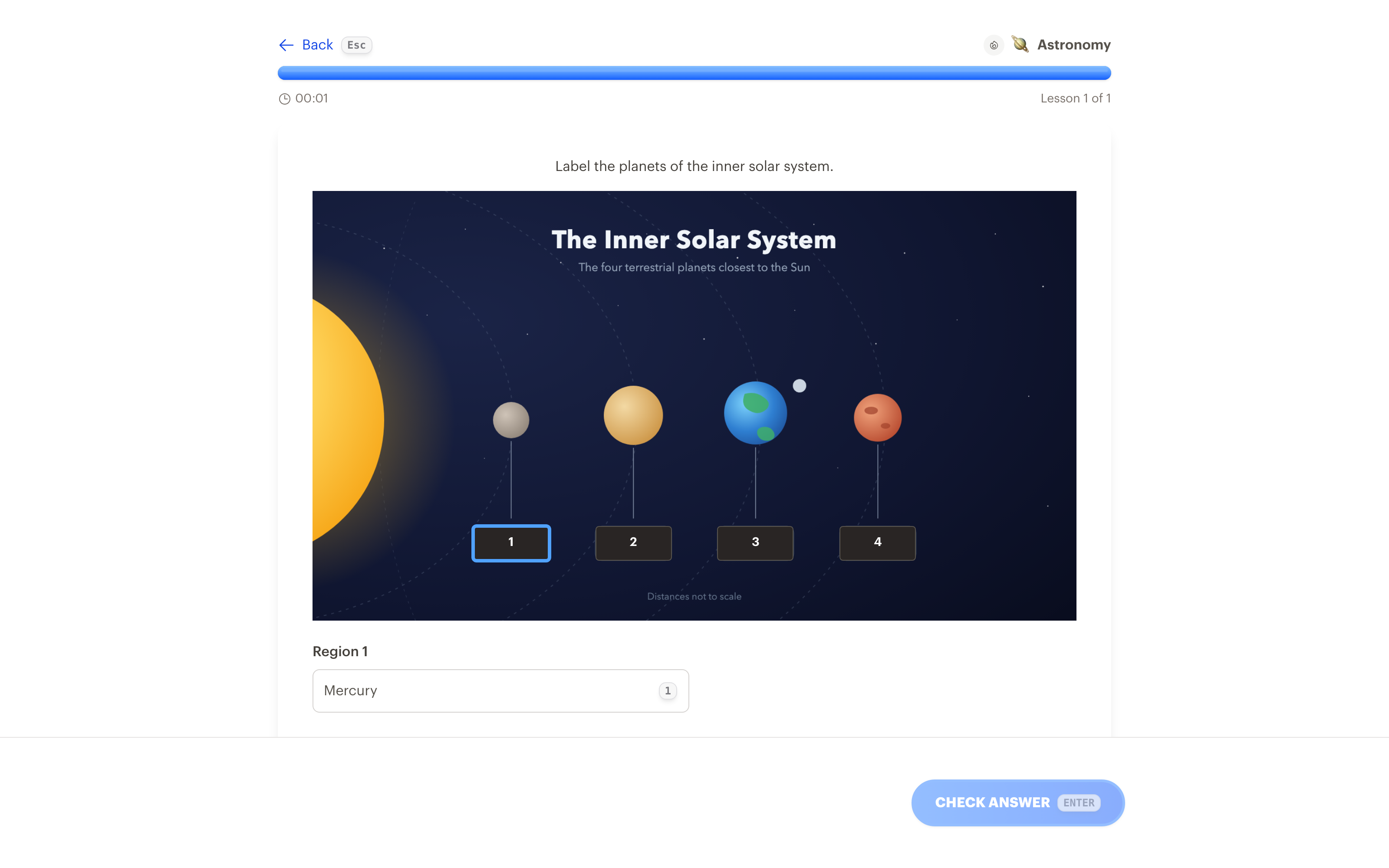
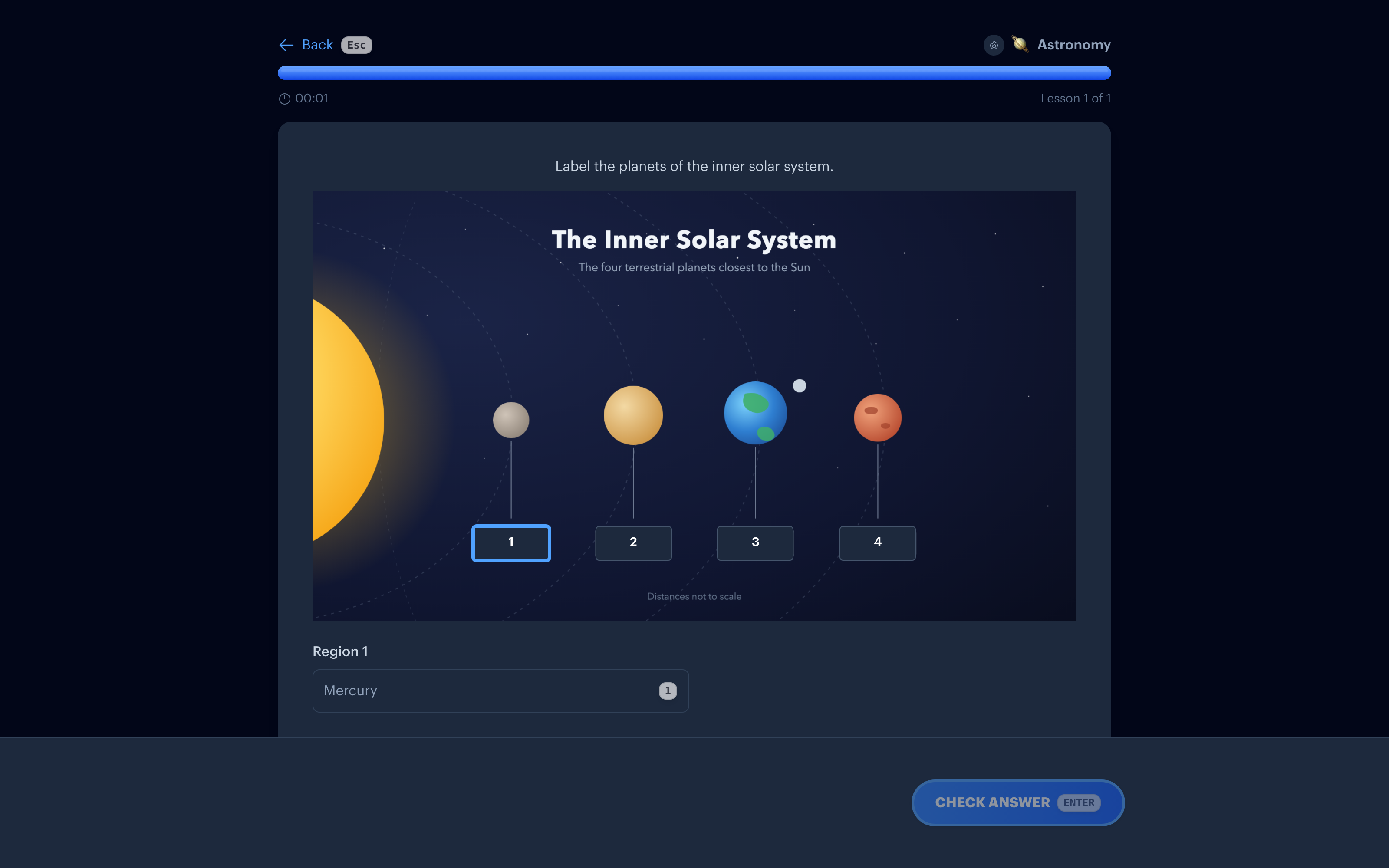
The same five steps work on the web and in the iPhone and iPad apps, where you draw the boxes with your finger or an Apple Pencil. On iPhone and iPad you can also pick the image straight from your camera.
Find labels reads the text on the image, draws a region over each label, writes the answer choices, and splits a big diagram into sets of about five. You review and edit before anything is saved. It counts as one AI generation; drawing by hand is always free. On iPhone and iPad the reading happens on your device.
If you draw two or more regions, their answers become each other's wrong answers, so a map of five boroughs needs nothing typed but the five names. Want different choices? Add your own, or have AI write them.
The best source images already have labels, since drawing a box over each label creates an instant "name this part" exercise.
Image occlusions are made on the web, iPhone, and iPad, they play on all of those plus Apple TV, and they ride the same spaced repetition schedule as everything else in your collection. \n\n## Related