


Made with
in Orlando, Florida.
© 2026 Create With LLC. All rights reserved.














Notes Demo
Link Demo
Video Demo
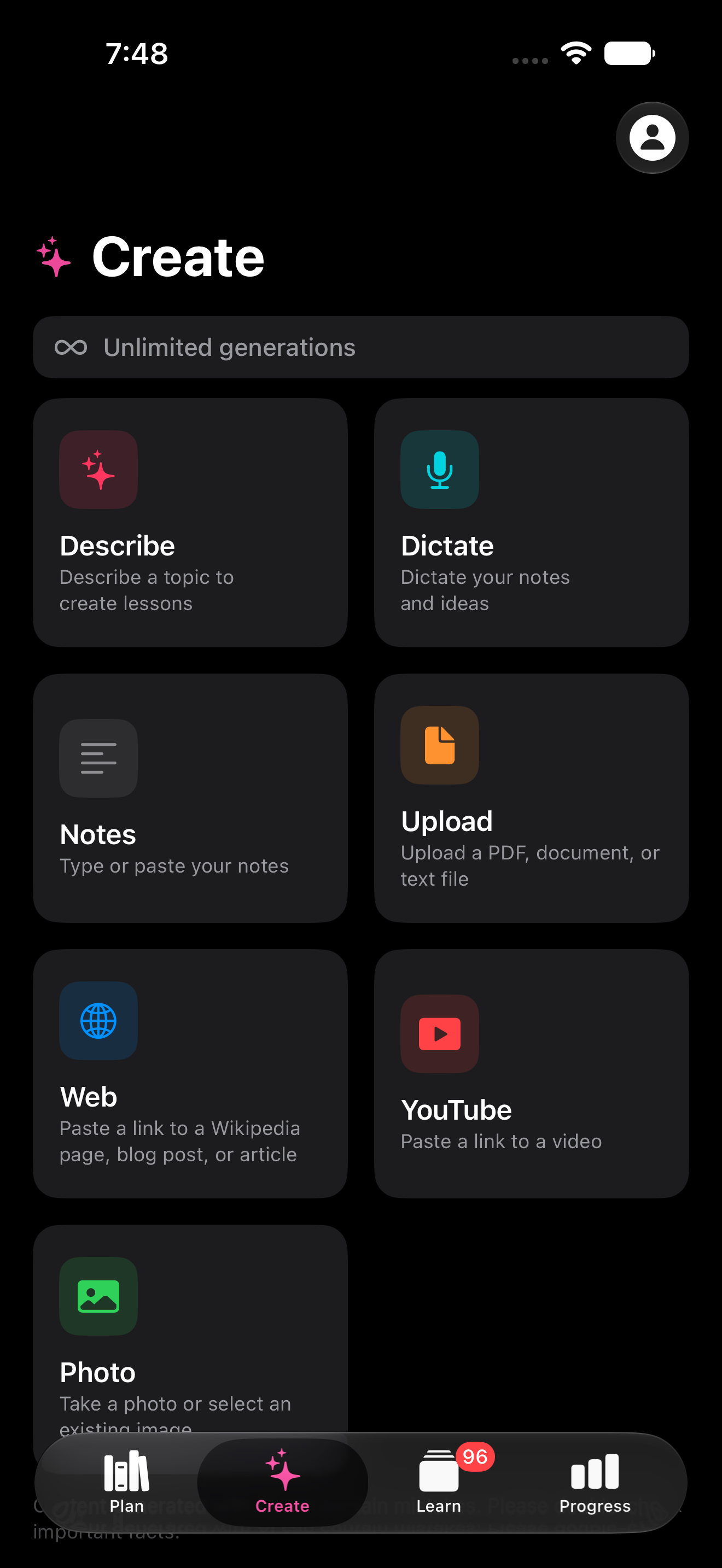
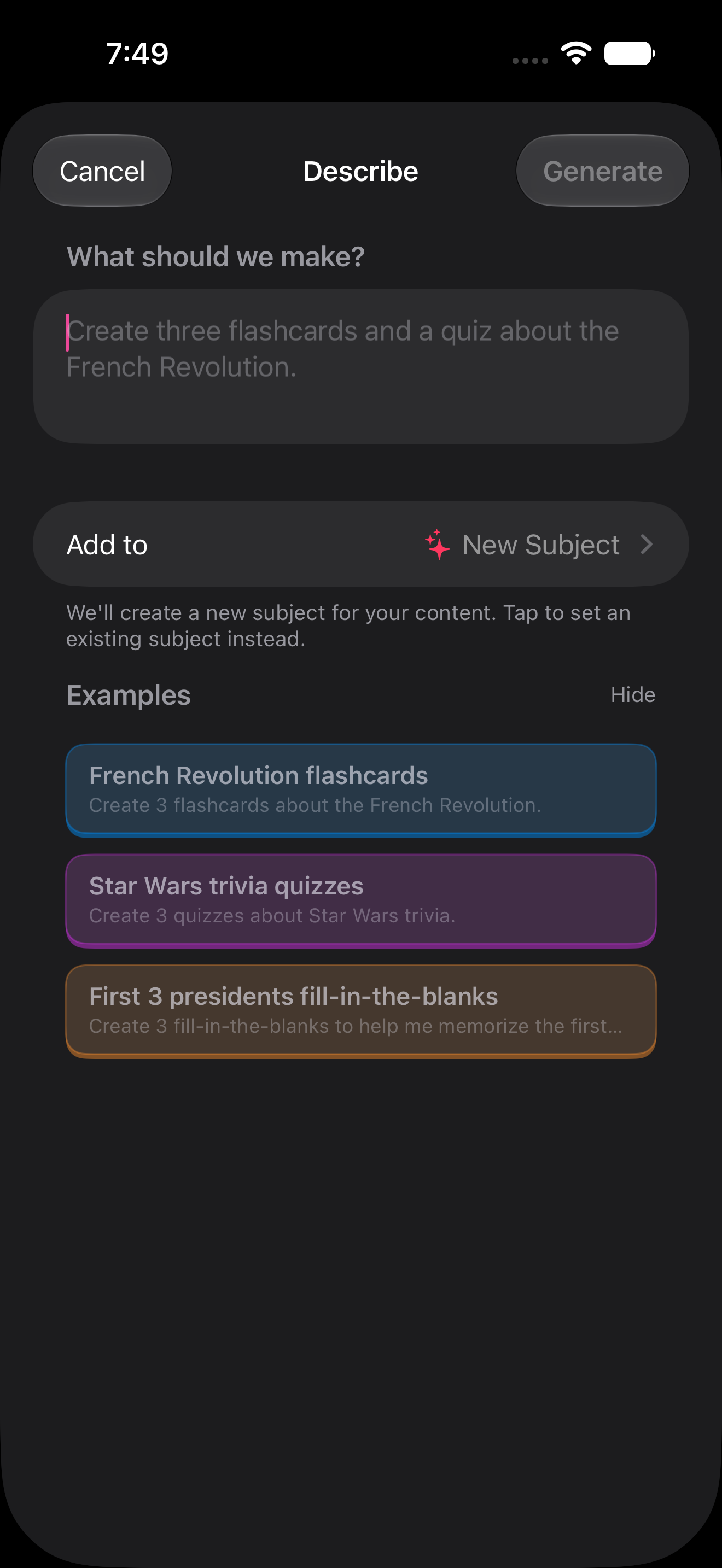
Turn all your favorite content (notes, links, videos, PDFs, etc.) into interactive lessons, which you can generate or craft by hand.
Having a variety of interactive types (flashcards, fill-in-the-blanks, quizzes, etc.) keeps learning sessions engaging.
Gives you an alternative to:
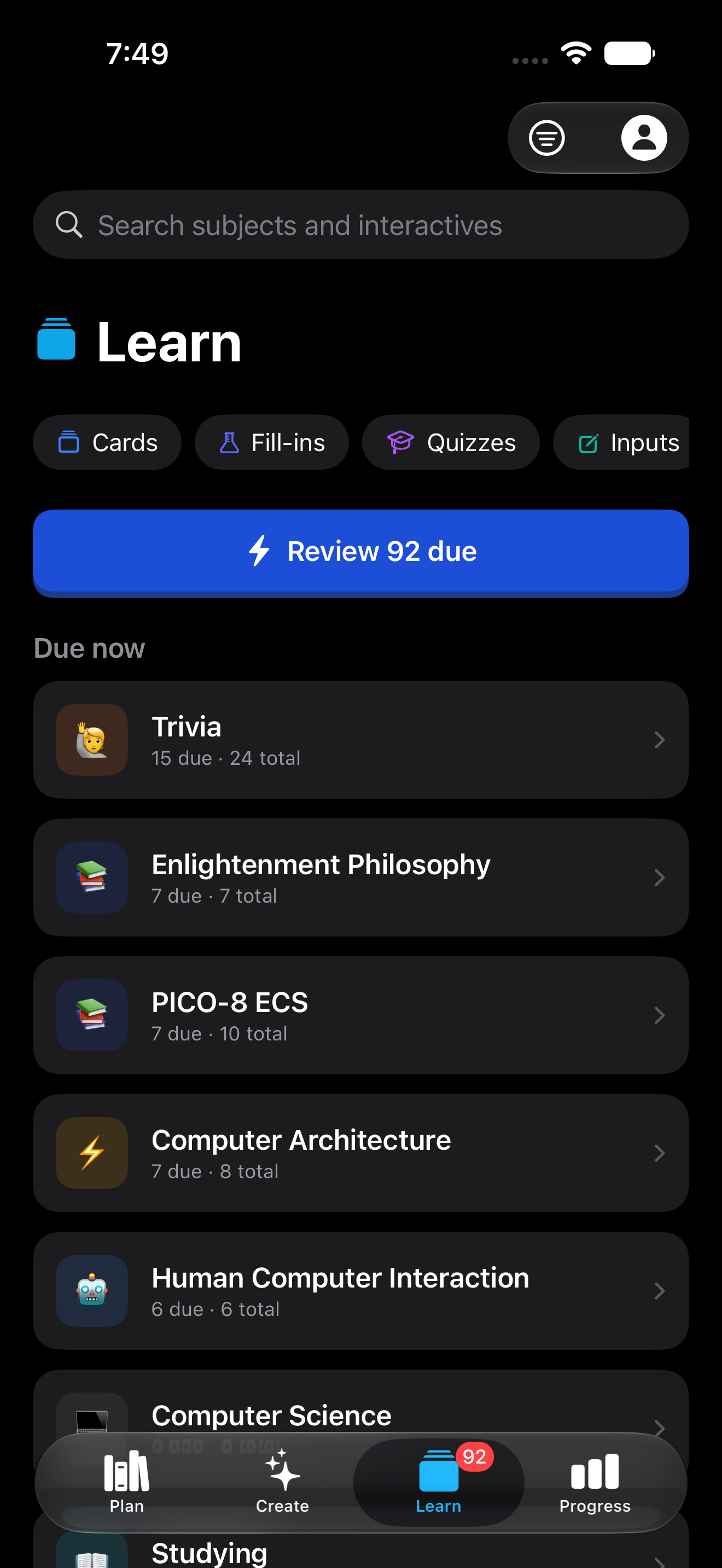
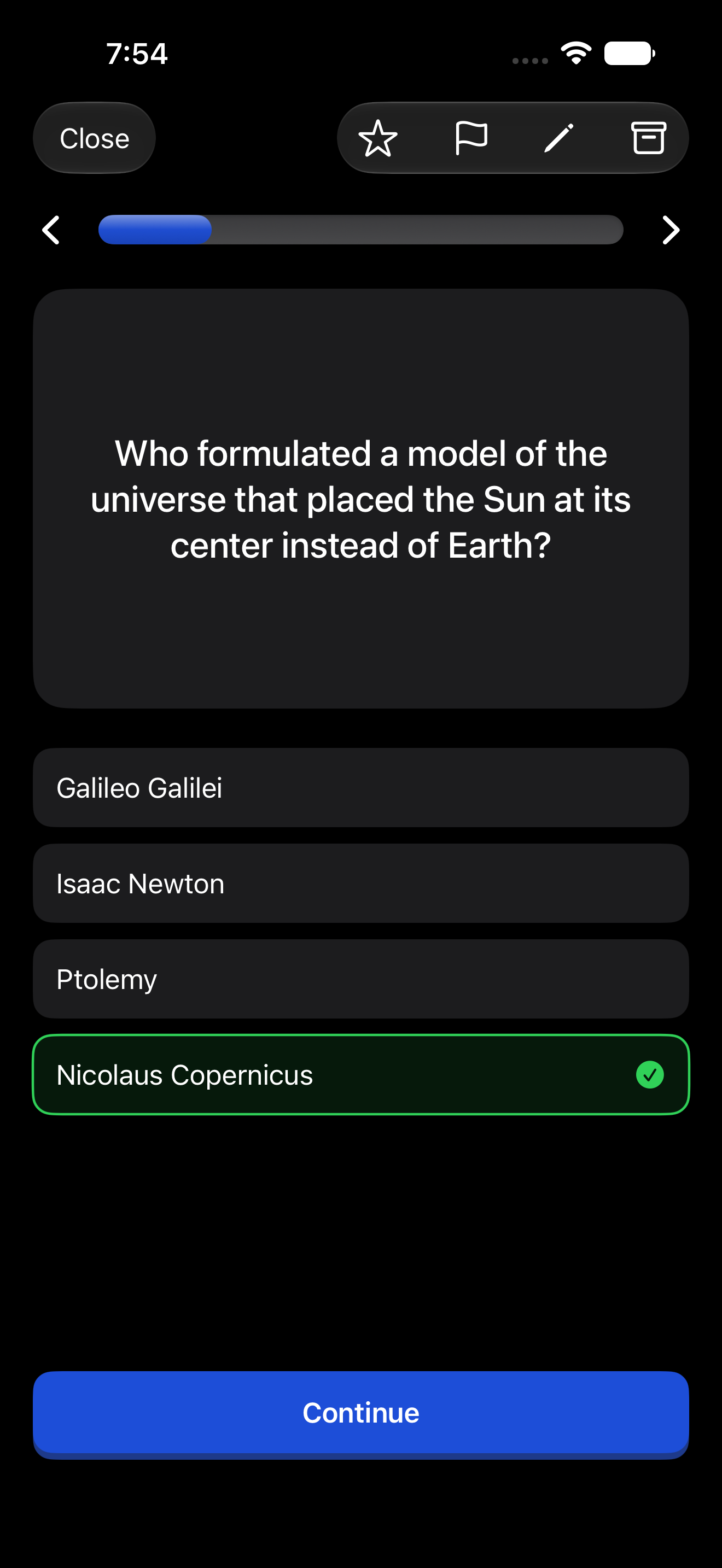
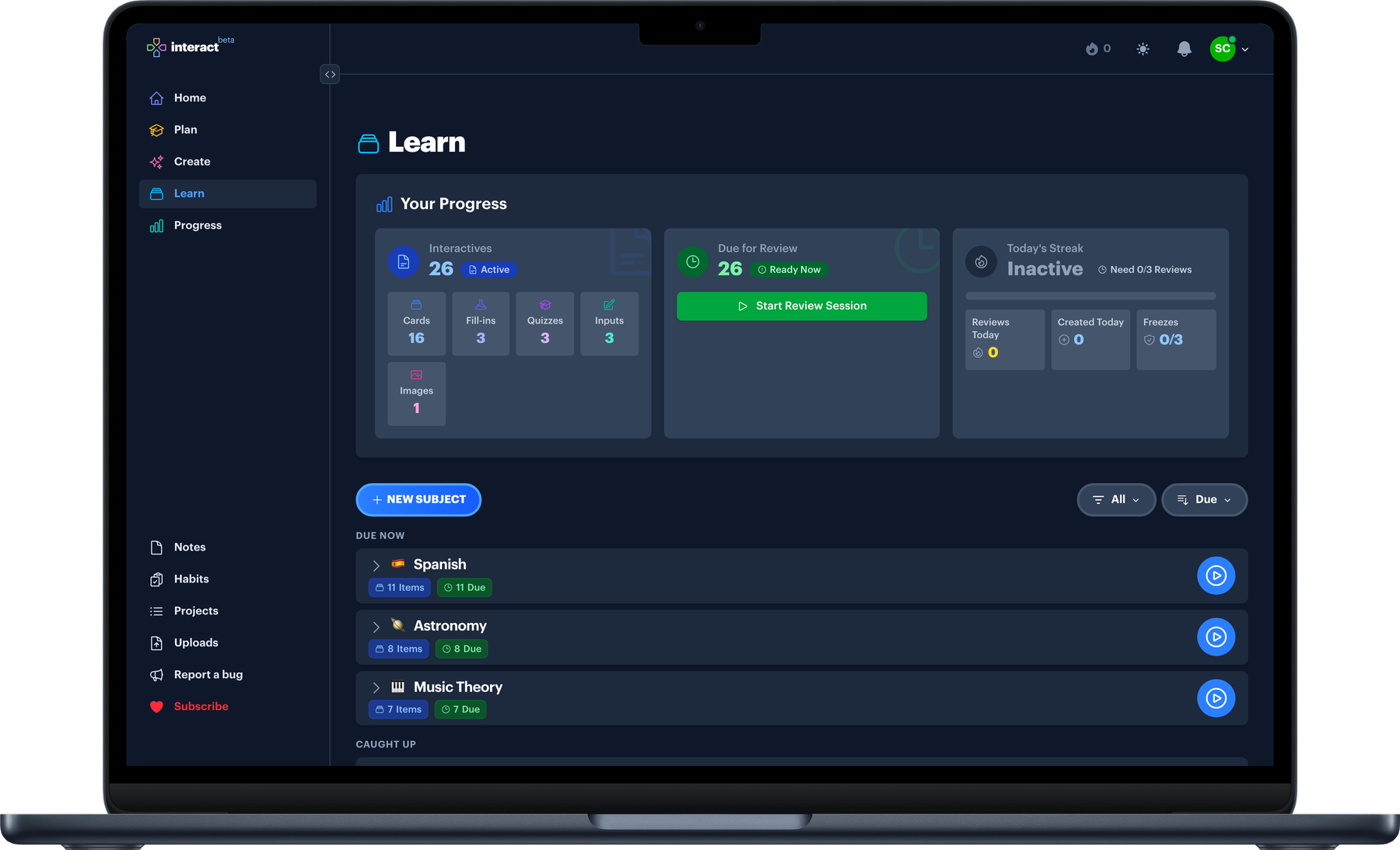
Play through your interactive lessons daily and build a streak.
Use the built-in spaced repetition system to automate your learning.
Gives you an alternative to:
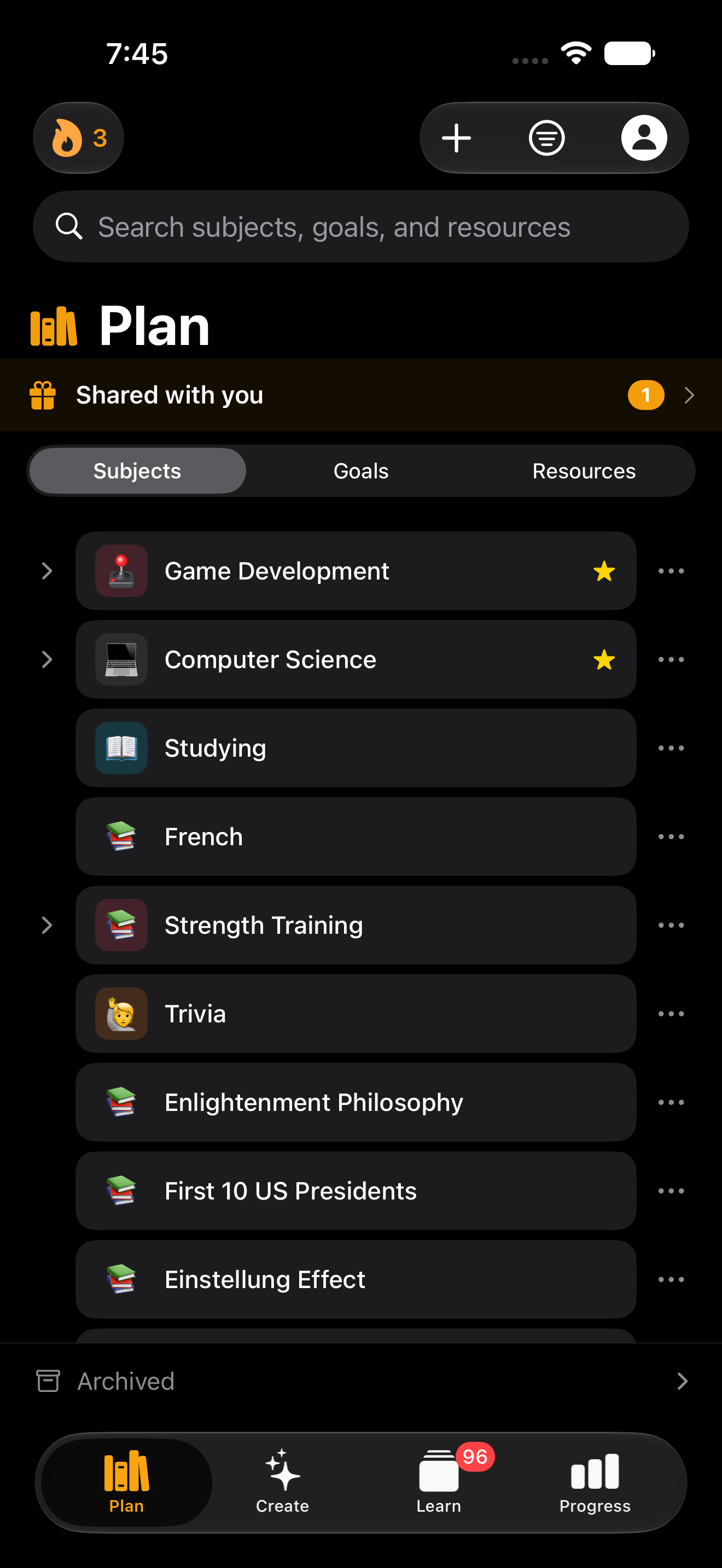
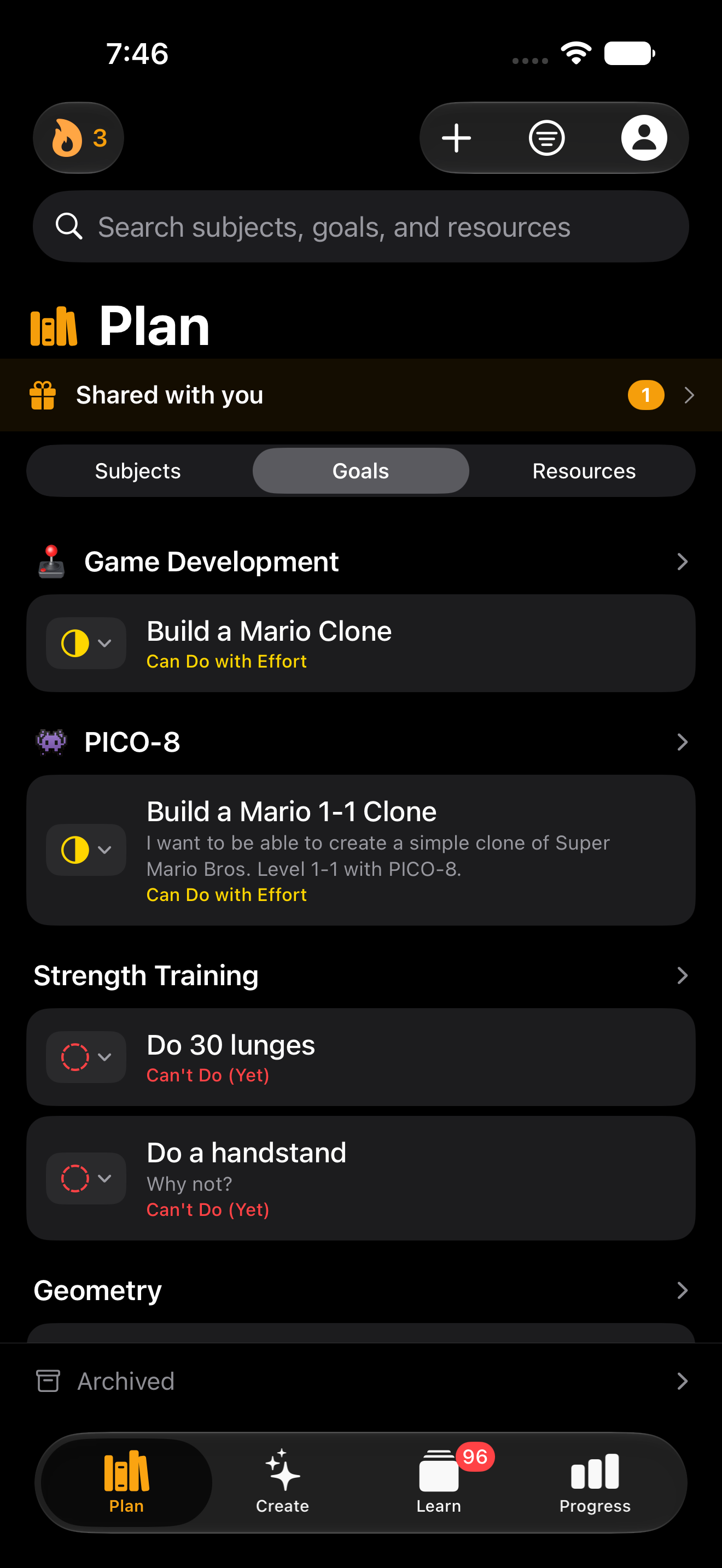
Organize your learning by building a custom Curriculum that evolves with you. Nobody is going to build a structured course for the niche subject you care about; you can build it yourself.
Set Goals for the things you want to be able to do.
Save all your favorite Resources, like books, courses, podcasts, YouTube videos, etc.
Gives you an alternative to:
If there's something you've always wanted to learn, this is what practicing it looks like.
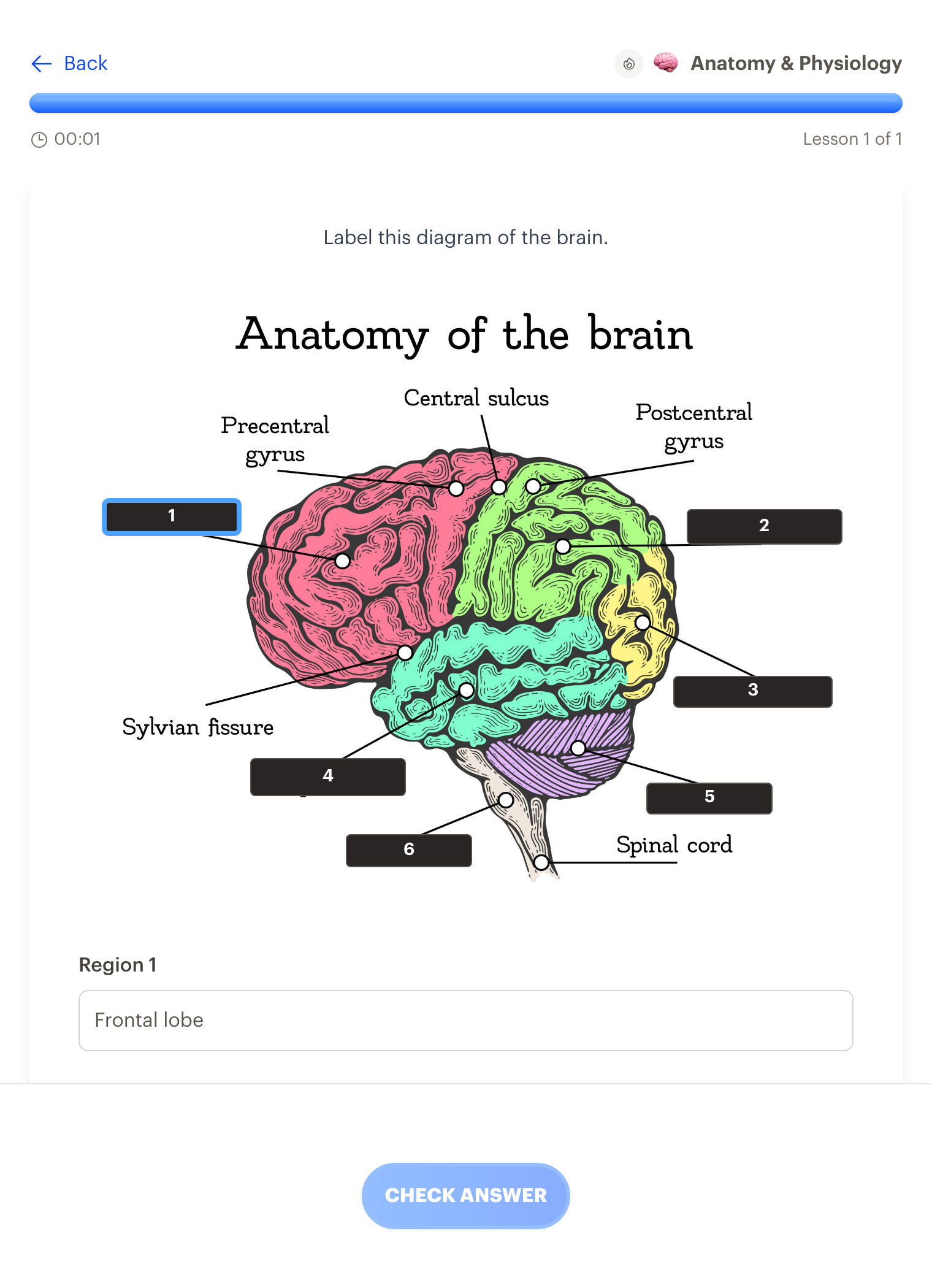
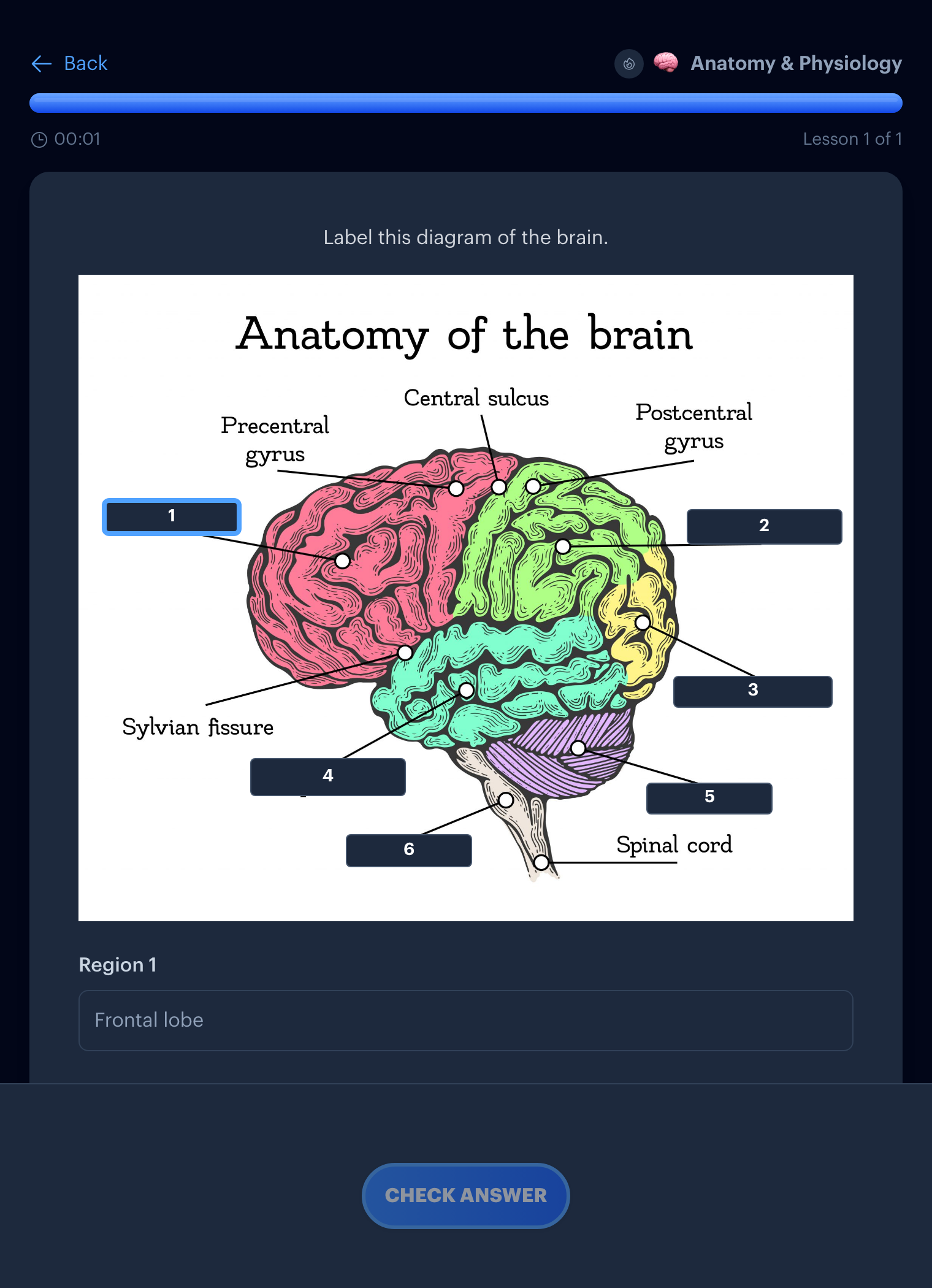
Test prep · Image occlusion
Blank out any diagram and label it from memory.
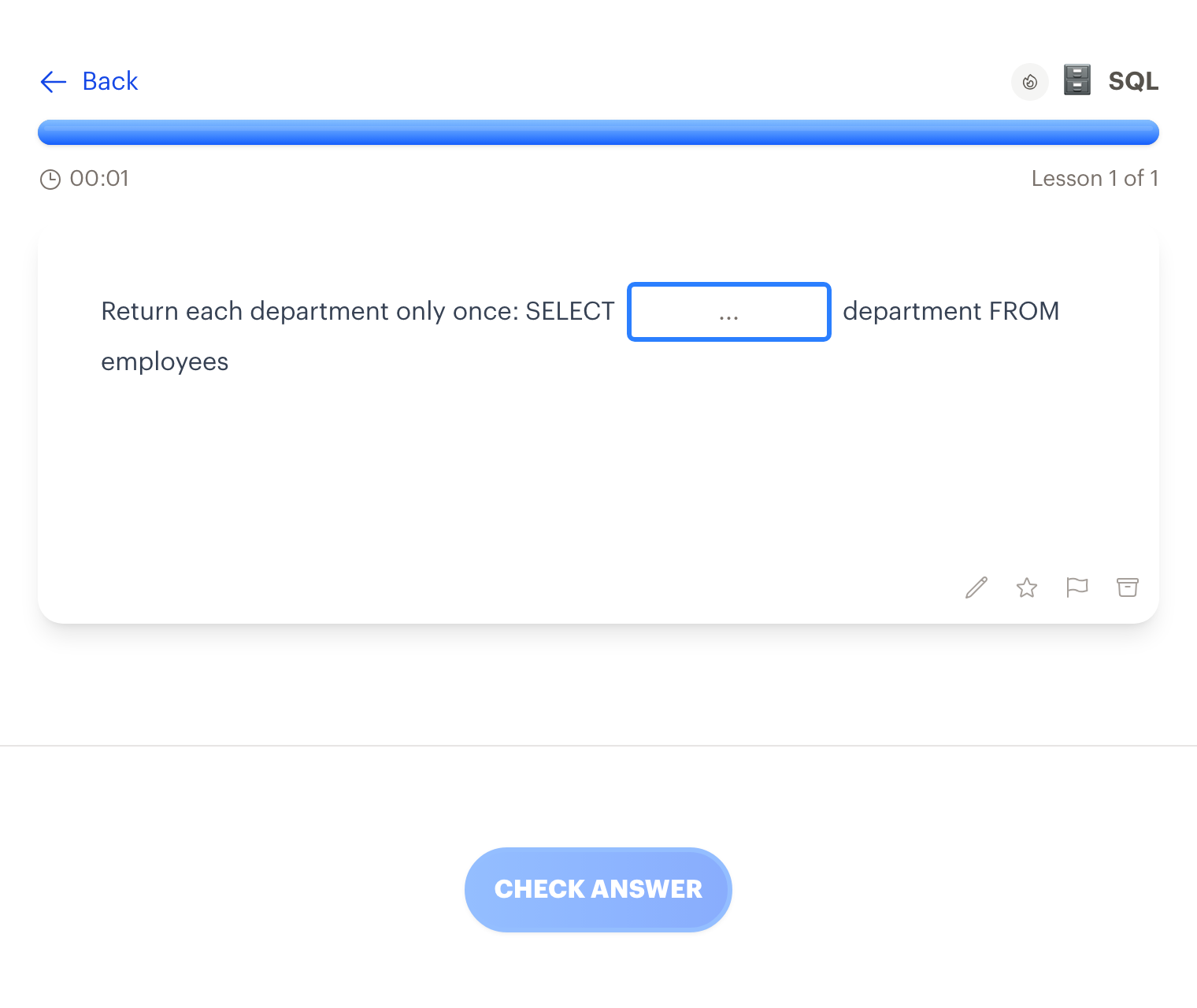
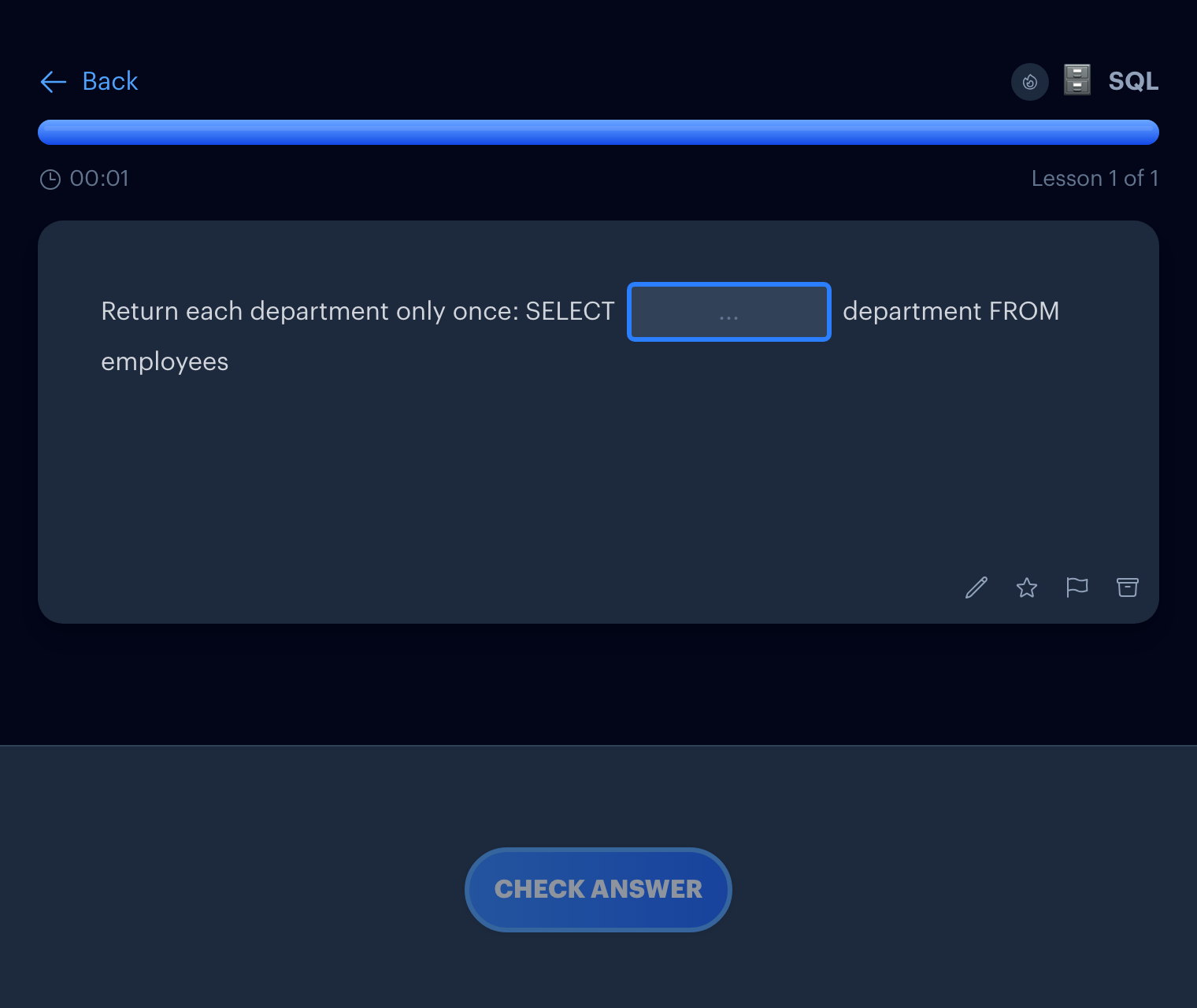
Professional skills · Type the answer
Recall beats recognition. Type the query yourself.
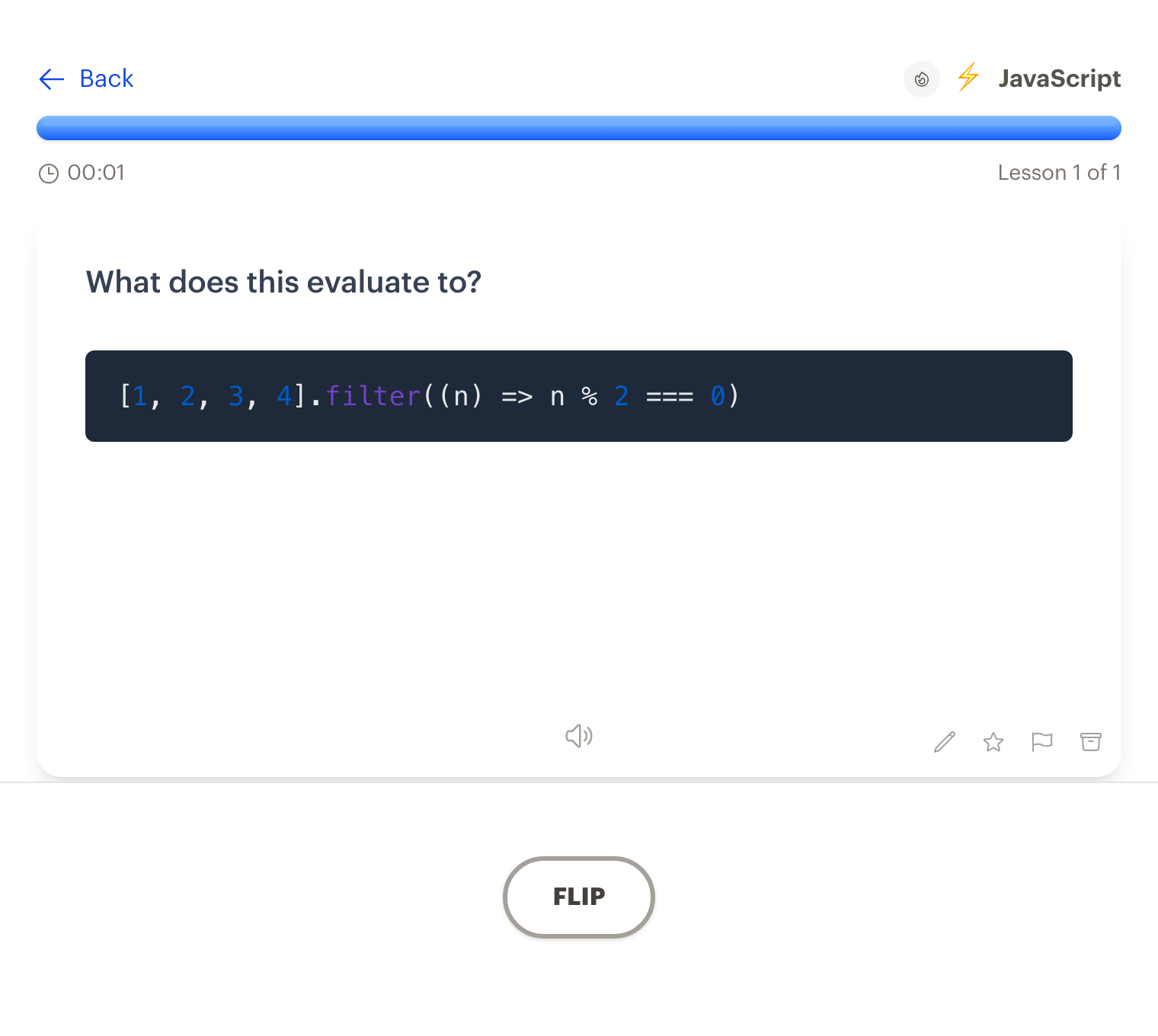
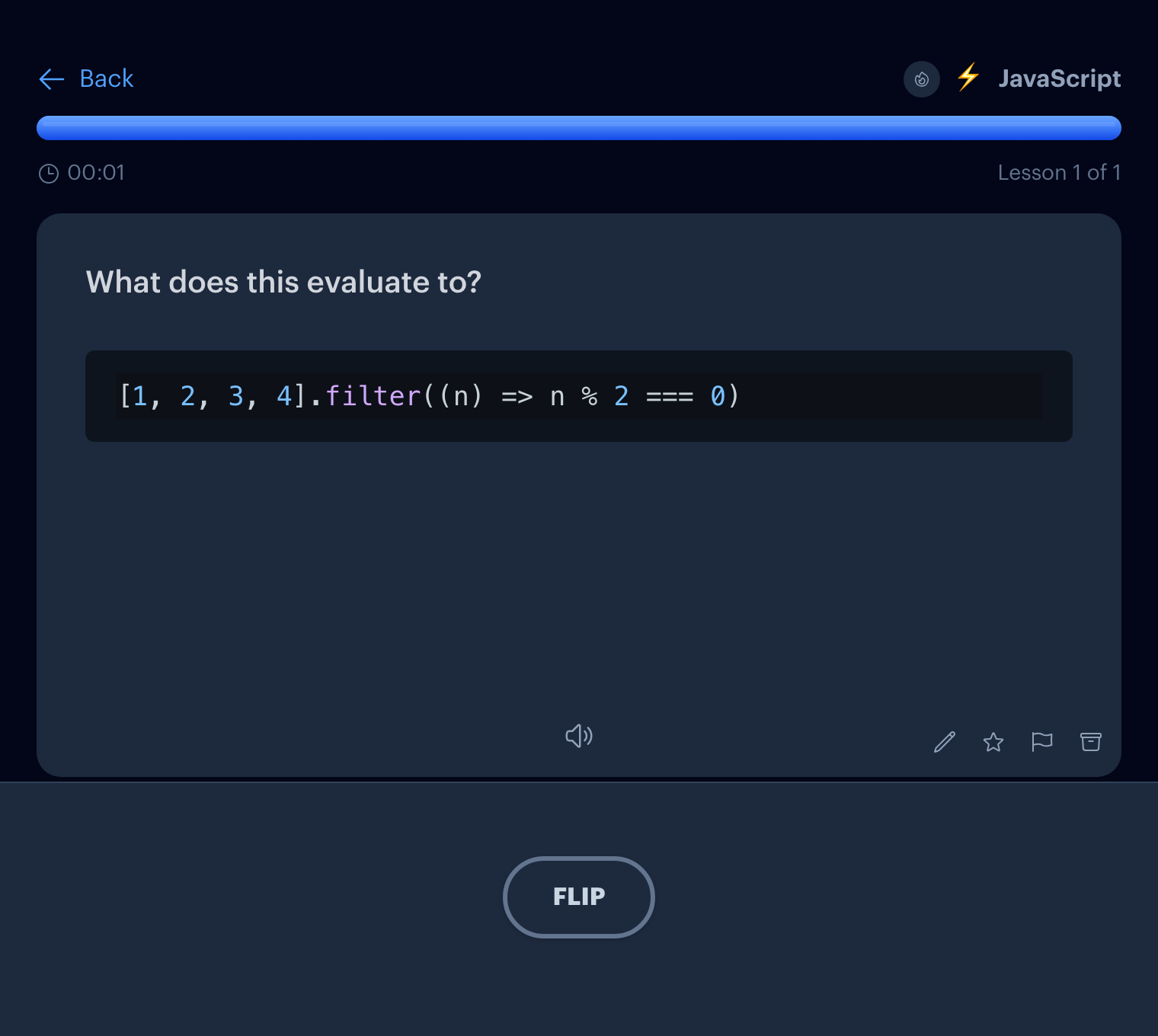
Code · Flashcards
Notes with code become cards with syntax highlighting.
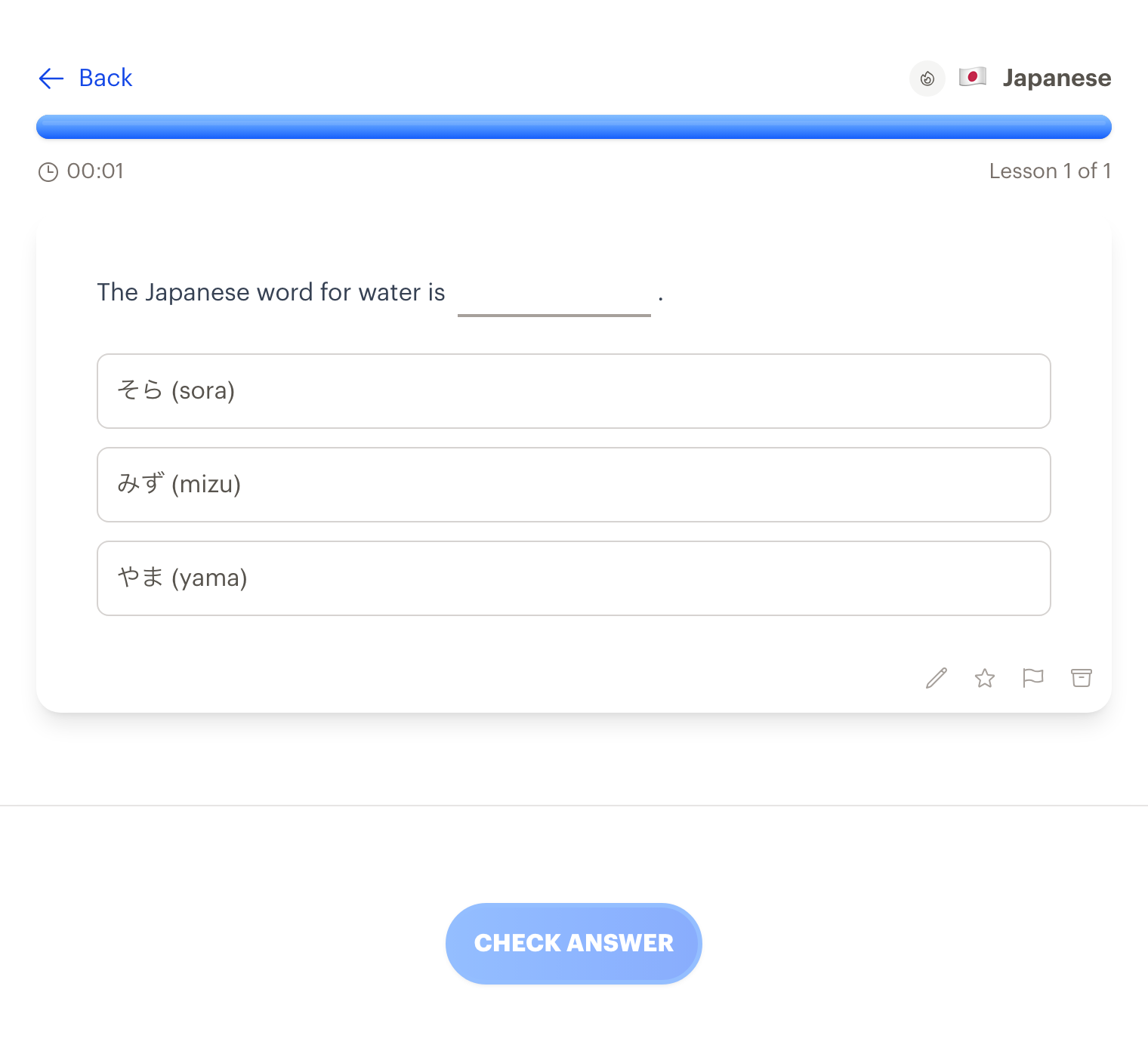
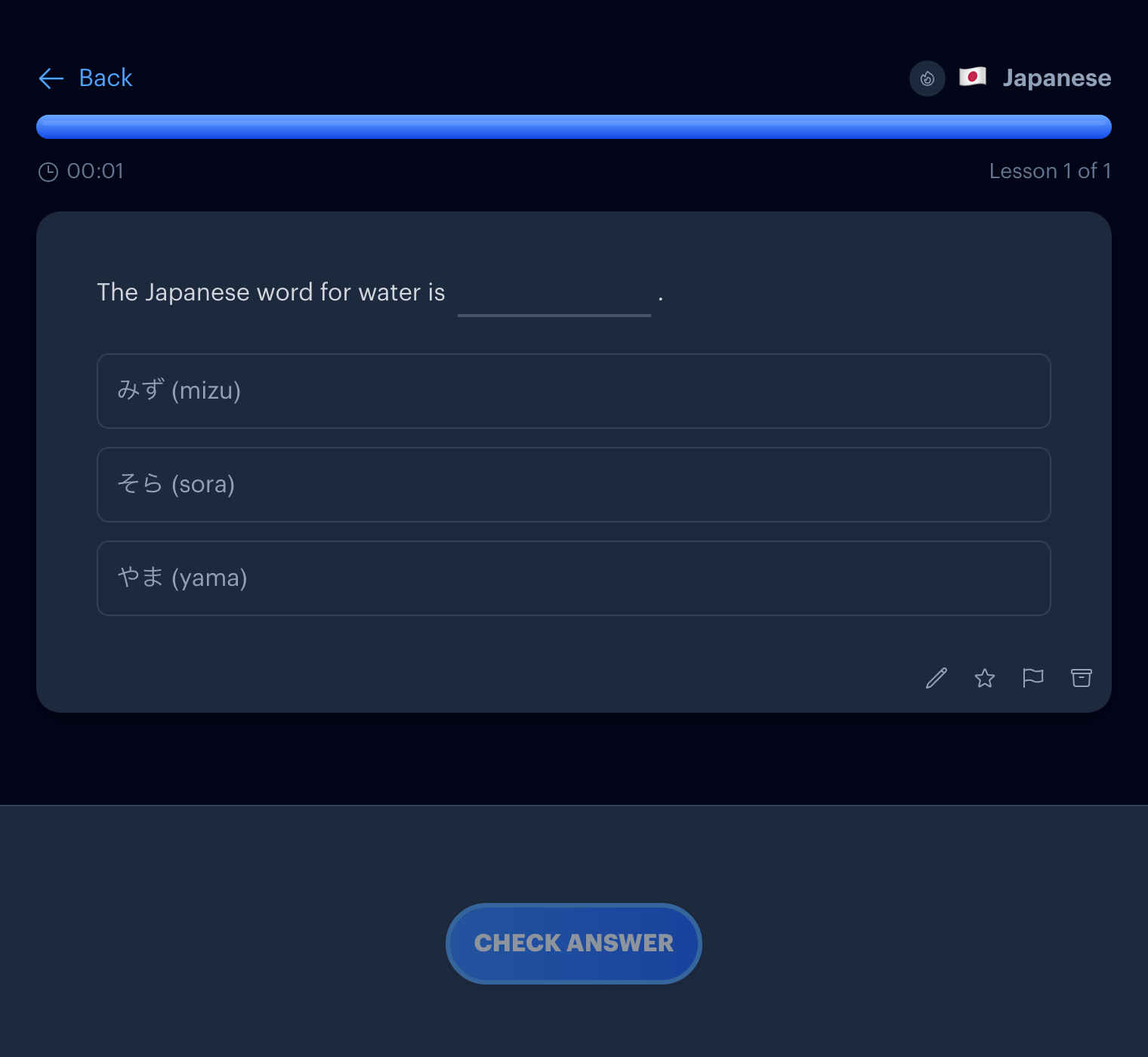
Language · Fill in the blank
Build vocabulary one word at a time.
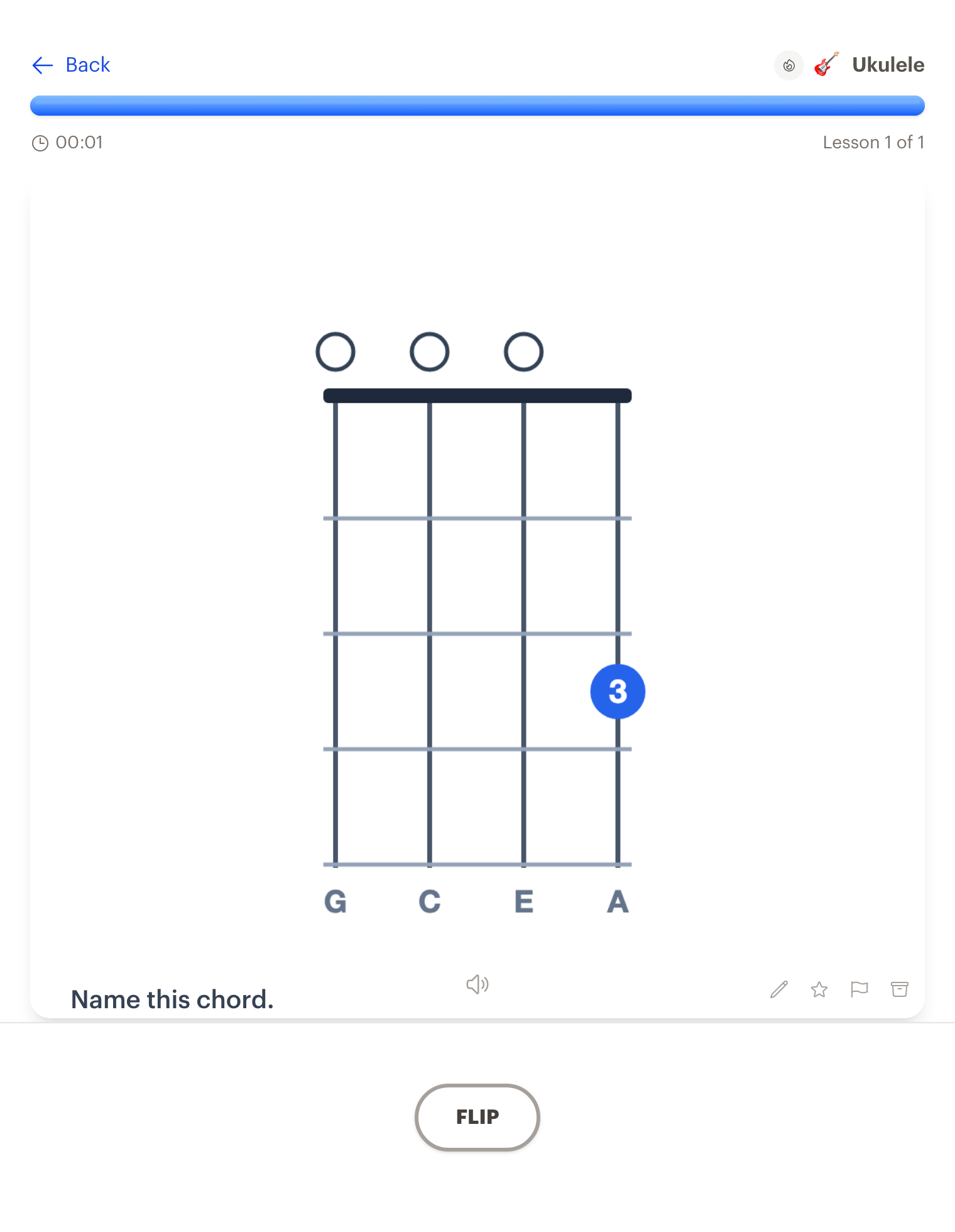
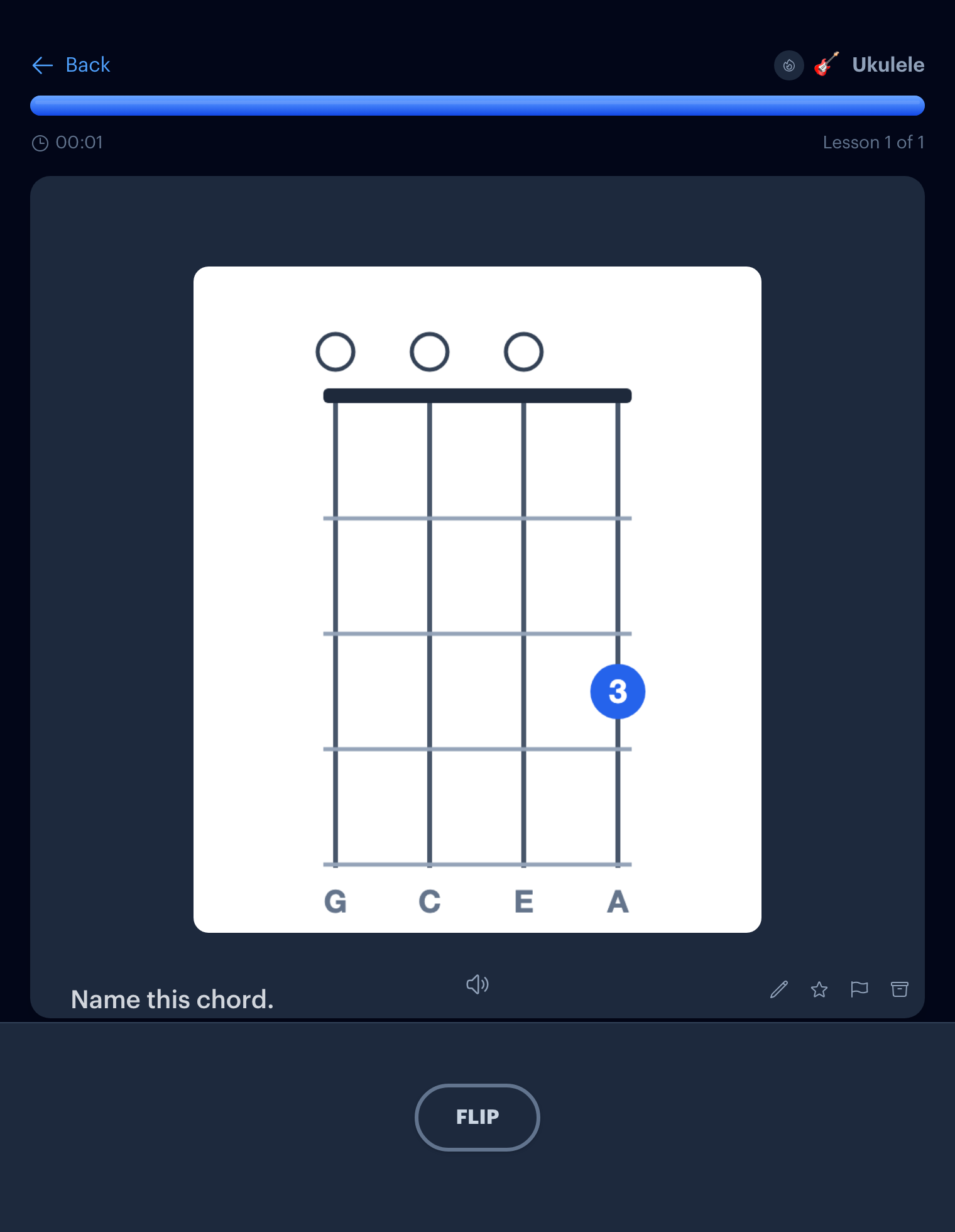
Music · Flashcards
Drill chord shapes until your fingers know them.
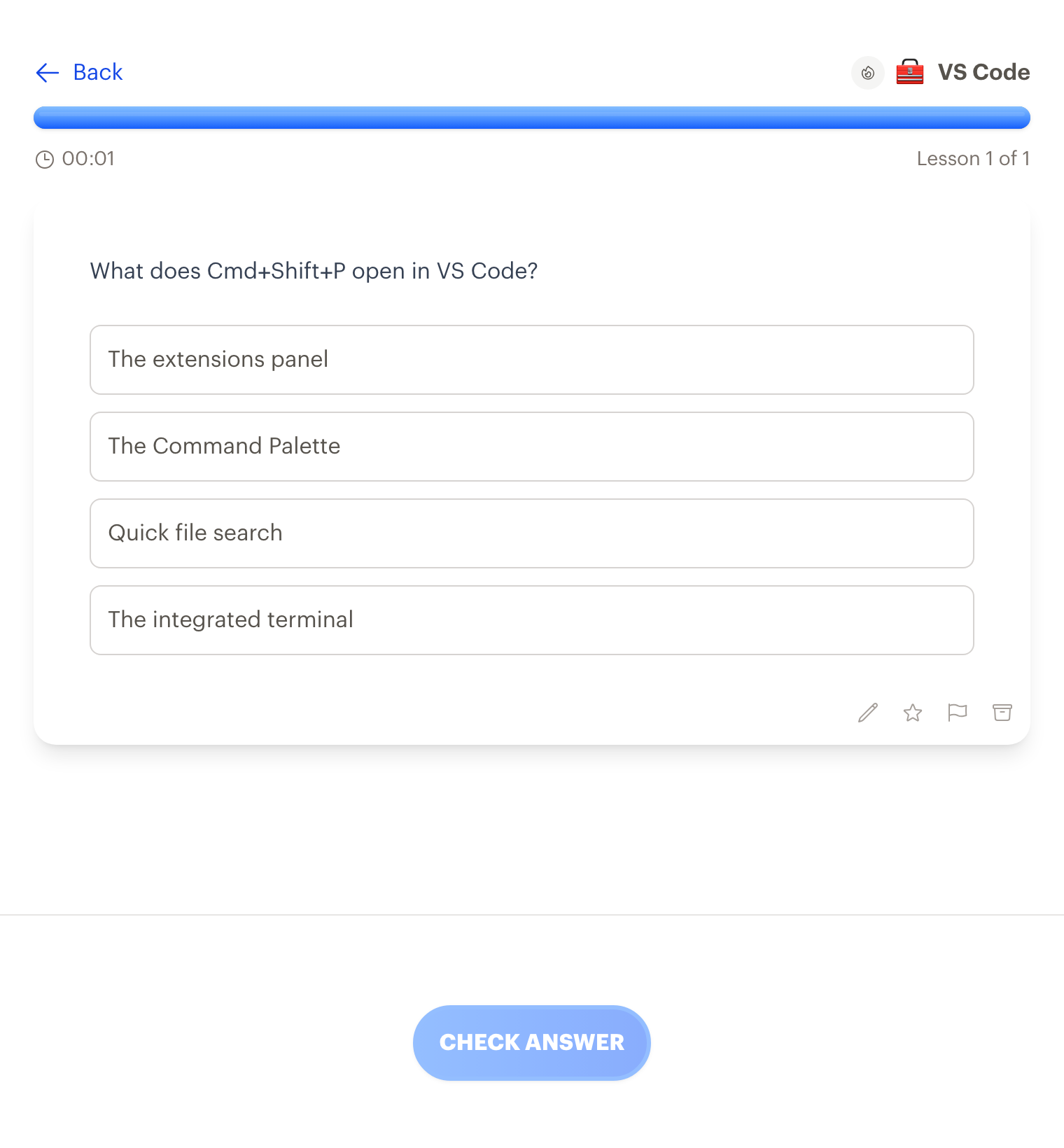
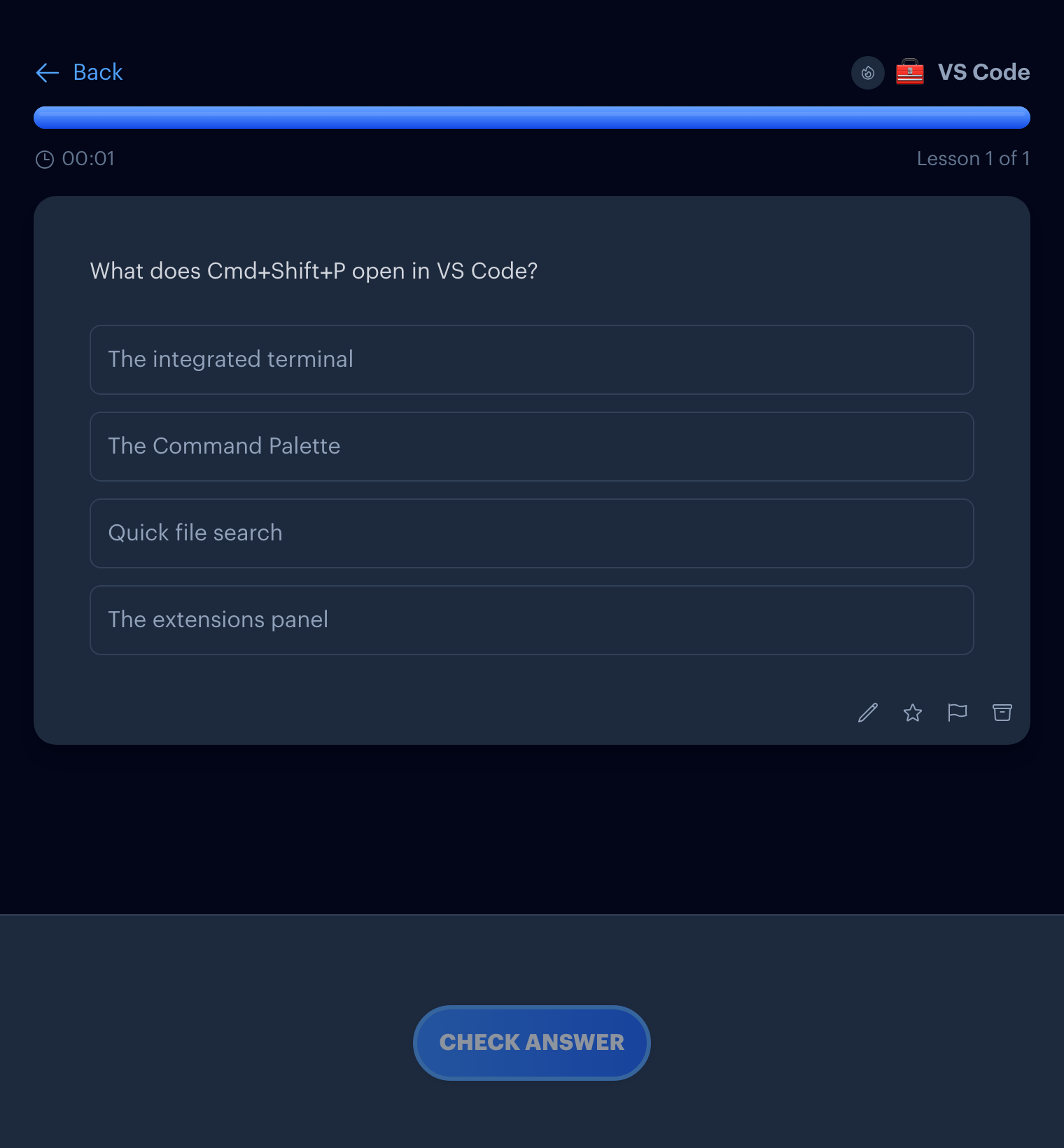
Tools · Quiz
Stop looking up the same shortcuts every week.
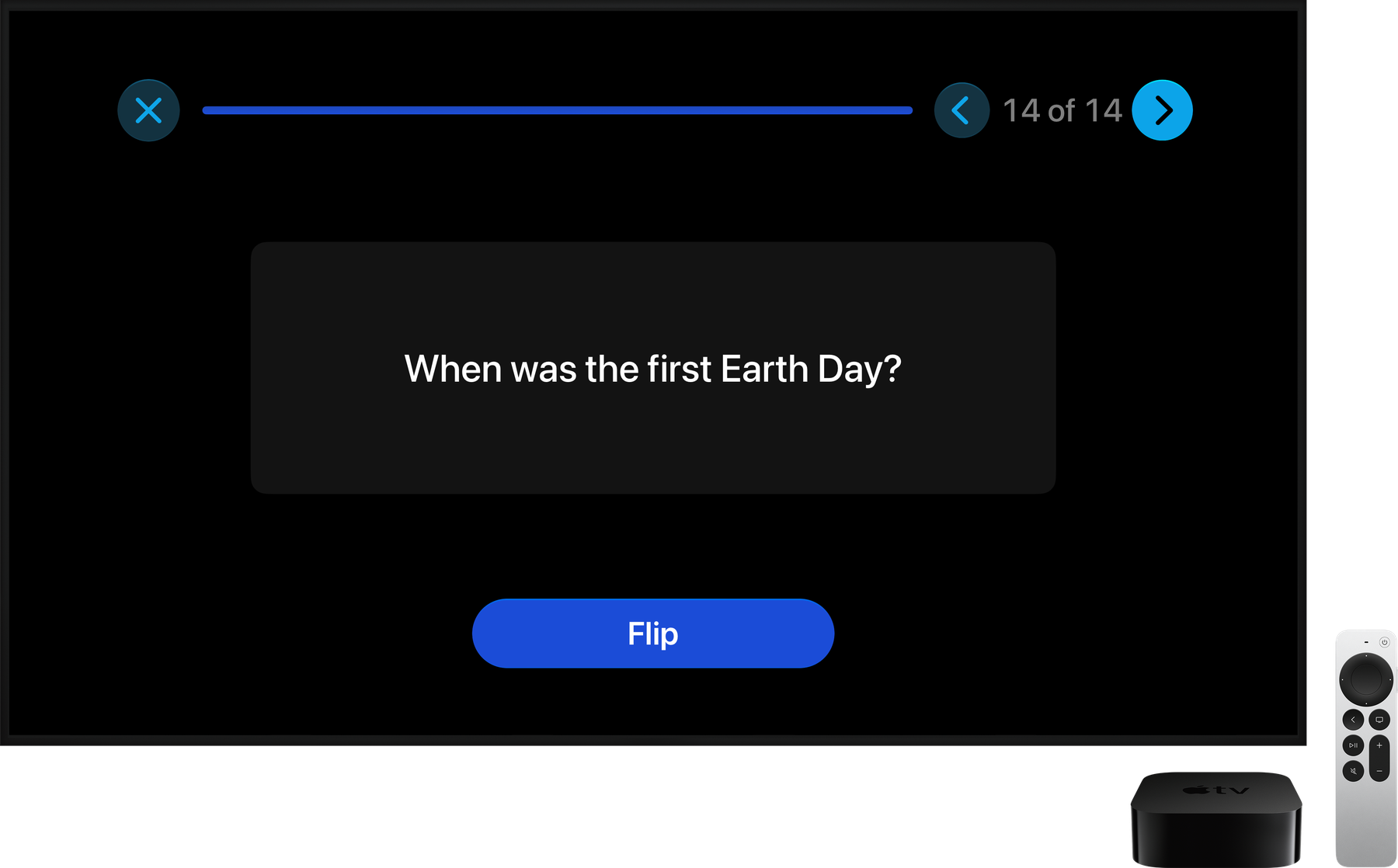
Available for iPhone, iPad, Apple TV, Apple Watch, and as a web application.
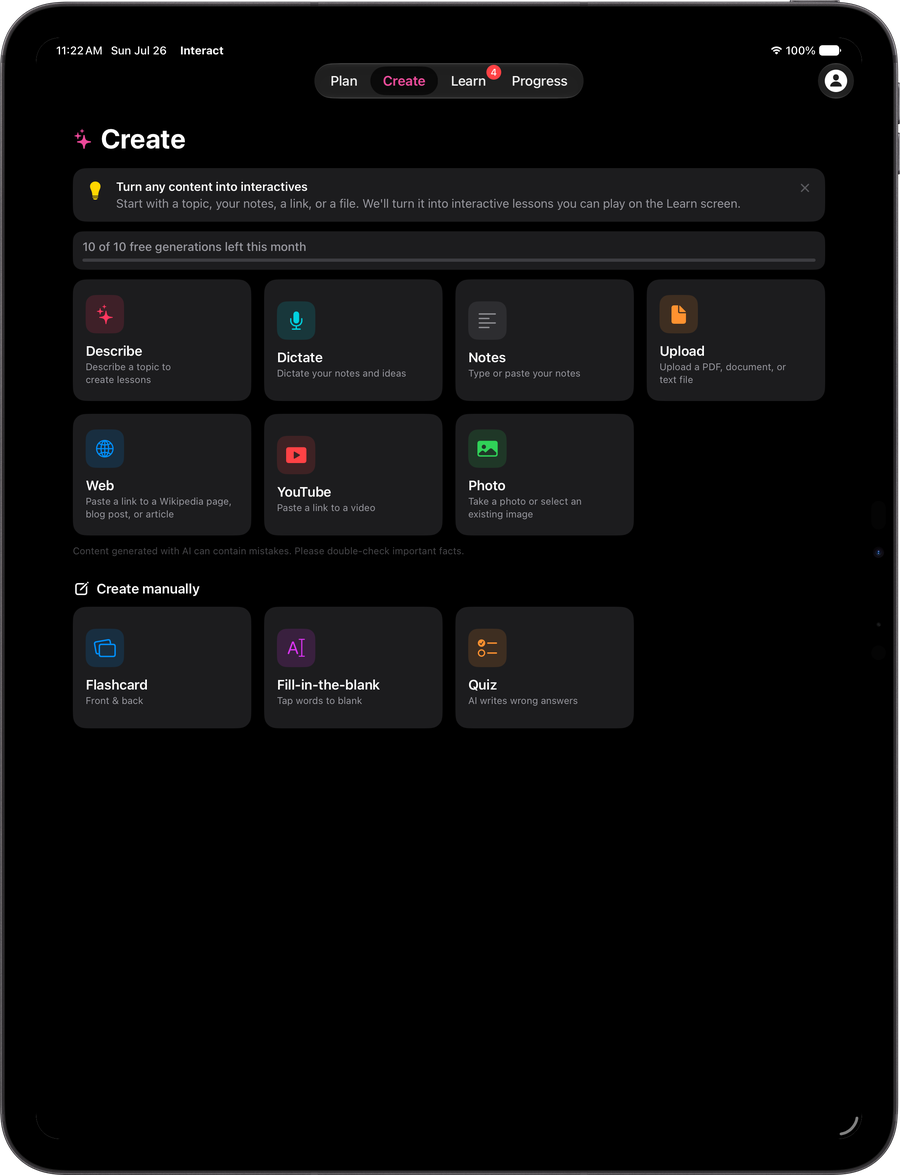
iPad
Create interactives and study on your tablet
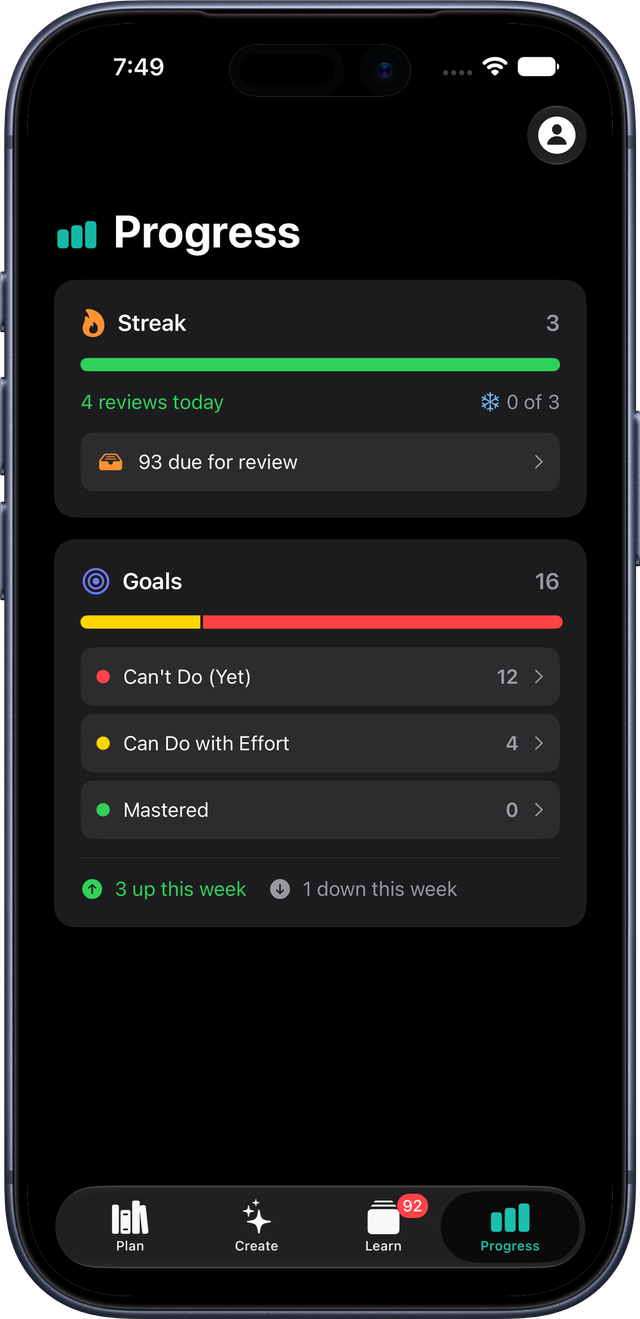
iPhone
Learn on the go
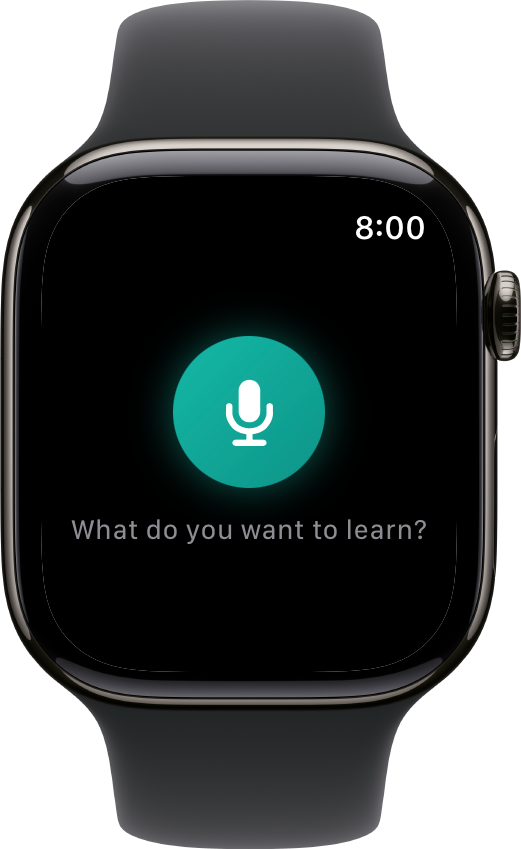
Apple Watch
Dictate ideas while you're out for a walk
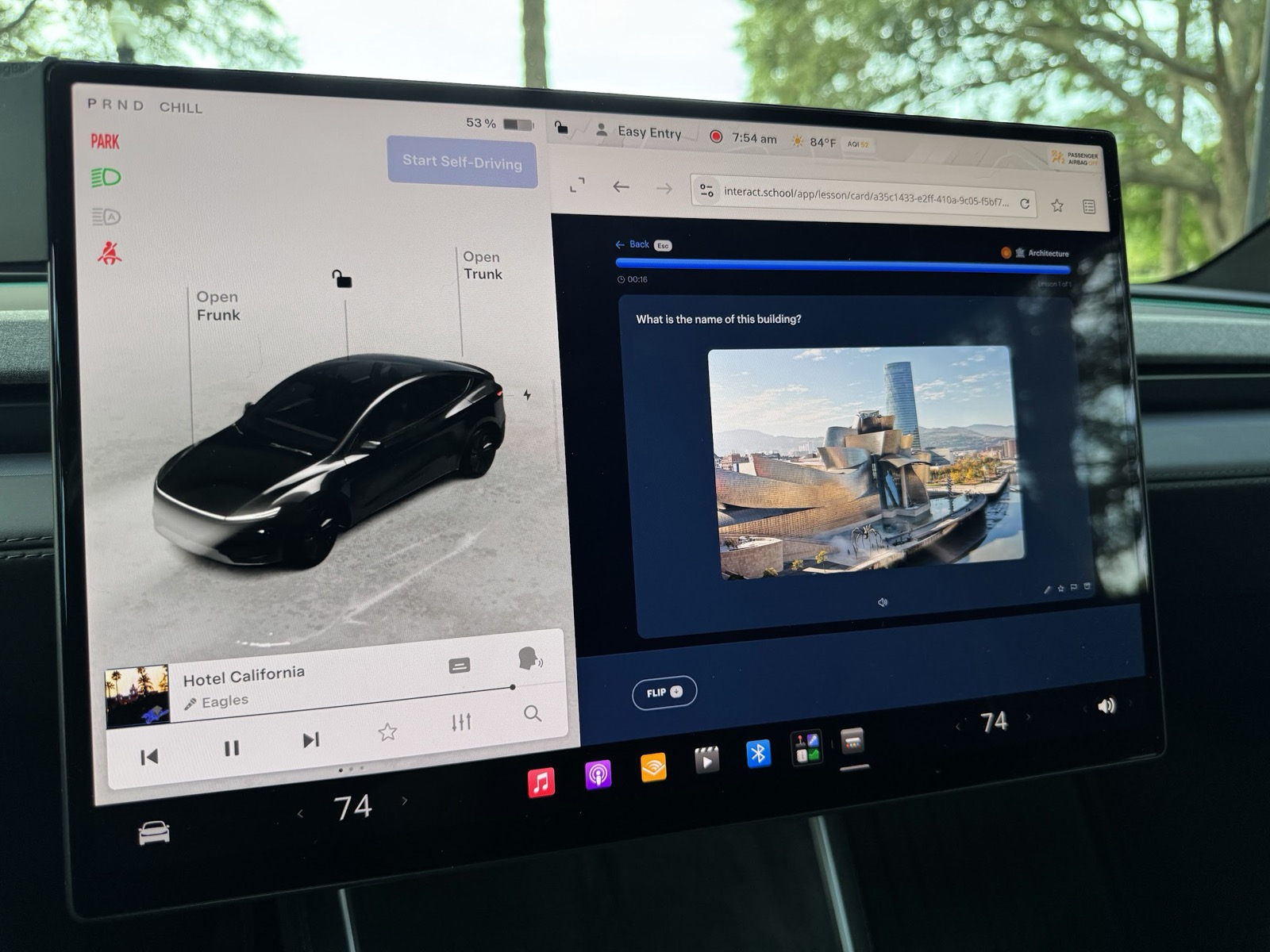
Anywhere with a browser works. Study flashcards in your Tesla. Parked, of course!
Interact is a genuinely unique product built from scratch to solve a seemingly simple problem: How do we connect what we're learning to what we want to do?
Anki is the original for spaced repetition, but only has "Decks" to structure your learning. There's no system to track progress on your actual learning goals.
Quizlet gives you great tools to study for a test. But what if you actually want to learn the material, and not just pass a test?
Online courses give you a predefined curriculum that doesn't adapt to what you're trying to learn. For niche topics, your best bet is to build your own curriculum.
To my knowledge, there are no other tools out there that integrate all these pieces together. You can build your own curriculum that evolves as you learn. You can make real progress on your actual learning goals. You can tame the overwhelming amount of content by extracting only the parts that matter. And instead of an arduous chore, it's all designed to be a joy to use.

Here's some of what shipped in October 2026.
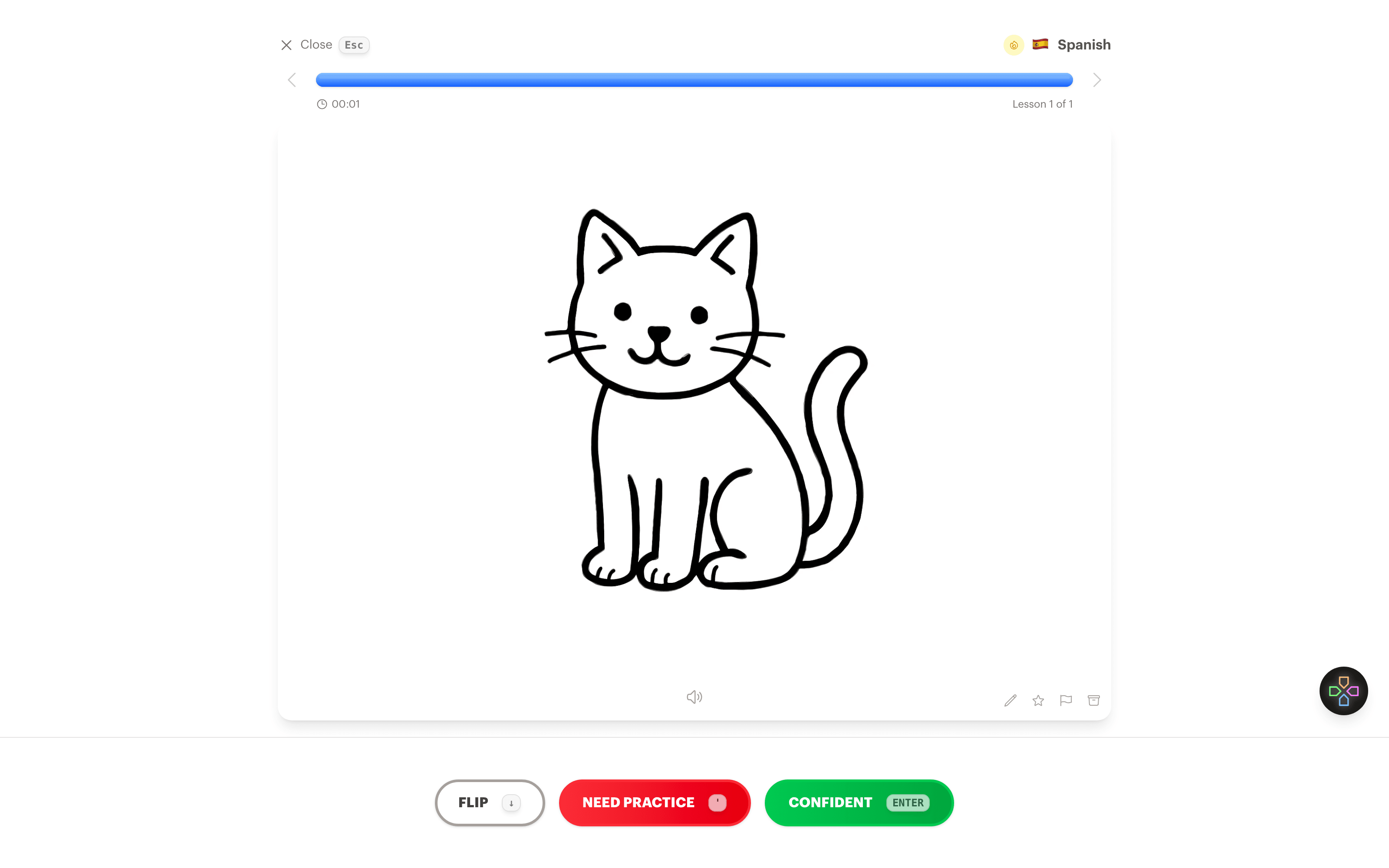
Create visuals for flashcards. Click Create visual under either side of a card and Interact draws a sketch from the card, or from a description you type, and adds it to the card. Made for vocabulary: a picture of a cat on the back of "el gato" instead of a translation, so you learn the word without translating in your head. See the Visual Flashcards page.
Major updates for Image occlusion interactives. We added a vision agent that can automatically find labels in images and draw regions. I noticed our image occlusion interactives were a big hit, but they were pretty tedious and error-prone to make. Now you can basically upload an image and click a "Find Labels" button and it takes care of everything for you.
Describe a diagram and get an image occlusion. Type something like "the bones of the hand" and Interact draws a labeled diagram, finds the labels, and turns it into an image occlusion you can review right away. Works from the Create page and from Ask.
Ask can do a lot more. It can now find duplicate interactives, archive the ones you don't need, create reverse cards, draw visuals for cards, and link straight to any interactive it mentions.
Adaptive Generation. This is a critical project that allows us to handle different types and sizes of content. If you fetch a small Wikipedia article, we can just use it to generate interactives. But if you upload a large textbook chapter, we want to be able to shift to a different experience that allows you to choose which parts are relevant to your learning. Added a "cursor" to keep track of where you left off so you can work through the material in multiple passes.