Anatomy is learned from diagrams, and it's tested on them. Image occlusion hides the labels on a diagram so you name each structure from where it sits.
Four ways to study anatomy
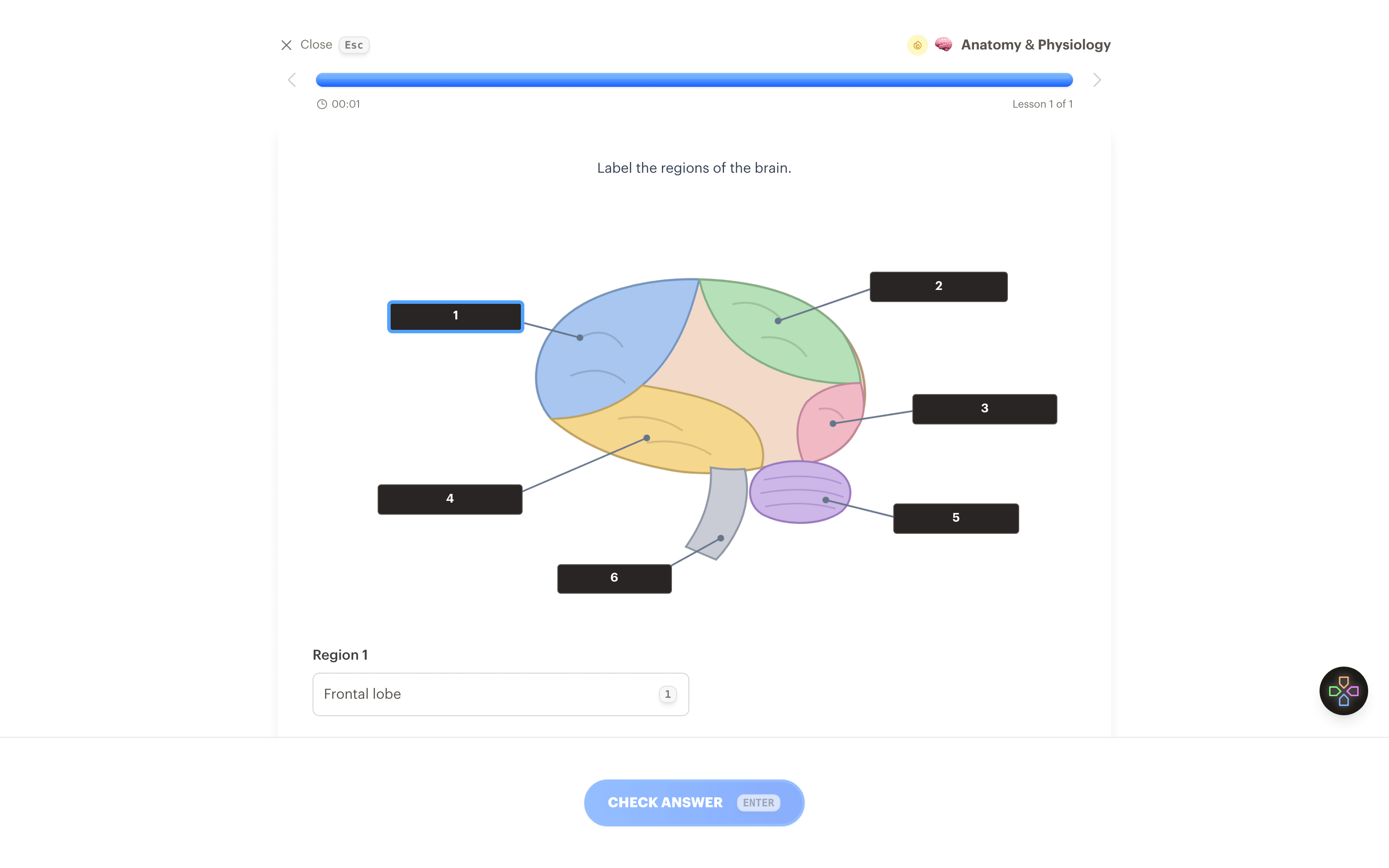
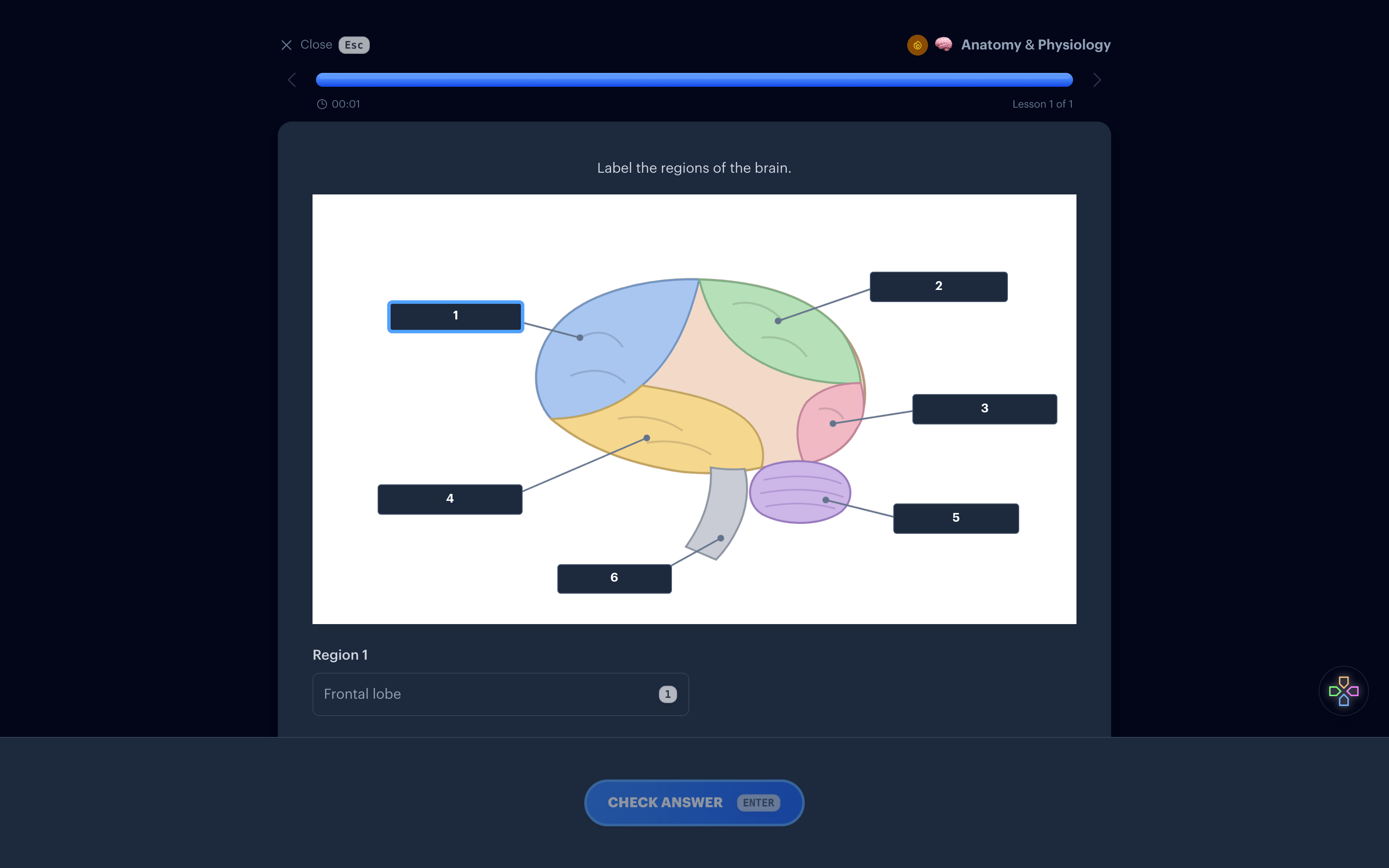
Mask the labels on a diagram
Upload a labeled diagram and draw a box over each label. In a lesson the boxes hide the names and you fill them in one at a time.
Image occlusionLet Interact find the labels
On a diagram with many labels, Find labels reads the text in the image and places the boxes for you. Adjust any that are off.
Find labelsUse blanks for function
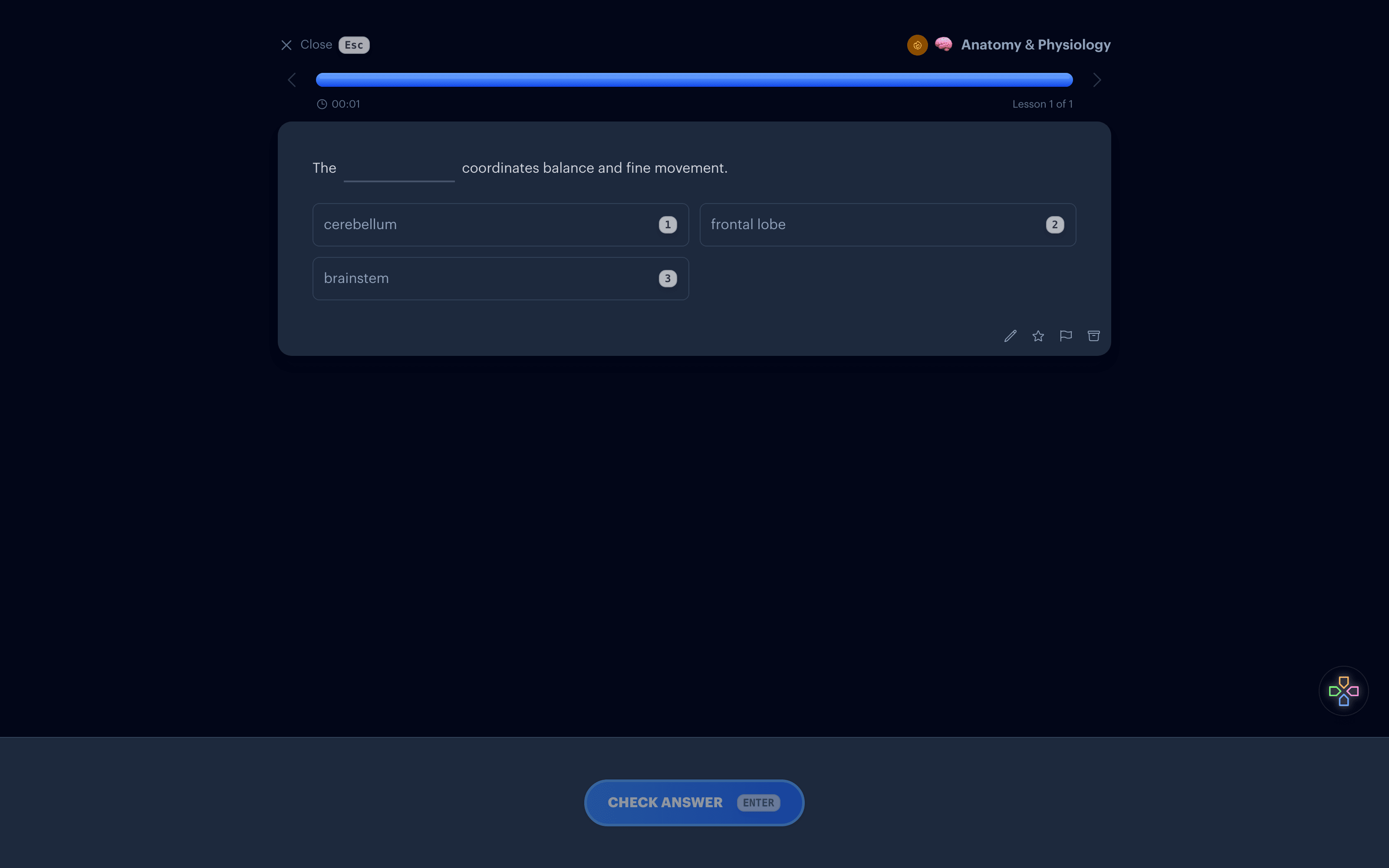
Location is half of it. For what a structure does, a sentence with a blank works well: "The cerebellum coordinates balance and fine movement."
Fill in the blanksMake cards from lecture slides
Upload the slide deck or a chapter as a PDF and Interact drafts cards and quizzes from it.
PDF to flashcards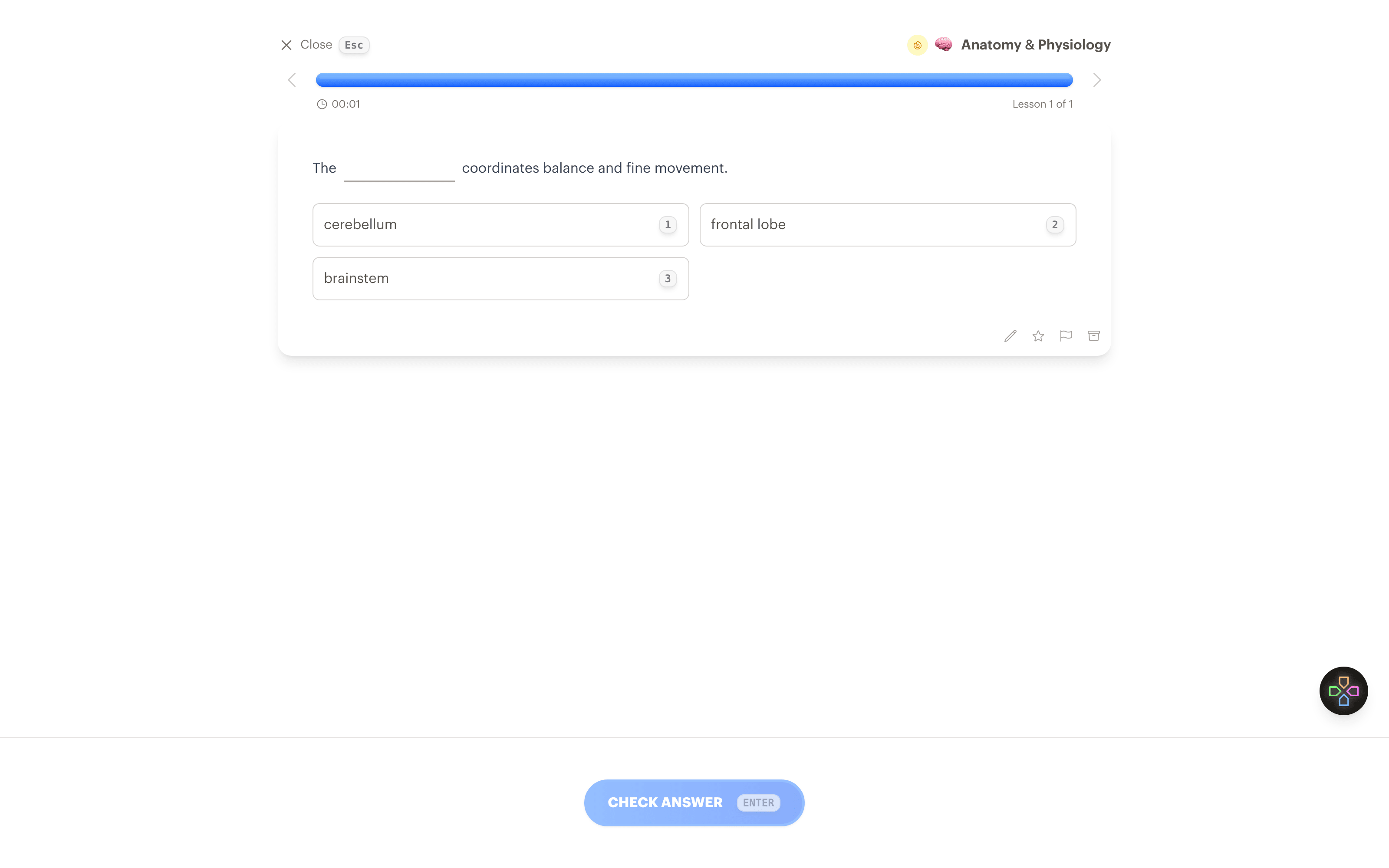
Why diagrams beat lists
A list of the lobes of the brain tells you their names. A diagram tells you which one is at the back. Recalling a label in place ties the name to the position, which is what a practical exam asks for.
The same approach works for histology slides, muscle attachments, nerve pathways, and any other labeled figure in your course.
Start with a prompt
The Describe option on the Create page turns a sentence into a set of interactives. This one is a reasonable first set. Change it to match what you're studying.
5 flashcards and quiz questions on the lobes of the brain and what each one does.
Common questions
Where do I get diagrams?
Use the figures from your lecture slides or textbook, or a photo of your own drawing. Any image file works.
Does it work for unlabeled images?
Yes. Draw a box over a region and type the answer yourself.
Is this the same as Anki image occlusion?
The idea is the same. Interact adds automatic label finding and plays occlusions in the same lesson as your other cards.
Is it free?
Drawing occlusions by hand is unlimited on every plan. Find labels counts as one AI generation, and the free plan includes 10 a month.
Label it from memory
Get Started Free
No credit card required
More things to learn
Art History
Put the painting on the card and recall the title, artist, and period.
Languages
Learn vocabulary from pictures instead of translations, in both directions.
Math
Formulas that render like a textbook, with the worked steps on the back.
Programming
Syntax highlighted snippets to read, and exercises that make you type the answer.
Trivia
Describe a round in one sentence and play it as a quiz.


Made with
in Orlando, Florida.
© 2026 Create With LLC. All rights reserved.