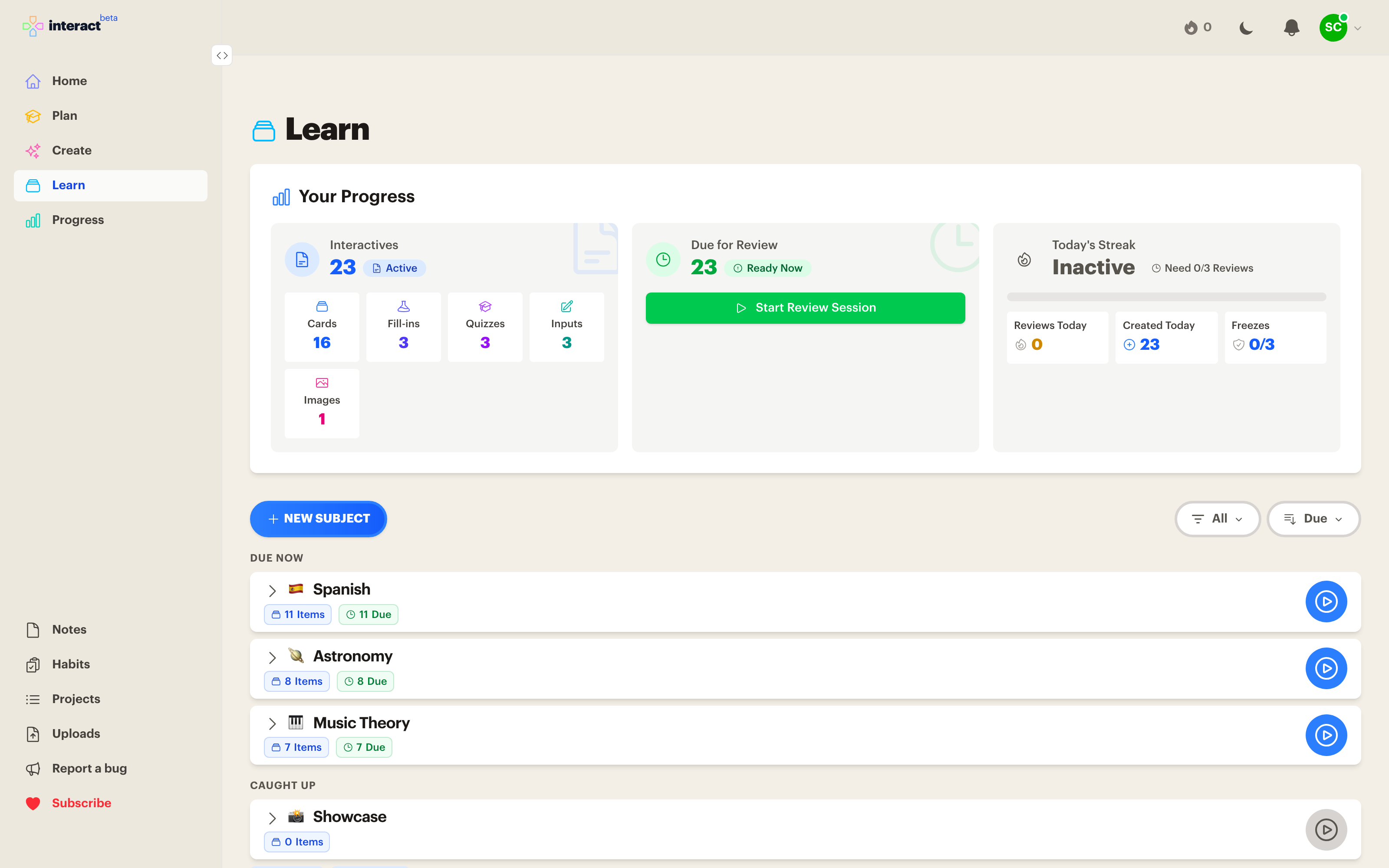
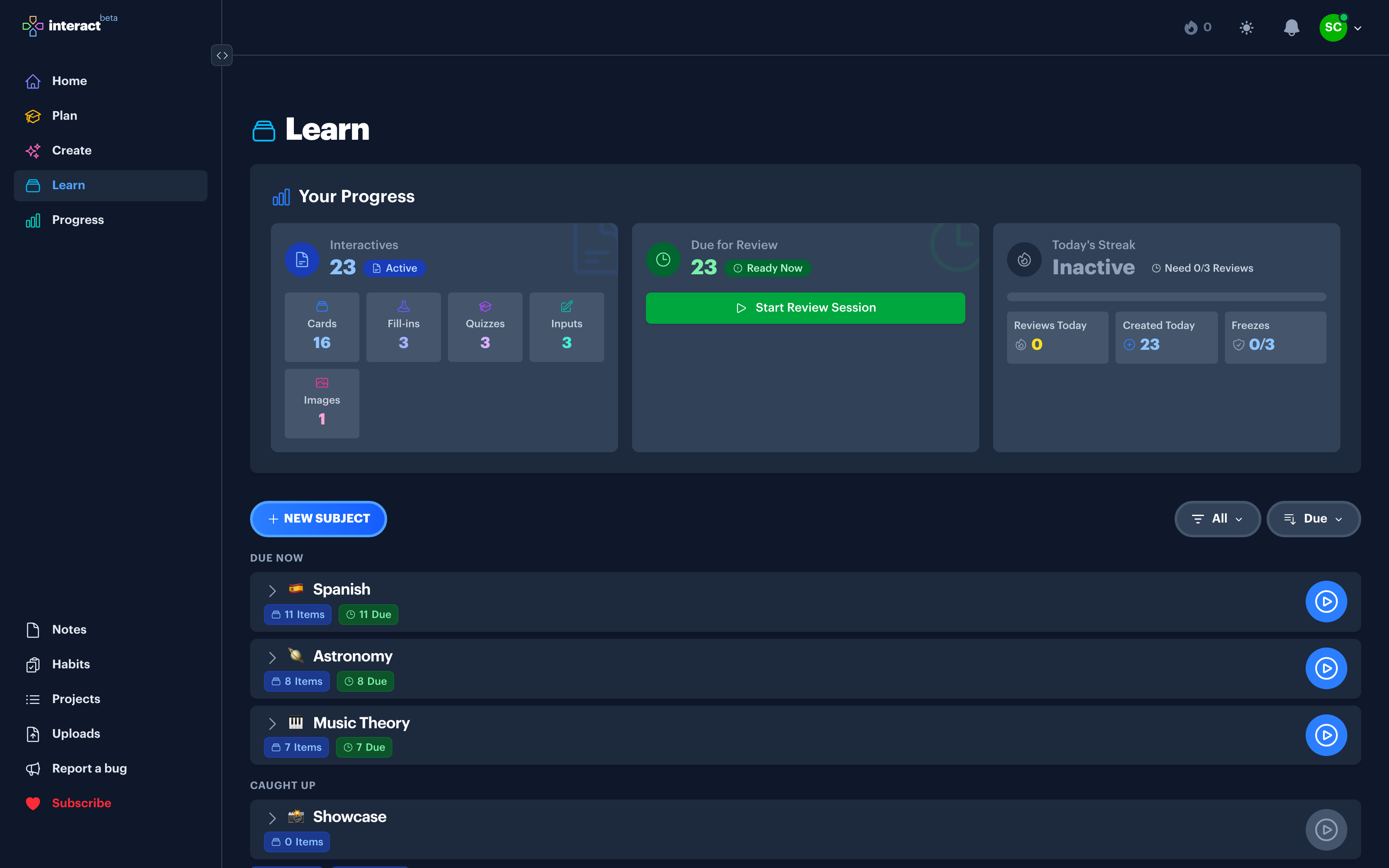
Reviewing the same card format two hundred times in a row is how studying starts to feel like a chore. Interact mixes five interactive types in one queue and makes every one of them quick and satisfying to play.
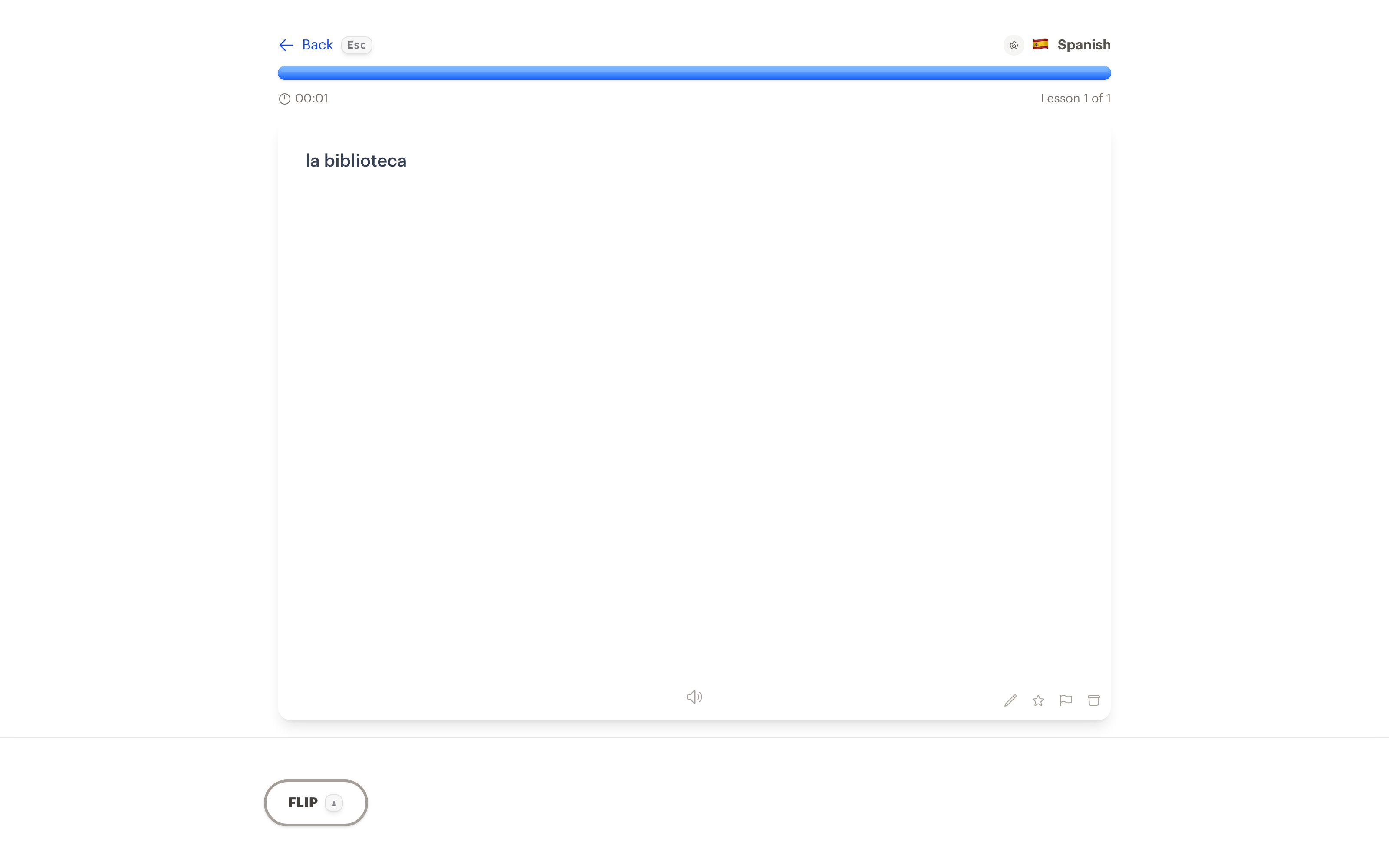
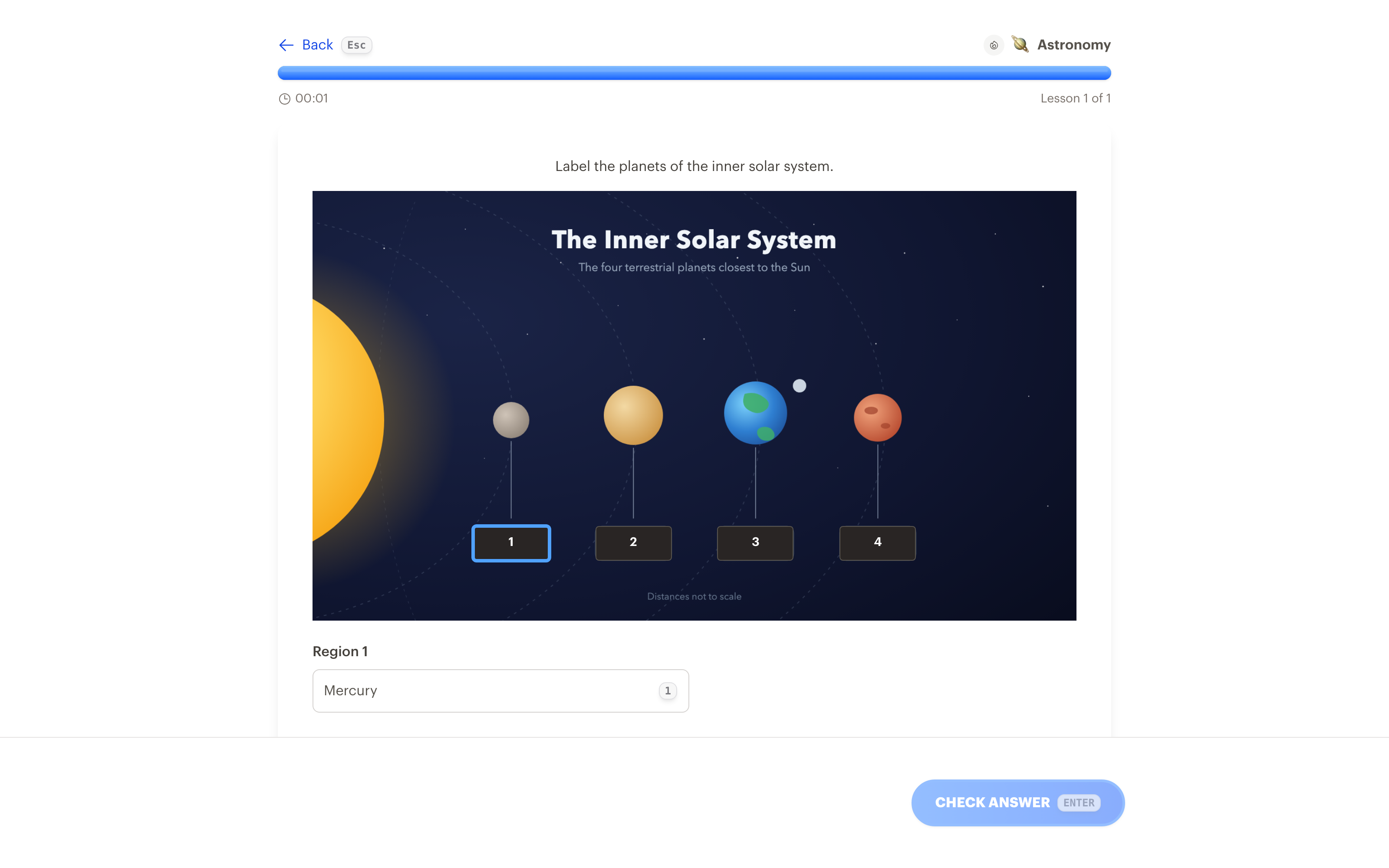
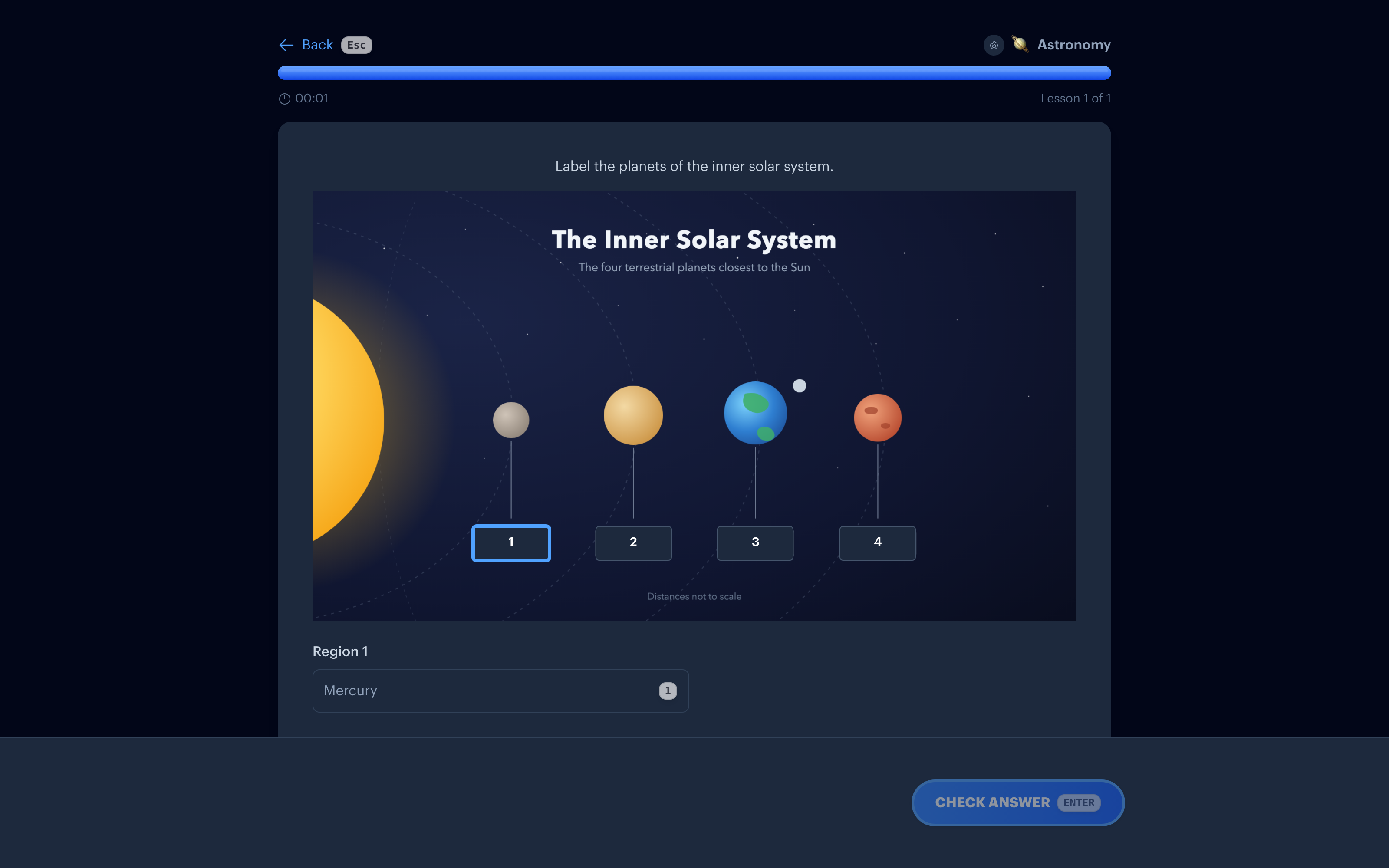
Five types, one queue
Flashcards are the workhorse. They're the fastest to make and the most effective per minute of review, so most of your queue will be cards. But an all-card diet gets monotonous, and monotony is what makes people quit.
So every type lives in the same queue. When a quiz or an image occlusion shows up between runs of cards, it feels like a breath of fresh air, and the session keeps its momentum.
Flashcards
Front, back, flip, rate. The spaced repetition classic, and still the most efficient way to memorize almost anything.
Fill-in-the-blanks
A passage with pieces missing. Fill every blank, then check the whole thing at once.
Quizzes
Multiple choice with plausible distractors. Answer with a tap or a number key.
Image occlusion
A diagram, map, or chart with the labels masked, so each region becomes its own recall moment. There's a whole page on image occlusion.
Type the answer
Produce the answer instead of recognizing it, with grading that forgives typos. More on the type the answer page.
Small touches that keep you going
Animations
Cards physically flip. Answers light up the moment you check them. The next lesson arrives instantly, with no page load in between.
Sound effects
A flip sound on the way over and a pop when you land a correct answer. Small, satisfying, and easy to ignore with the volume down.
Keyboard shortcuts
On the web, arrow keys flip and advance, number keys answer quizzes and fill-in-the-blanks, and Enter always does the next sensible thing. You can clear a whole session without touching the mouse.
From desk to couch
The same queue plays everywhere: on the web with the keyboard, in the iPhone and iPad app with a thumb, and on Apple TV with the Siri Remote. Wherever you happen to be sitting, your due reviews are one tap from starting.
Common questions
Do I have to use every type?
No. Plenty of people study with cards alone. The other types earn their place when the material fits, like a diagram that wants to be an image occlusion, or when a long run of cards needs a change of pace.
Who decides what I play?
The built-in spaced repetition system. Each interactive is scheduled individually, and the Learn queue serves whatever is due today.
What are the keyboard shortcuts?
Arrow keys flip the current card and move between lessons. Number keys select quiz and fill-in-the-blank options. Enter flips, checks, or continues, depending on where you are.
Is playing lessons free?
Yes. Playing your queue is unlimited on every plan, and so is creating interactives by hand. AI generation includes 10 free runs a month.
Make review the part you look forward to
Get Started Free
No credit card required
Used for
See how this fits into studying a whole subject.
More ways to learn with Interact
YouTube to Flashcards
Paste a video link and get flashcards, quizzes, and fill-in-the-blanks built from it.
YouTube to Quiz
Generate a multiple choice quiz from any YouTube video and edit every question.
PDF to Flashcards
Upload lecture slides, textbook chapters, or photos of notes and study them as flashcards.
Website to Flashcards
Turn any article or webpage into study material by pasting the link.
Notes to Flashcards
Paste typed notes or snap a photo of handwritten pages and make them reviewable.
Visual Flashcards
Put an AI-drawn picture on the back of a vocabulary card instead of a translation.
Fetch Image
Name a painting, a landmark, or a species and the picture lands on your card.
Image Occlusion
Mask the labels on a diagram or map and quiz yourself on what is underneath.
Type the Answer
Exercises that make you type what you know, with grading that forgives typos.
Flashcards on Apple TV
A native tvOS app for reviewing your queue on the big screen.
Flashcards on Apple Watch
Dictate card ideas from your wrist and they land in your study queue.
Personal Curriculum
Organize subjects, goals, and resources for everything you are learning.
Progress & Streaks
Track a daily streak, watch goals move, and catch follow-ups without breaking focus.
Ask
Ask a question, then say what to build or change. No clicking through screens.


Made with
in Orlando, Florida.
© 2026 Create With LLC. All rights reserved.