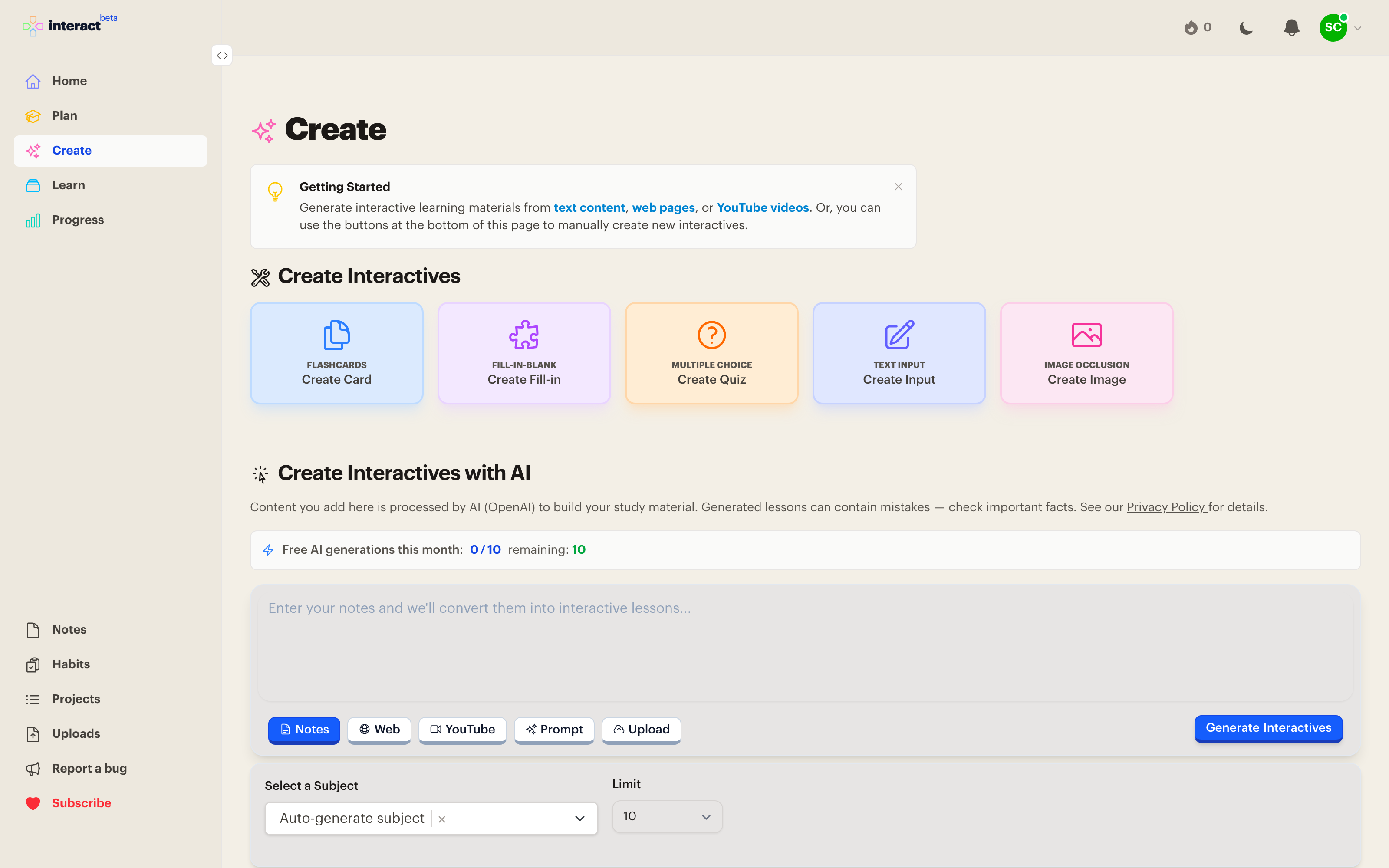
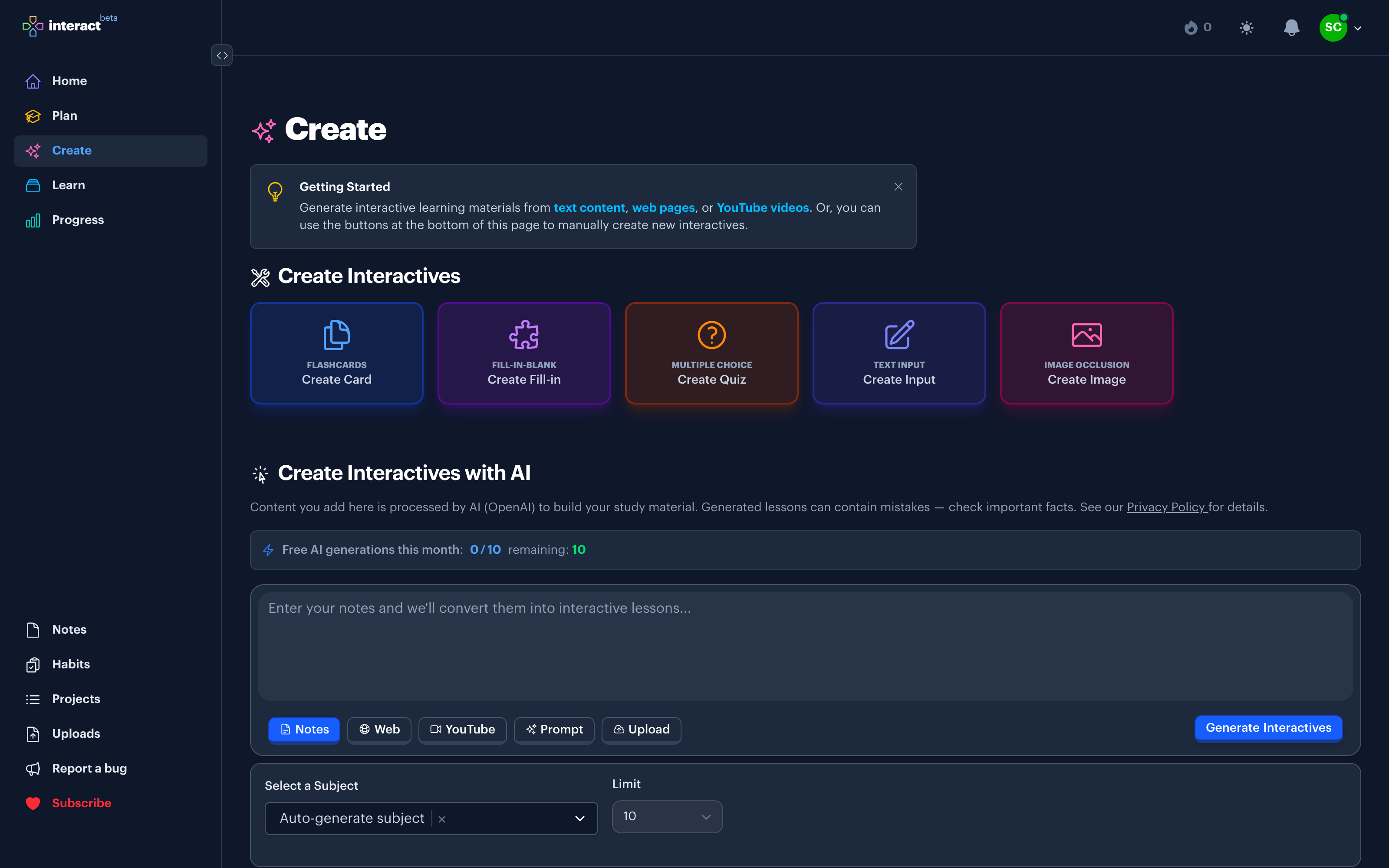
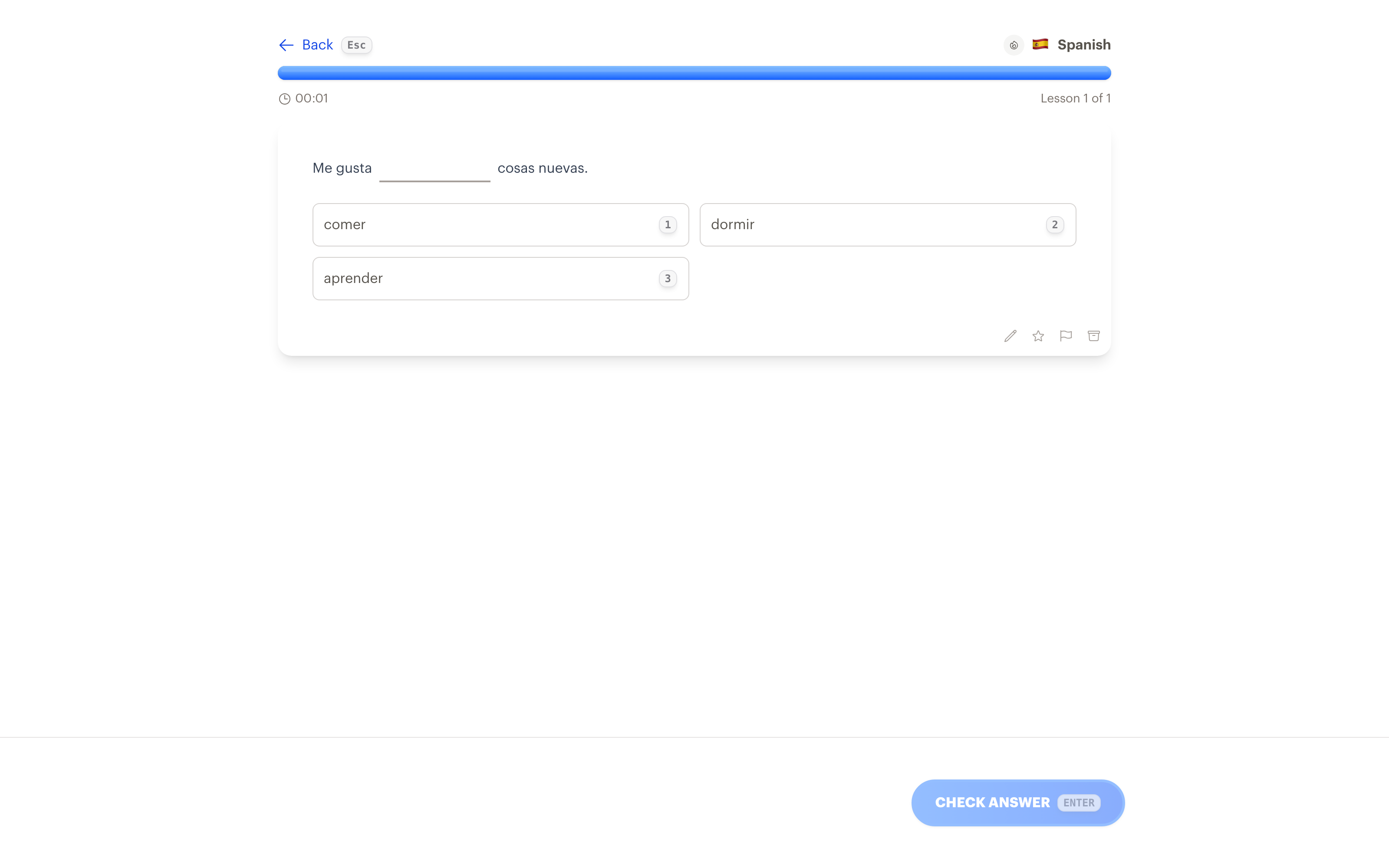
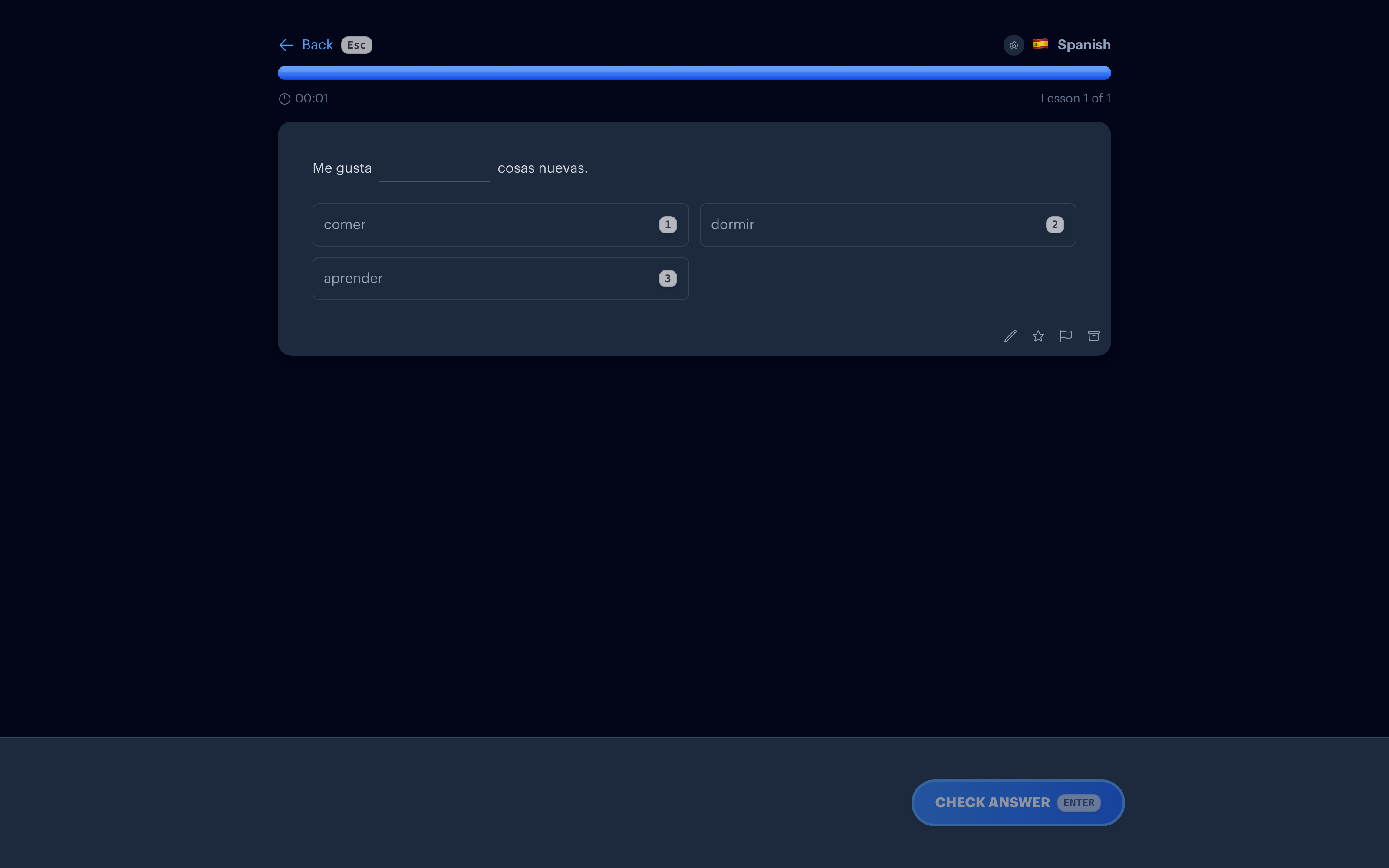
Lecture slides, textbook chapters, study guides: the material is already written, it just isn't reviewable. Upload a PDF and Interact turns it into flashcards, quizzes, and fill-in-the-blanks you can practice daily.
How it works
1. Upload your PDF
Slides, chapters, handouts, or photos of printed pages. Images of handwritten notes work too.
2. AI picks out what matters
Interact reads the content and drafts a mix of exercises around the ideas worth remembering, not every line on every page.
3. Review, edit, keep
Nothing enters your collection until you've looked at it. Fix wording, drop weak cards, keep the rest.
4. Practice on a schedule
Kept cards join your Learn queue and come back with spaced repetition, so a 200-page chapter becomes a few minutes of review a day.
Built for real study material
The same generator handles YouTube videos, web articles, and pasted notes, so a whole course's worth of scattered material ends up in one review queue instead of five apps.
Common questions
What kinds of PDFs work best?
Text-heavy ones: slides, chapters, guides, papers. The generator works from the words in the document, so scanned pages work best when the text is legible.
Is it free?
The free plan includes 10 AI generations a month, and uploads count toward that. Premium removes the cap. Making cards by hand is unlimited on every plan.
Does it just copy sentences from the PDF?
No. It distills. You get questions and prompts built around the key ideas, and you can edit any of them before keeping them.
Where can I review?
Web, iPhone, iPad, and Apple TV. Everything syncs, including your progress and streak.
Make your PDFs quiz you back
Get Started Free
No credit card required
Used for
See how this fits into studying a whole subject.
More ways to learn with Interact
YouTube to Flashcards
Paste a video link and get flashcards, quizzes, and fill-in-the-blanks built from it.
YouTube to Quiz
Generate a multiple choice quiz from any YouTube video and edit every question.
Website to Flashcards
Turn any article or webpage into study material by pasting the link.
Notes to Flashcards
Paste typed notes or snap a photo of handwritten pages and make them reviewable.
Visual Flashcards
Put an AI-drawn picture on the back of a vocabulary card instead of a translation.
Fetch Image
Name a painting, a landmark, or a species and the picture lands on your card.
Image Occlusion
Mask the labels on a diagram or map and quiz yourself on what is underneath.
Type the Answer
Exercises that make you type what you know, with grading that forgives typos.
Interactive Lessons
Five lesson types with animations, sound effects, and keyboard shortcuts that keep review fun.
Flashcards on Apple TV
A native tvOS app for reviewing your queue on the big screen.
Flashcards on Apple Watch
Dictate card ideas from your wrist and they land in your study queue.
Personal Curriculum
Organize subjects, goals, and resources for everything you are learning.
Progress & Streaks
Track a daily streak, watch goals move, and catch follow-ups without breaking focus.
Ask
Ask a question, then say what to build or change. No clicking through screens.


Made with
in Orlando, Florida.
© 2026 Create With LLC. All rights reserved.