Some knowledge is spatial: where the aorta is, which country borders which, what each button in your editor does. Image occlusion masks the labels on an image and quizzes you on what's underneath, no Anki add-ons required.
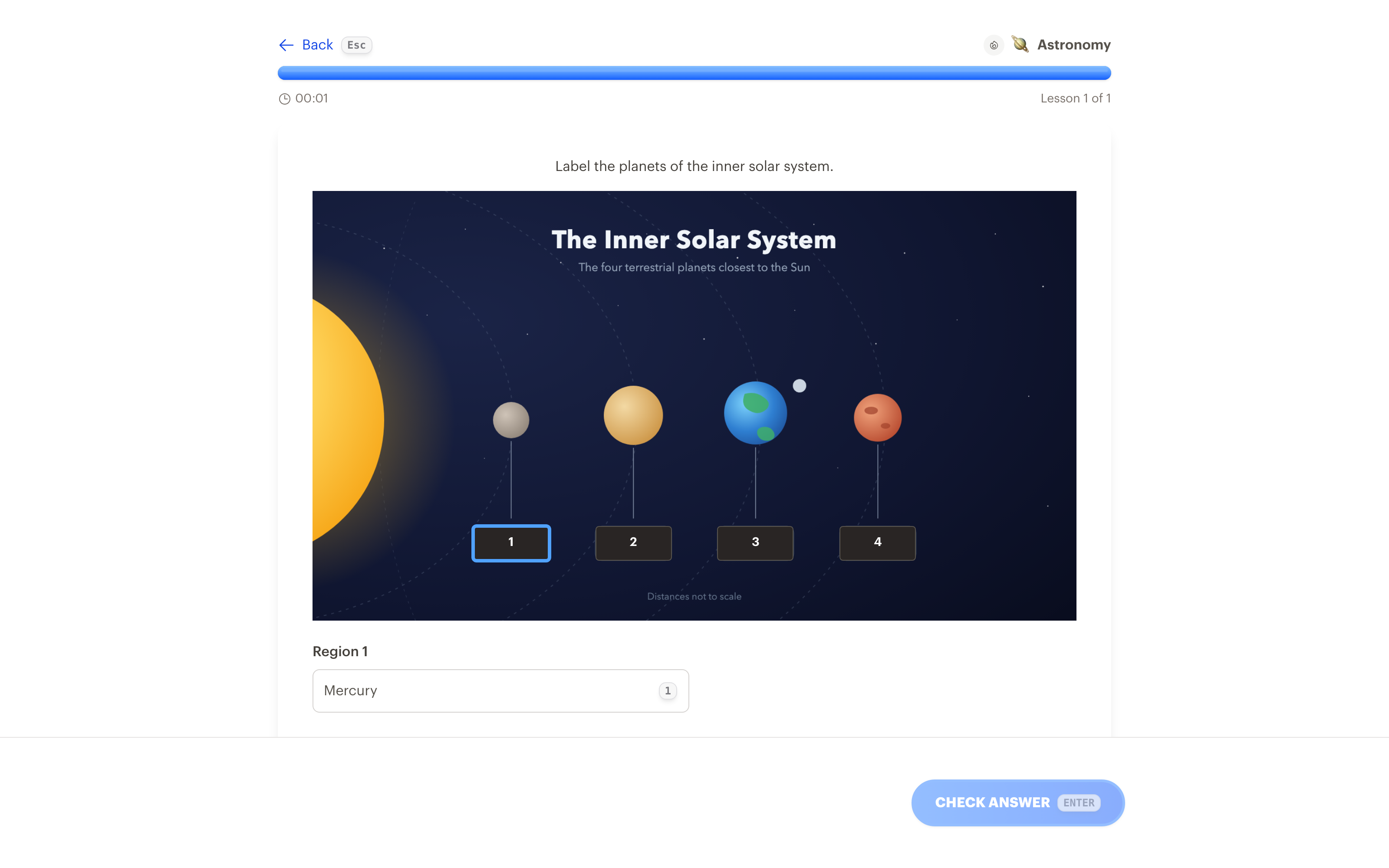
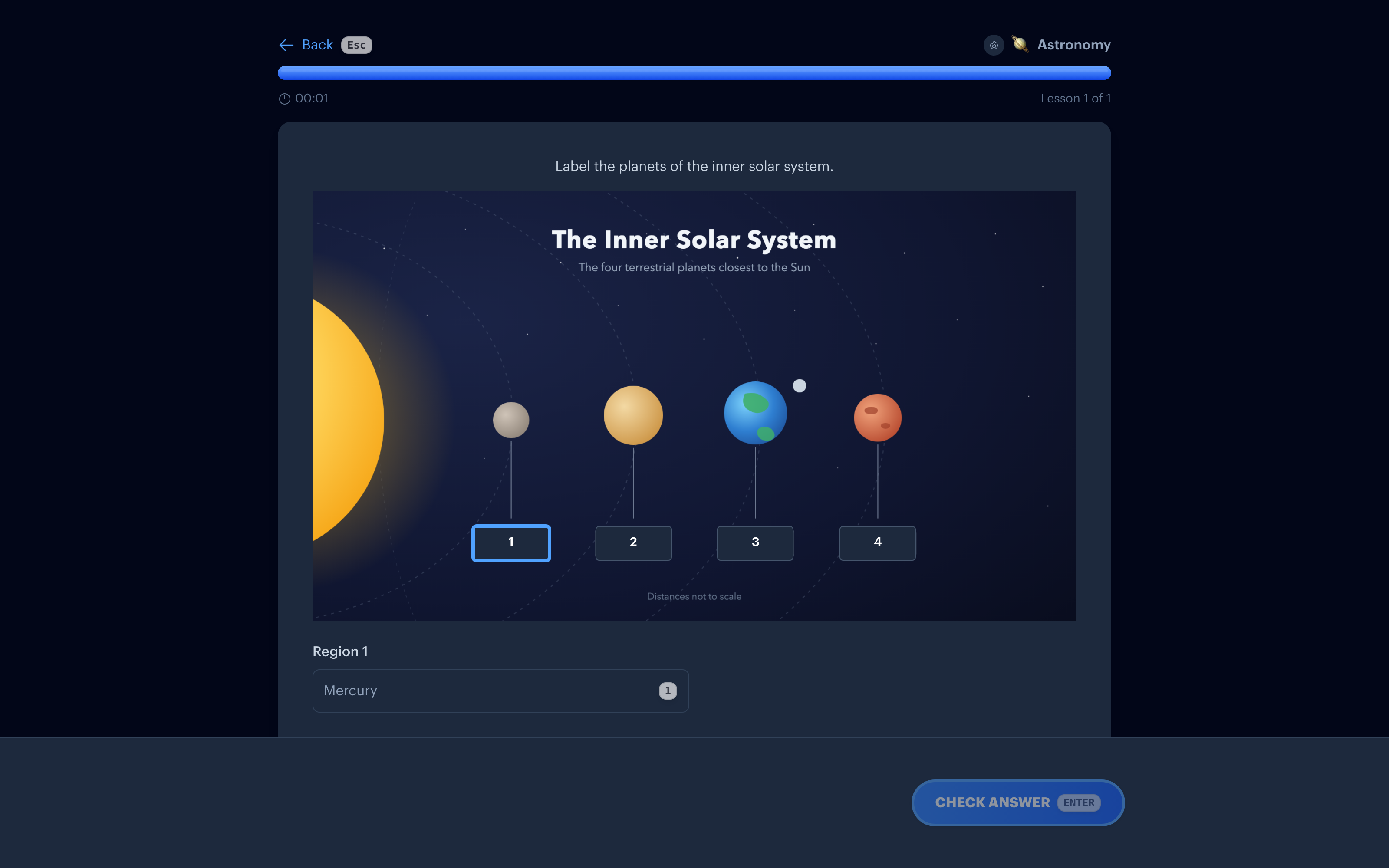
How it works
1. Upload an image
A diagram, a map, a chart, a screenshot. On iPhone and iPad you can pick it straight from your camera.
2. Mask what you want to learn
Draw boxes over the labels, with a mouse on the web or your finger or an Apple Pencil on iPhone and iPad. Type the answer for each region.
3. Let the regions quiz each other
Draw two or more regions and their answers become each other's wrong options automatically. Want different choices? Write your own or have AI draft them.
4. Review on any screen
One image with five masked labels gives you five review moments. They play on the web, iPhone, iPad, and Apple TV, on the same spaced repetition schedule as the rest of your collection.
Where it shines
Anatomy and biology diagrams are the classic use, but occlusion works anywhere a picture has named parts: maps and capitals, the Krebs cycle, circuit boards, sheet music, star charts, or the toolbar of the software you're learning.
Text cards flatten spatial knowledge. Occlusion keeps the structure, so you're not just memorizing a list of planet names, you're remembering where each one sits.
Common questions
Do I need Anki or any add-ons?
No. Image occlusion is built into Interact as a first-class exercise type. Upload, mask, save. There's nothing extra to install or configure.
Does AI create the occlusions for me?
It can. Upload a labeled diagram and tap Find labels: Interact reads the labels, draws a region over each one, writes the answer choices, and splits a big diagram into short sets. You review and edit everything before saving. Or draw the masks yourself, which takes seconds and keeps you in control of what's worth memorizing.
Is it free?
Drawing occlusions by hand is unlimited on every plan. Find labels counts as one AI generation, and the free plan includes 10 a month.
What makes a good occlusion image?
A clean, labeled, high-resolution image. Mask one label per region, and mask the parts you'd actually want to be quizzed on rather than everything.
Learn the picture, not just the words
Get Started Free
No credit card required
Used for
See how this fits into studying a whole subject.
More ways to learn with Interact
YouTube to Flashcards
Paste a video link and get flashcards, quizzes, and fill-in-the-blanks built from it.
YouTube to Quiz
Generate a multiple choice quiz from any YouTube video and edit every question.
PDF to Flashcards
Upload lecture slides, textbook chapters, or photos of notes and study them as flashcards.
Website to Flashcards
Turn any article or webpage into study material by pasting the link.
Notes to Flashcards
Paste typed notes or snap a photo of handwritten pages and make them reviewable.
Visual Flashcards
Put an AI-drawn picture on the back of a vocabulary card instead of a translation.
Fetch Image
Name a painting, a landmark, or a species and the picture lands on your card.
Type the Answer
Exercises that make you type what you know, with grading that forgives typos.
Interactive Lessons
Five lesson types with animations, sound effects, and keyboard shortcuts that keep review fun.
Flashcards on Apple TV
A native tvOS app for reviewing your queue on the big screen.
Flashcards on Apple Watch
Dictate card ideas from your wrist and they land in your study queue.
Personal Curriculum
Organize subjects, goals, and resources for everything you are learning.
Progress & Streaks
Track a daily streak, watch goals move, and catch follow-ups without breaking focus.
Ask
Ask a question, then say what to build or change. No clicking through screens.


Made with
in Orlando, Florida.
© 2026 Create With LLC. All rights reserved.