Most study apps report cards made, hours logged, and points earned, none of which tell you much. Interact tracks two things instead: whether you're showing up, and whether you're getting better at the things you said you wanted to do.
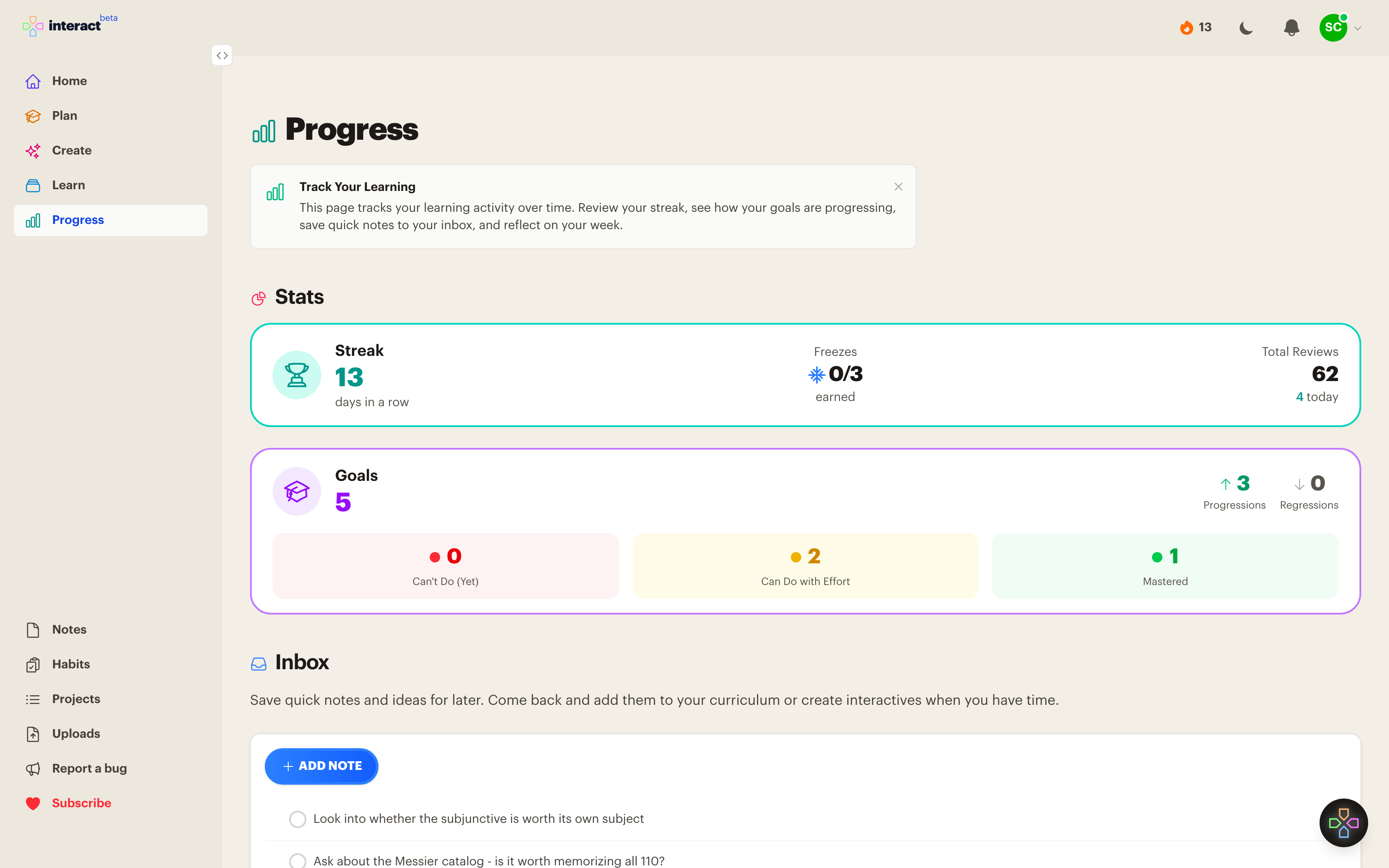
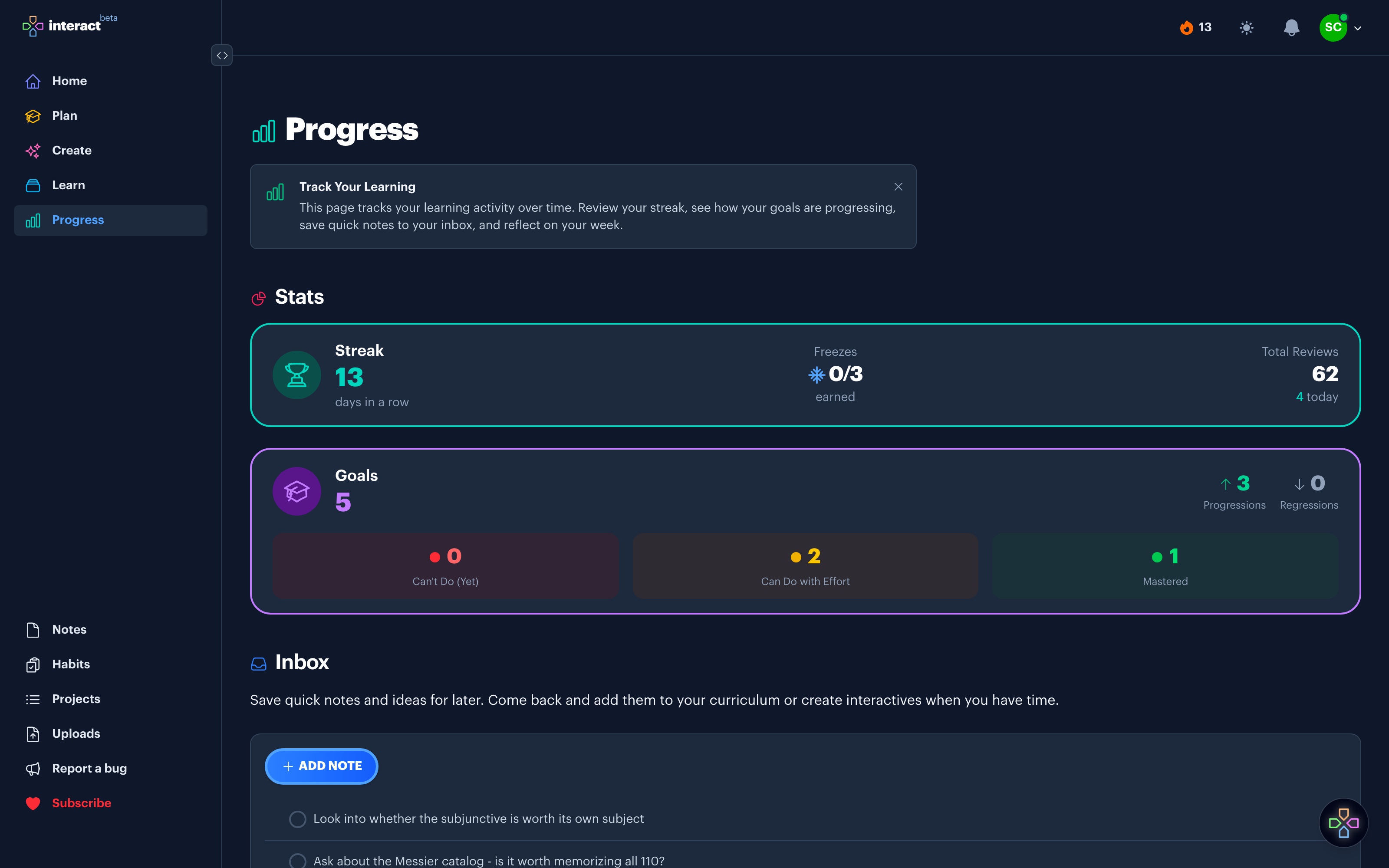
The two numbers
Your streak
The count of consecutive days you've reviewed. Three reviews claim the day, so a two minute session on a bad day still counts. Miss one anyway and a streak freeze covers you instead of resetting you to zero.
Your goals
Every goal sits in one of three states: Can't Do (Yet), Can Do with Effort, or Mastered. Progress shows how many moved this week, in both directions. Where the streak tells you the habit is still alive, goal movement tells you it's pointed at something you care about.
Capture now, decide later
Studying tends to generate work that isn't studying. You spot a typo in a card, or realize a subject should be split in two, or think of a book worth chasing down, and dealing with any of it in the moment means the session you were in the middle of is over.
So Interact gives you two ways to park something in one tap and keep going. When you have time, filter Learn or Plan down to either one.
Star
Marks something as important. The subjects and goals you're actively pushing on, one click away.
Flag
Marks something as needing work. A card with a wrong answer, a resource that turned out to be weak, a goal you've outgrown.
How people use it
1. Learn daily, capture as you go
Review your queue, protect the streak, and star or flag anything that needs attention without stopping to deal with it.
2. Tidy weekly
Fix what you flagged, then open Progress and check whether any goal actually moved. Optional weekly review reminders will prompt you.
3. Adjust the plan
Reviews that only happen on weekends usually mean the queue is too big for a weekday, and a month with no goal movement usually means you're studying around the thing you actually want rather than at it. The page is there to change what you do next.
Common questions
Do I lose my streak if I miss a day?
Not necessarily. Premium accounts earn streak freezes, up to three at a time, and one is spent automatically to bridge a missed day.
What counts as a review?
Answering any interactive: a flashcard, a quiz question, a fill in the blank, an image occlusion, or a typed answer. Three in a day claims the day.
Can I see progress on my phone or TV?
Yes. The streak and your goal progress appear in the iPhone, iPad, and Apple TV apps as well as the web.
Is progress tracking free?
Yes. Streaks, goals, stars, and flags are all on the free plan. Streak freezes are a Premium feature.
Why we chose these two numbers
Our incentives line up with yours on this one. Interact only survives if people use it most days, and it only grows if those people end up telling someone that it worked. A streak and a goal that moved are the closest things we have to knowing whether either is happening, so they are the numbers we watch, and there was never much reason to show you a different set.
Cards created or hours logged would be far easier to make go up, and neither would tell you whether you were actually learning anything. So the page stays at two numbers.
See whether your studying is working
Get Started Free
No credit card required
More ways to learn with Interact
YouTube to Flashcards
Paste a video link and get flashcards, quizzes, and fill-in-the-blanks built from it.
YouTube to Quiz
Generate a multiple choice quiz from any YouTube video and edit every question.
PDF to Flashcards
Upload lecture slides, textbook chapters, or photos of notes and study them as flashcards.
Website to Flashcards
Turn any article or webpage into study material by pasting the link.
Notes to Flashcards
Paste typed notes or snap a photo of handwritten pages and make them reviewable.
Visual Flashcards
Put an AI-drawn picture on the back of a vocabulary card instead of a translation.
Fetch Image
Name a painting, a landmark, or a species and the picture lands on your card.
Image Occlusion
Mask the labels on a diagram or map and quiz yourself on what is underneath.
Type the Answer
Exercises that make you type what you know, with grading that forgives typos.
Interactive Lessons
Five lesson types with animations, sound effects, and keyboard shortcuts that keep review fun.
Flashcards on Apple TV
A native tvOS app for reviewing your queue on the big screen.
Flashcards on Apple Watch
Dictate card ideas from your wrist and they land in your study queue.
Personal Curriculum
Organize subjects, goals, and resources for everything you are learning.
Ask
Ask a question, then say what to build or change. No clicking through screens.


Made with
in Orlando, Florida.
© 2026 Create With LLC. All rights reserved.