A textbook is hundreds of pages, and most tools either choke on it or squash it into a wall of text. Interact reads the whole PDF, turns it into a clean Document you can actually read, and helps you work through it one chapter at a time.
From PDF to practice
1. Upload the PDF
Drop a PDF up to 15 MB on the Create page. Textbooks, course packs, study guides, and papers all work. You'll see the cover as soon as it uploads.
2. Get a clean Markdown Document
Interact reads every page and keeps the structure: headings, lists, tables, captions, and the figures themselves. The result is a Document in Markdown that looks like the book, not like a copy and paste.
3. Skip the boring pages
Covers, copyright pages, tables of contents, and the ads in the back of the book are recognized and left out, so your Document starts at the first real page.
4. Pick a chapter
When the PDF has a table of contents, the Document page lists its chapters. Choose one, or type a page range, and it becomes its own Document. The book is only read once, so switching chapters is quick.
5. Generate in batches
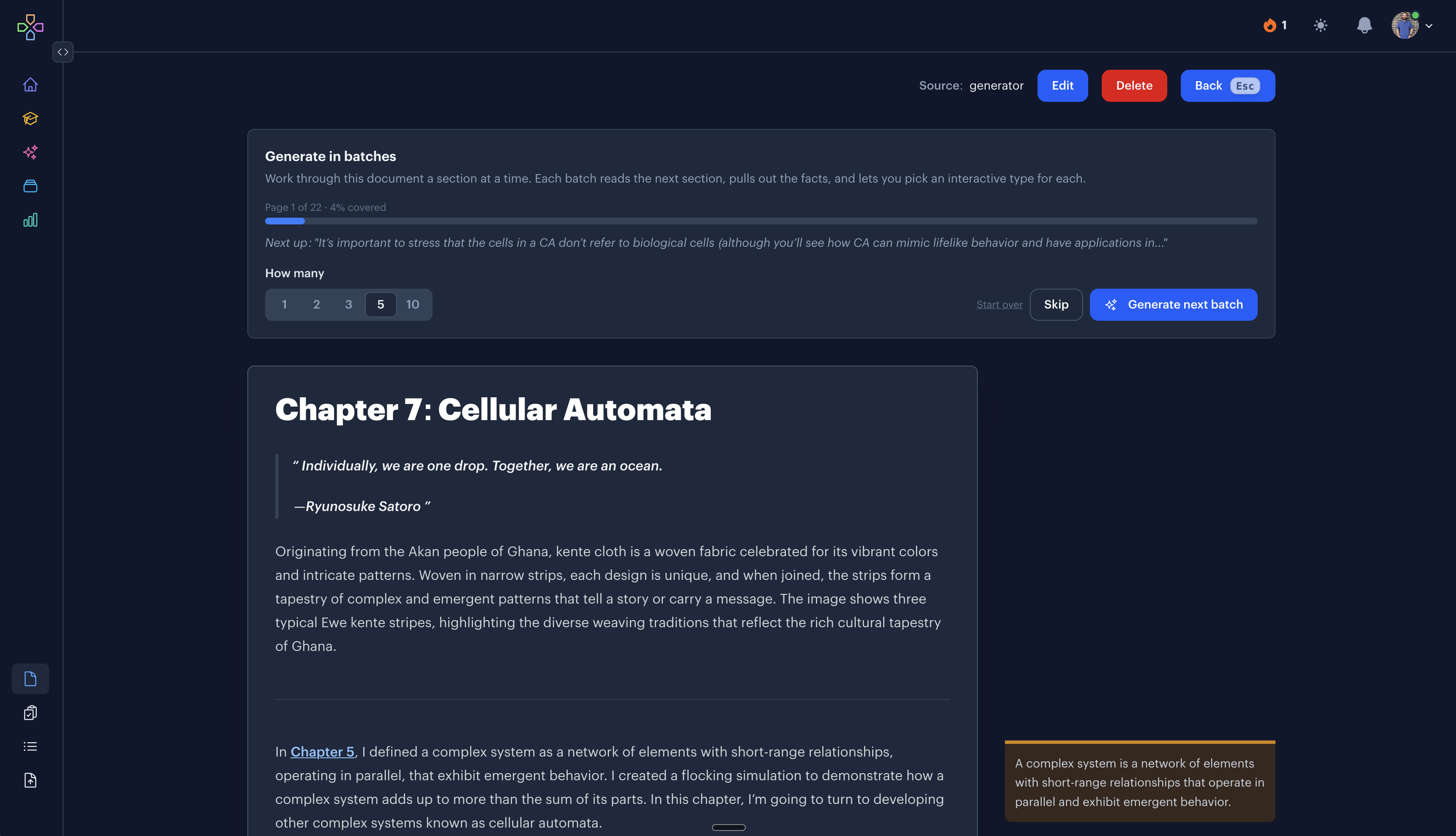
Work through a Document a section at a time. Each batch reads the next section, pulls out the facts, and lets you pick an interactive type for each one. A progress bar shows how much of the Document you've covered.
6. Practice on a schedule
The interactives you keep join your Learn queue and come back with spaced repetition, so a whole textbook turns into a few minutes of review a day.
A Document you can keep
The Document isn't a throwaway step on the way to flashcards. It stays in your library with the cover and the page range it came from. Edit it, come back to it later, or highlight a paragraph and generate interactives from just that part.
Because it's Markdown, math, code, and tables all come through, and the same formatting works on your cards.
Still in progress
PDFs are the biggest thing we're working on right now, and this page will grow with it. We're testing against more kinds of PDFs, like slide decks, scanned pages, two-column papers, and worksheets, and making the chapter picker smarter for books that don't come with a table of contents. Follow along in the Changelog.
Common questions
How long can the PDF be?
Up to 15 MB and 1,000 pages. A long book becomes several Documents, one chapter or page range at a time.
Do the pictures come along?
Yes. Diagrams, charts, and photos show up inside the Document where they were in the book. Logos and page decorations are left out.
What about scanned pages?
They work when the text is legible. Clean digital PDFs give the best results, and scans are one of the cases we're improving now.
I only want flashcards. Is there a quicker way?
Yes. Upload the PDF and let the generator make interactives straight away. See PDF to Flashcards.
Is it free?
Uploads count toward the free plan's 10 AI generations a month. Premium removes the cap.
Bring a textbook
Get Started Free
No credit card required
More ways to learn with Interact
YouTube to Flashcards
Paste a video link and get flashcards, quizzes, and fill-in-the-blanks built from it.
YouTube to Quiz
Generate a multiple choice quiz from any YouTube video and edit every question.
PDF to Flashcards
Upload lecture slides, textbook chapters, or photos of notes and study them as flashcards.
Website to Flashcards
Turn any article or webpage into study material by pasting the link.
Notes to Flashcards
Paste typed notes or snap a photo of handwritten pages and make them reviewable.
Visual Flashcards
Put an AI-drawn picture on the back of a vocabulary card instead of a translation.
Fetch Image
Name a painting, a landmark, or a species and the picture lands on your card.
Image Occlusion
Mask the labels on a diagram or map and quiz yourself on what is underneath.
Type the Answer
Exercises that make you type what you know, with grading that forgives typos.
Interactive Lessons
Five lesson types with animations, sound effects, and keyboard shortcuts that keep review fun.
Flashcards on Apple TV
A native tvOS app for reviewing your queue on the big screen.
Flashcards on Apple Watch
Dictate card ideas from your wrist and they land in your study queue.
Personal Curriculum
Organize subjects, goals, and resources for everything you are learning.
Progress & Streaks
Track a daily streak, watch goals move, and catch follow-ups without breaking focus.
Ask
Ask a question, then say what to build or change. No clicking through screens.


Made with
in Orlando, Florida.
© 2026 Create With LLC. All rights reserved.