

Made with
in Orlando, Florida.
© 2026 Create With LLC. All rights reserved.
Apps
Interact on tvOS puts your curriculum on the big screen. Browse subjects, jump to saved videos on YouTube, and play through lessons from the couch.
Interact runs on Apple TV. It sounds unusual for a learning app, and then you review a lesson from the couch on a 55 inch screen and it makes complete sense.
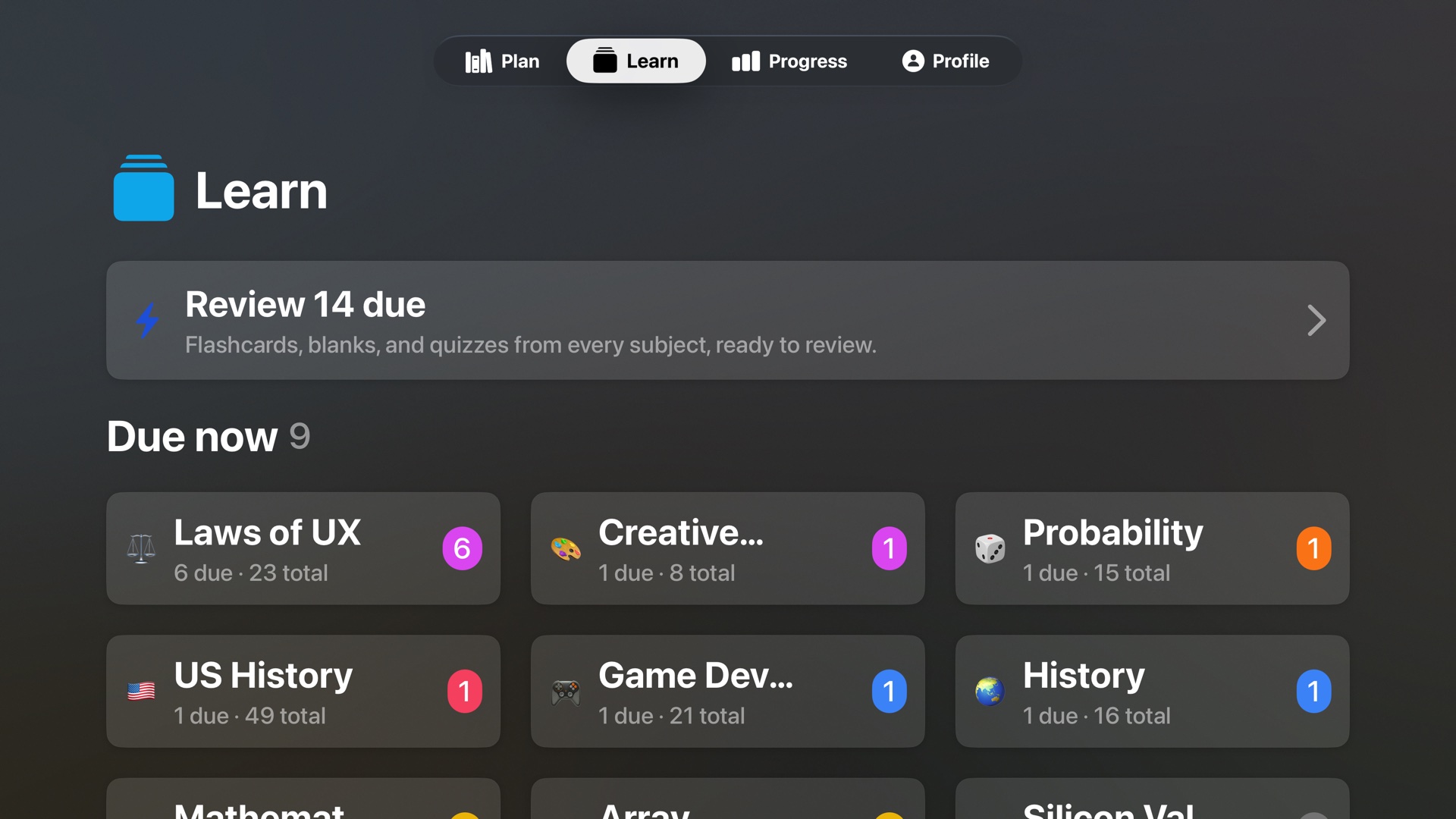
Reviews as a shared activity. Lessons on a TV are naturally social. Quiz questions get shouted at the screen, flashcards turn into family trivia, and studying stops being a thing you do alone at a desk.
A better video workflow. A huge amount of learning content lives on YouTube, and the TV is where video actually gets watched. Save videos as resources on your subjects, watch them from the TV app, then review the generated lessons on your phone or the web.
Typing without pain. Typed answers use the TV keyboard with dictation support, so you can just say the answer into the remote.
The TV app is in beta alongside the iPhone & iPad app. Email bijan@createwith.org for early access. Sign in with your regular account and your subjects are already there.