

Made with
in Orlando, Florida.
© 2026 Create With LLC. All rights reserved.
Core Concepts
The Progress page shows your review streak, how your goals are moving, and a year of review history, with optional weekly reviews for a slower check-in.
Learning compounds slowly, which makes it easy to feel like nothing is happening. The Progress page exists to prove otherwise: it tells you whether the habit is working, and whether it's pointed anywhere.
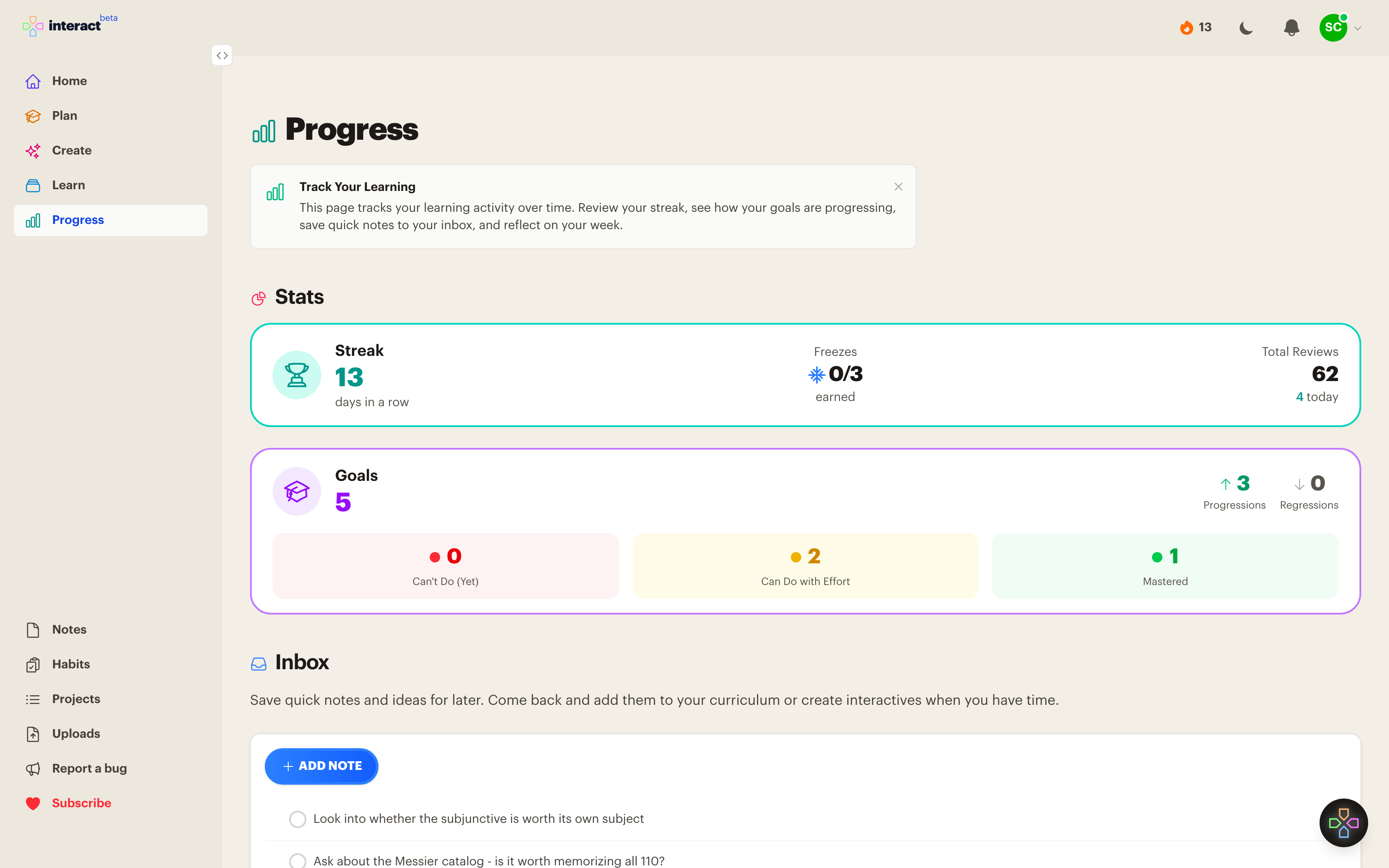
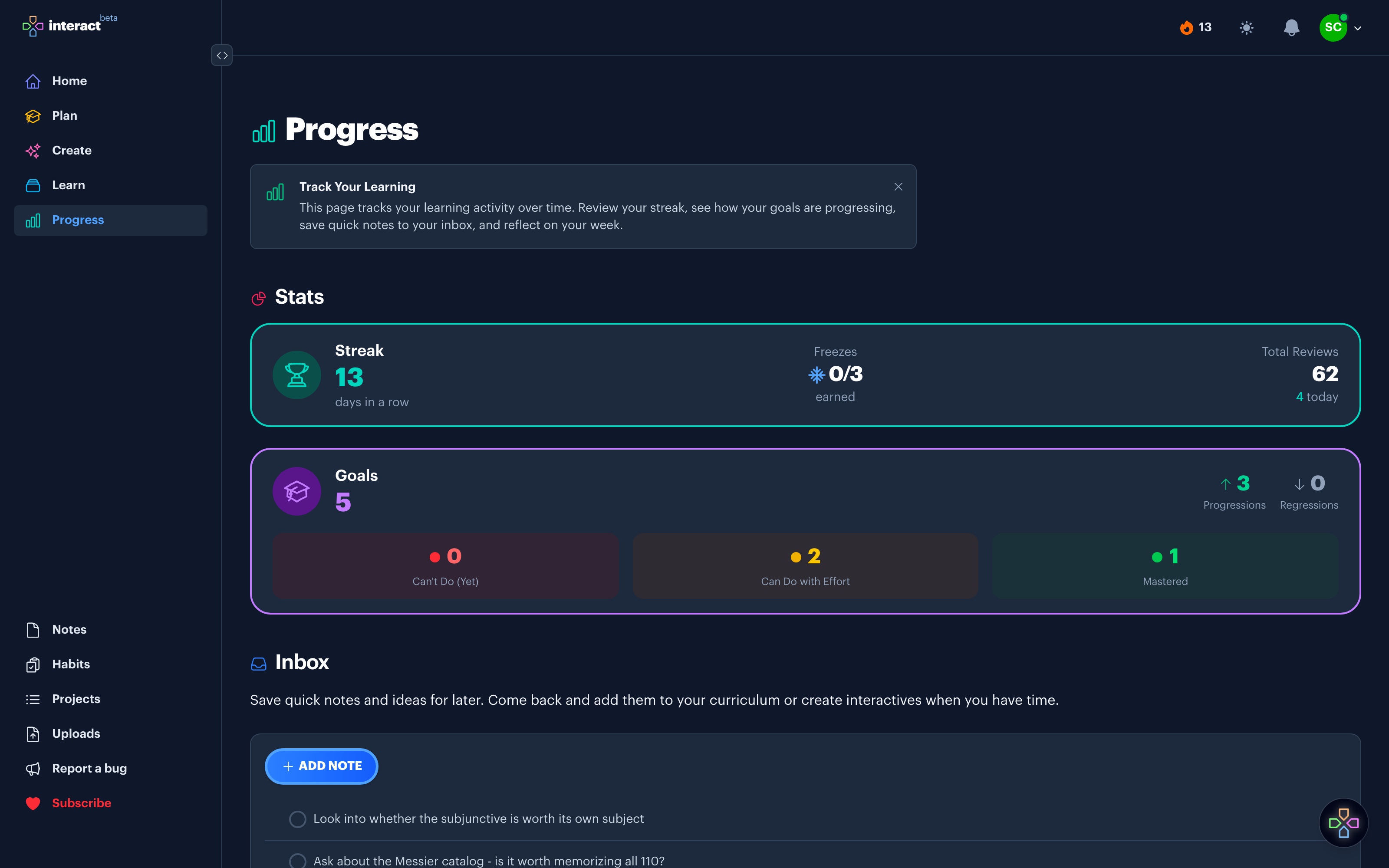
There are only two stats at the top of this page, and that's deliberate.
Your streak is the number of consecutive days you've reviewed. It's the simplest possible metric, and that's why it works. You don't need a perfect session every day. You just need to show up.
Your goals show how many things you can now do, split across three states: Can't Do (Yet), Can Do with Effort, and Mastered. The counters on the right show progressions and regressions for the week, so you can see movement rather than a static total.
A streak tells you the habit is still alive, and goal movement tells you it's pointed at something you care about. Neither is much use without the other, which is why they sit side by side.
Right below the stats is a year of review activity, one square per day. Patterns in the history are useful feedback. If reviews cluster on weekends, your queue is probably too big for weekdays, and trimming your active subjects will make the habit easier.
While you're reviewing, you'll spot things that aren't reviews: a card with a typo, a subject worth splitting, a goal that suddenly matters more than the rest. Stopping to deal with them breaks the session. Ignoring them loses the thought.
Stars and flags let you mark it in one tap and keep going:
When you have time, filter Learn or Plan down to starred or flagged items and work through them.
Daily practice keeps material alive. It doesn't reorganize anything. Weekly reviews are the slower loop: a scheduled prompt to look at the week, clear your flags, and check whether your goals still describe what you want.
Weekly reviews are off by default. Turn them on in your notification settings and pick a day. A weekly review card then appears on Progress, and you'll get a reminder email. When you open it you'll see what you created and reviewed that week, a place to write how it went, and a nudge to re-read your goals.
If you're the kind of person who ignores recurring prompts, leave this off. The daily loop works without it.
You don't have to use every part of this page. A workable pattern:
Keeping the two loops separate is what lets the daily one stay short enough to actually do. If every stray thought has to be resolved before you can finish reviewing, you'll stop reviewing.
Most study tools report whatever is easiest to collect: cards created, reviews completed, hours logged. Those numbers go up whether or not you're learning anything, which makes them pleasant to look at and impossible to act on.
Days in a row is a better bet, because it's the thing that predicts whether you'll still be doing this in six months. Goals moved is the other half of the picture, because it tells you the showing up went somewhere. That pair also happens to decide whether Interact lasts, since it needs people who come back most days and it grows when those people tell someone it worked. We watch the same two numbers you do, so they sit at the top of the page.