

Made with
in Orlando, Florida.
© 2026 Create With LLC. All rights reserved.
Getting Started
Paste notes, a web link, or a YouTube video and Interact generates interactive lessons. What the generator accepts, how it works, and what each plan includes.
The generator is the fastest way to fill a subject with material. Give it content, and it extracts the useful facts and turns them into flashcards, clozes, quizzes, and more.
Interact reads the content, pulls out the facts worth remembering, and builds a mix of interactive types around them. By default it runs straight through, and you curate the result afterwards. Pick "Review facts first" to pause and edit the facts before anything is generated, or "Save content only" to keep the content as a document and generate from it later. The run keeps going even if you leave the page; come back to the Create page to pick it up.
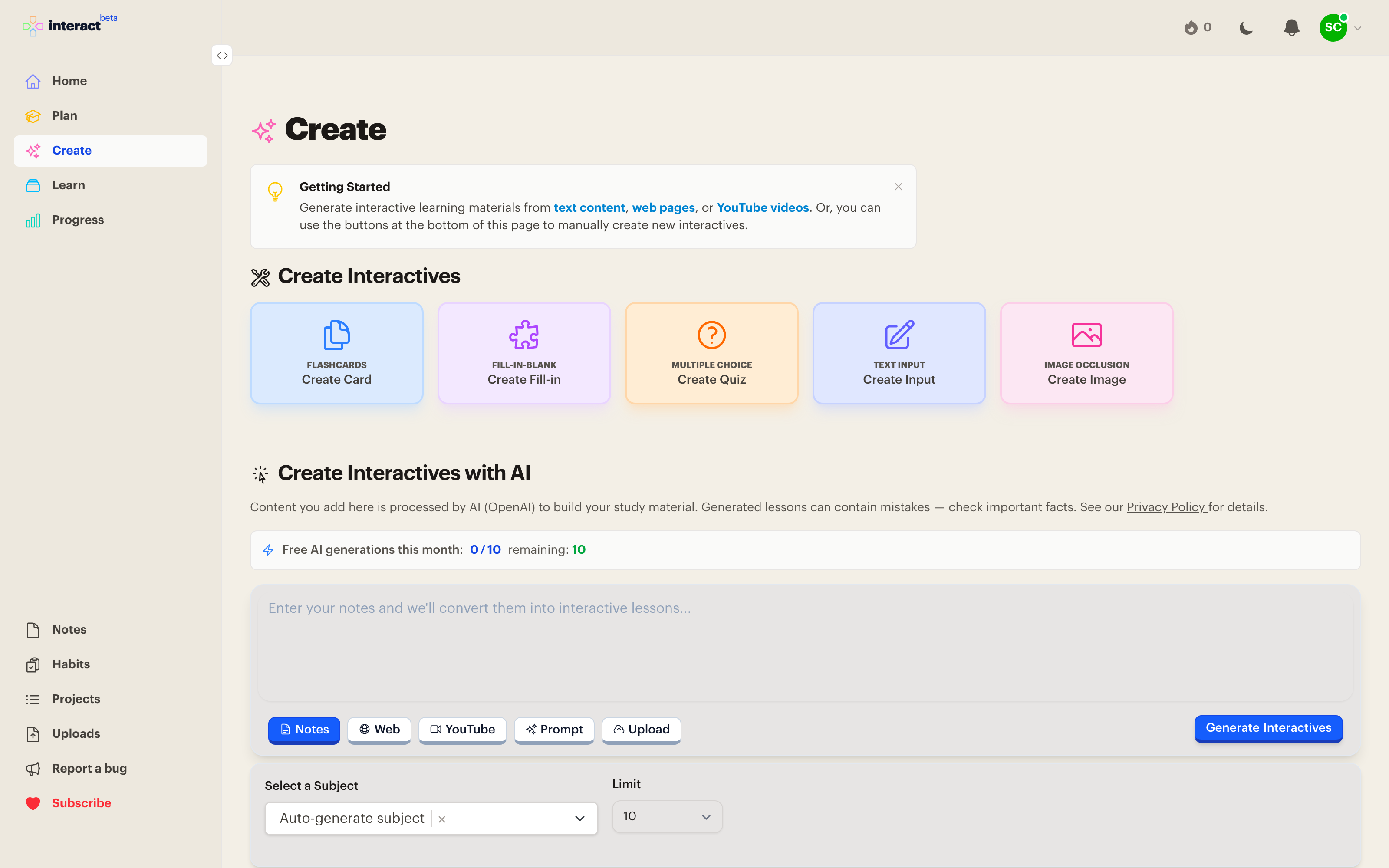
The generator can also build a whole starter curriculum. Describe a topic on the Plan page and Interact drafts a subject with sub-subjects, resources, and goals to get you moving.
AI output is a starting point, not the finished product. The interactives it creates are regular interactives: edit them, delete them, or add your own beside them. The best collections usually mix generated material with hand-written cards for the things you personally find hard.
The free plan includes 10 AI generations per month, which is plenty to get a feel for it. Premium removes the limit and adds unlimited web scraping and file uploads. Manual creation is unlimited on every plan. See pricing for details.
Shorter, focused content generates better lessons than a whole book chapter at once. Chapter-size uploads are saved as a document so you can generate from them a section at a time.
Generate from the source you actually studied. The lesson will match what you remember reading.
Run the generator on a curriculum resource to turn it into interactives with one tap. \n\n## Related
Every feature, one page each
Make your own trivia quiz from a single sentence
How to study art history, which generates the text cards and fetches the images