

Made with
in Orlando, Florida.
© 2026 Create With LLC. All rights reserved.
Getting Started
Paste your notes, play your first lesson, and come back tomorrow. Everything you need to go from signup to your first review in about five minutes.
Interact turns notes, links, and videos into interactive lessons, backed by spaced repetition so you actually remember what you learn. This guide takes you from a fresh account to your first review session in about five minutes.
Sign up for free with your email, Google, or Apple account. No credit card required. The free plan includes unlimited manual interactives, unlimited reviews, and 10 AI generations per month.
Start with material you already have. Open the Create page and pick a source:
Interact reads the content and builds flashcards, fill-in-the-blank exercises, and quizzes from it. You don't need to set anything up first. A subject is created for you from the content, and you can rename it later. See Generating Lessons with AI for the full tour.
Prefer to write your own? Every interactive type can also be made by hand on the same page. Hand-made cards are often the ones that stick best. See Creating Interactives by Hand.
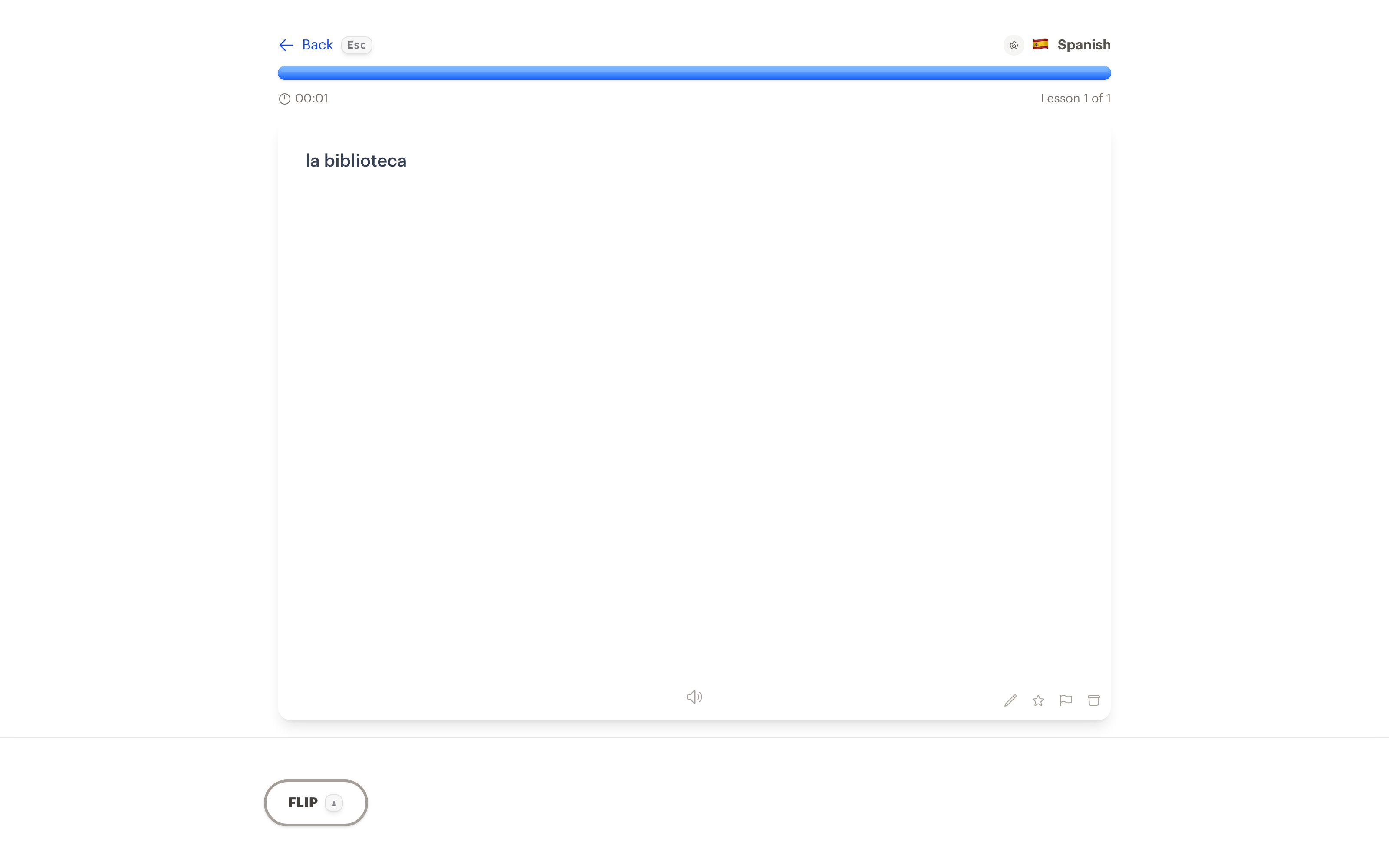
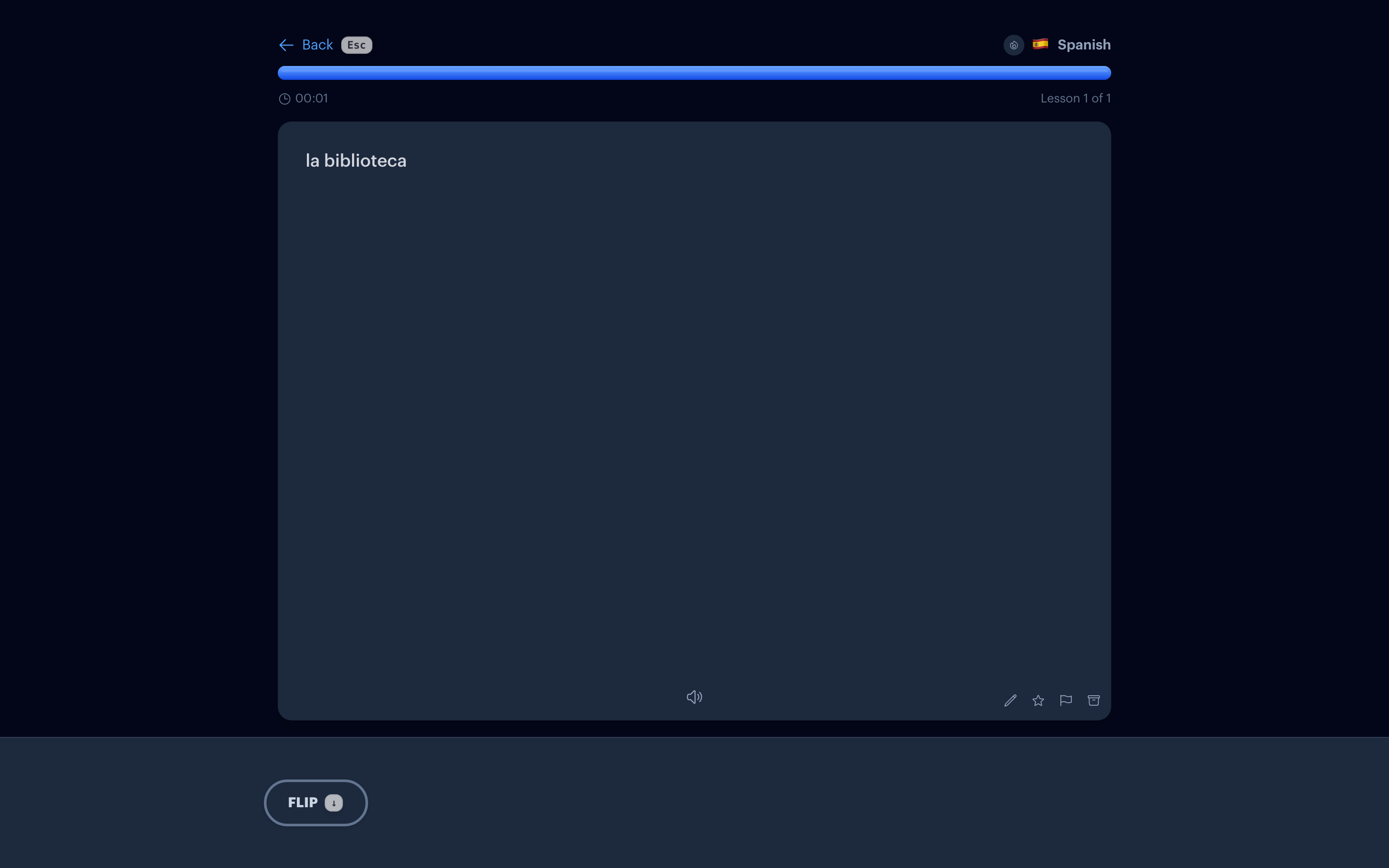
When the generation finishes, press Play now. Flip cards, fill in blanks, answer quizzes, and grade yourself as you go. Your answers feed the spaced repetition system that schedules future reviews.
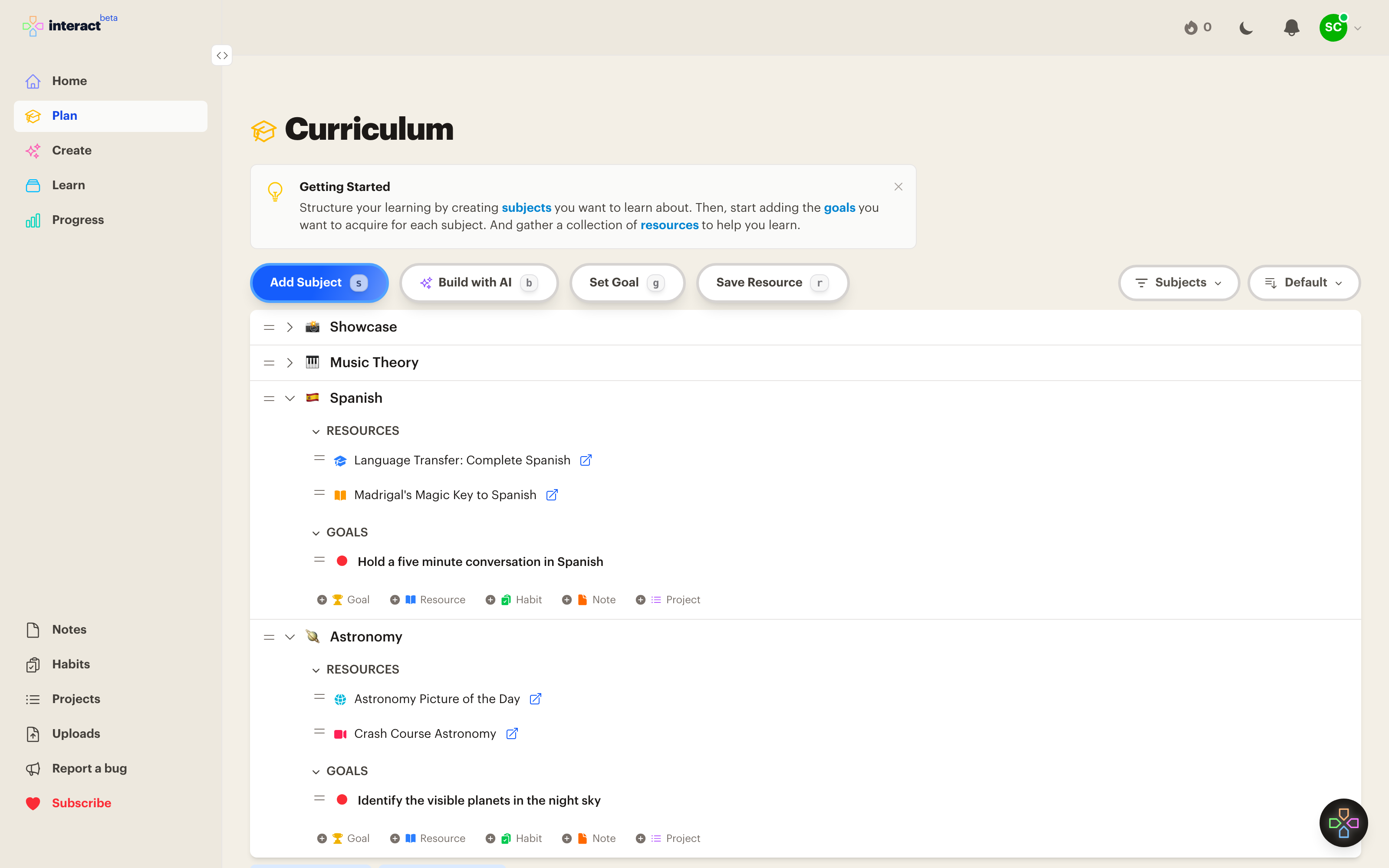
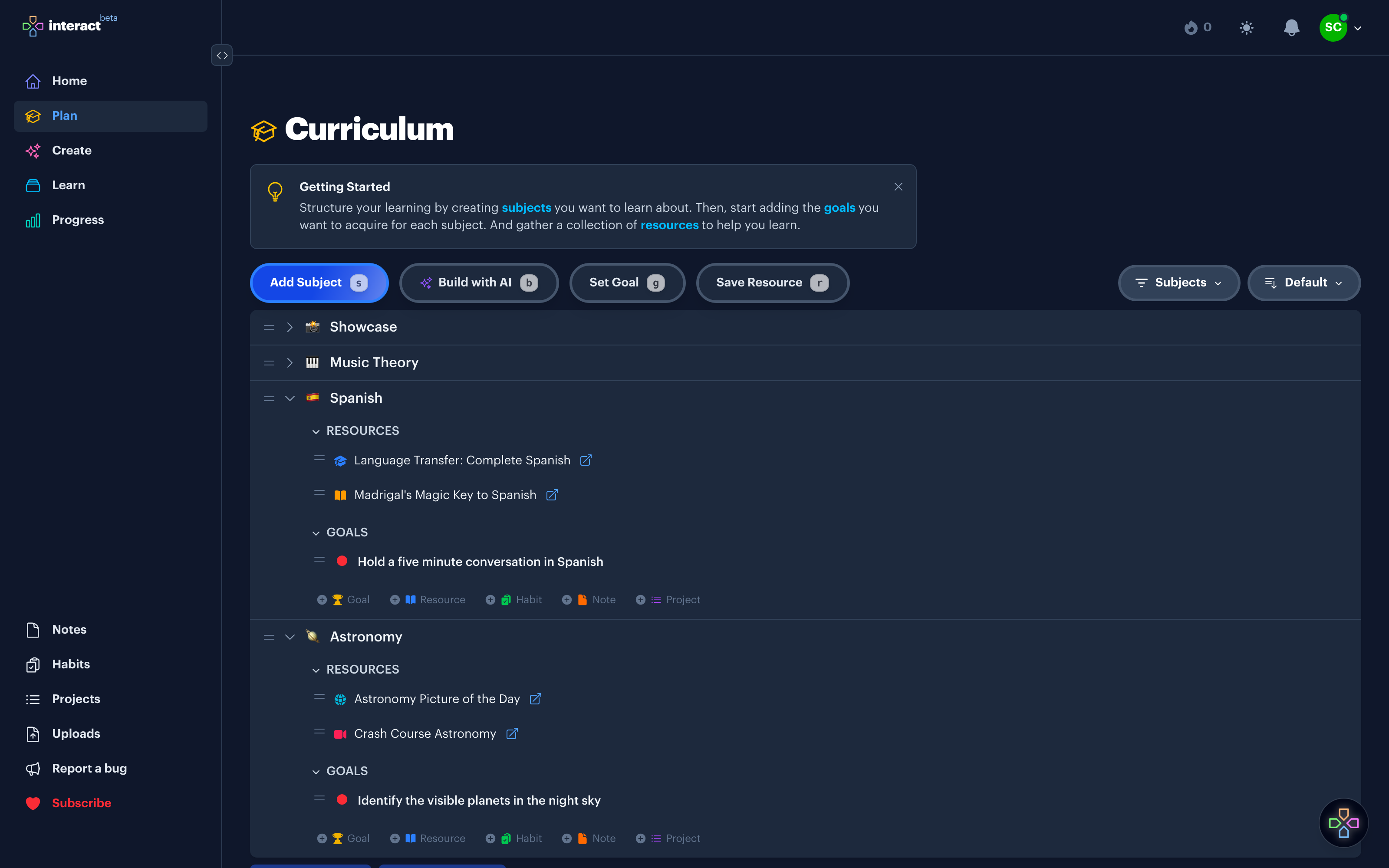
Once you have something to practice, the Plan page is where structure lives. Each subject is one topic you want to learn: Spanish, astronomy, music theory, anything. You can nest subjects inside each other, set goals for what you want to be able to do, and save resources like books and courses you're working through.
If you'd rather start with structure, that works too. Click Build with AI on the Plan page to draft a starter curriculum from a short description, then head to Create to fill it with lessons.
This is the part that makes Interact work. The Learn page queues up whatever is due for review each day. A few minutes daily beats an hour of cramming, and your streak keeps you honest.