Apps

iPhone & iPad App

The native Interact app for iPhone and iPad: what it does, how it syncs with the web, and how to download it free from the App Store.

Interact has a native app for iPhone and iPad, built from the ground up for iOS rather than wrapped from the web. It's a free download on the App Store.
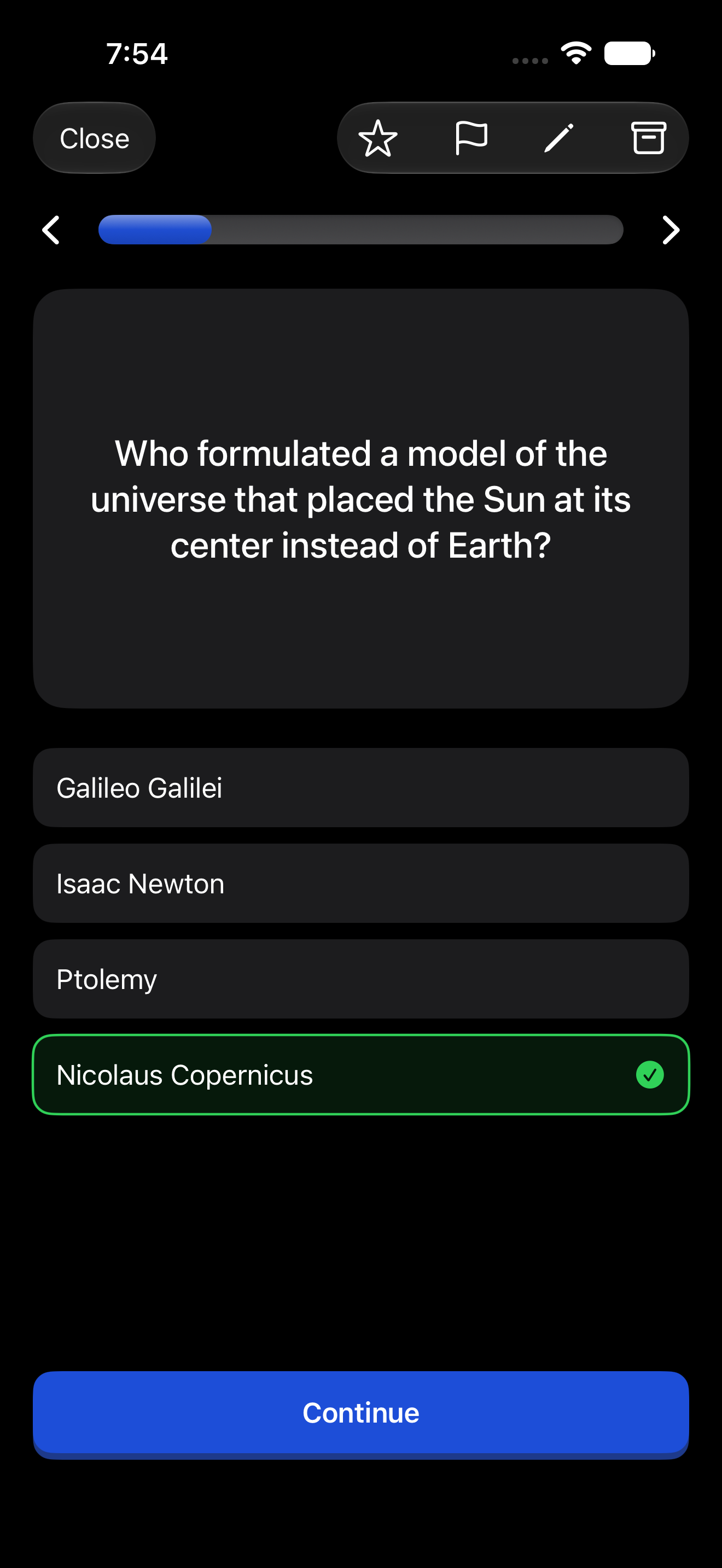
An astronomy quiz in the native iPhone app
Playing a quiz in the native iPhone app.

What it does

The app is organized around four tabs:

  • Plan. Your curriculum: subjects, goals, and resources, with creating, editing, reordering, starring, and search. You can draft a whole starter curriculum with AI from your phone.
  • Learn. Your daily review queue. Play through cards, clozes, quizzes, typed answers, and image occlusions with a lesson player designed for touch. Swipe down for a quick hit: the app serves you one due interactive on the spot.
  • Progress. Your streak and review history.
  • Profile. Account, notifications, and app settings.

Made for the phone

Some things the app does better than any browser:

  • Generate from anywhere. Describe a topic, paste content, or snap a photo of your notes and generate interactives on the go.
  • Draw image occlusions by hand. Photograph a diagram, then drag boxes over the labels with your finger or an Apple Pencil.
  • Dictate to create. Speak a prompt instead of typing it. Great for capturing an idea while walking.
  • Haptics and gestures. Reviews have the tactile, game-like feel a study session deserves.
  • iPad layout. The iPad version is a real iPad design, not a stretched phone app.

One account, everywhere

The app signs into your regular Interact account with email, Google, or Sign in with Apple. Everything syncs: a card you create on your phone shows up on the web, and this morning's reviews on the couch count toward the same streak as this afternoon's at your desk.

Getting the app

Download Interact from the App Store and sign in with your account.

On Android, or prefer the browser? The web app also installs to your home screen on any phone.
