Made with
in Orlando, Florida.
© 2026 Create With LLC. All rights reserved.
Apps
The Interact Apple Watch app captures what you want to learn by voice. Raise your wrist, say the thing, and a finished lesson is waiting in your Learn tab.
Interact runs on Apple Watch, and it does exactly one thing: capture what you want to learn, out loud, before the thought is gone.
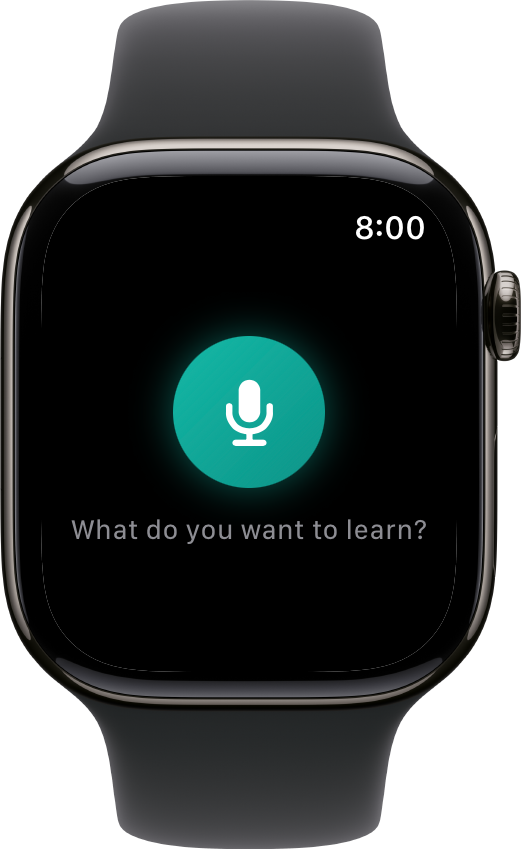
Open the app, or tap the Interact complication on your watch face, then press the mic and speak. That is the entire interface. No typing on a tiny keyboard, no menus, no settings.
Your prompt goes straight to your account and Interact builds a real lesson from it: a document, the key facts, and a set of interactives to review. You can watch the steps tick by on your wrist, or drop your arm and get on with your day. Generation finishes on the server either way, so a lowered wrist never loses the work.
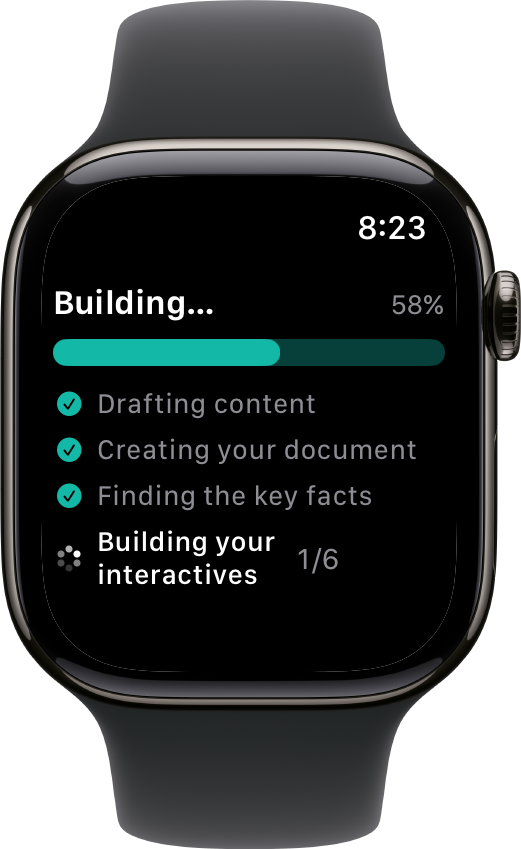
When it finishes, the lesson is in your Learn tab, in your normal review queue, on every device you use. Nothing is stranded on the watch.
Most watch study apps try to squeeze flashcards onto the smallest screen you own. Interact takes the opposite bet. The wrist is the best capture device you have and the worst reading device, so the watch does capture and nothing else. Reviews belong on the iPhone & iPad app, Apple TV, or the web, where they are actually pleasant.
The result is a pipeline. Ideas go in from your wrist all day, mid-run or mid-conversation, and your daily queue serves them back until they stick.
The watch app installs alongside the iPhone app, so there is no separate download and no extra cost.
After that first handoff the watch talks to Interact directly over Wi-Fi or cellular, so your phone does not have to be in the room.

