

Made with
in Orlando, Florida.
© 2026 Create With LLC. All rights reserved.
Getting Started
How to create flashcards, clozes, quizzes, typed-answer questions, and image occlusions manually. AI is a starting point in Interact, not a requirement.
AI generation is convenient, but Interact works great with zero AI. Manual interactives are unlimited on every plan, and writing your own material is itself a powerful way to learn. Formulating a good question forces you to understand the answer.
Open the Create page and pick the type you want to make. Every interactive belongs to a subject, so choose the subject first or create one on the spot.
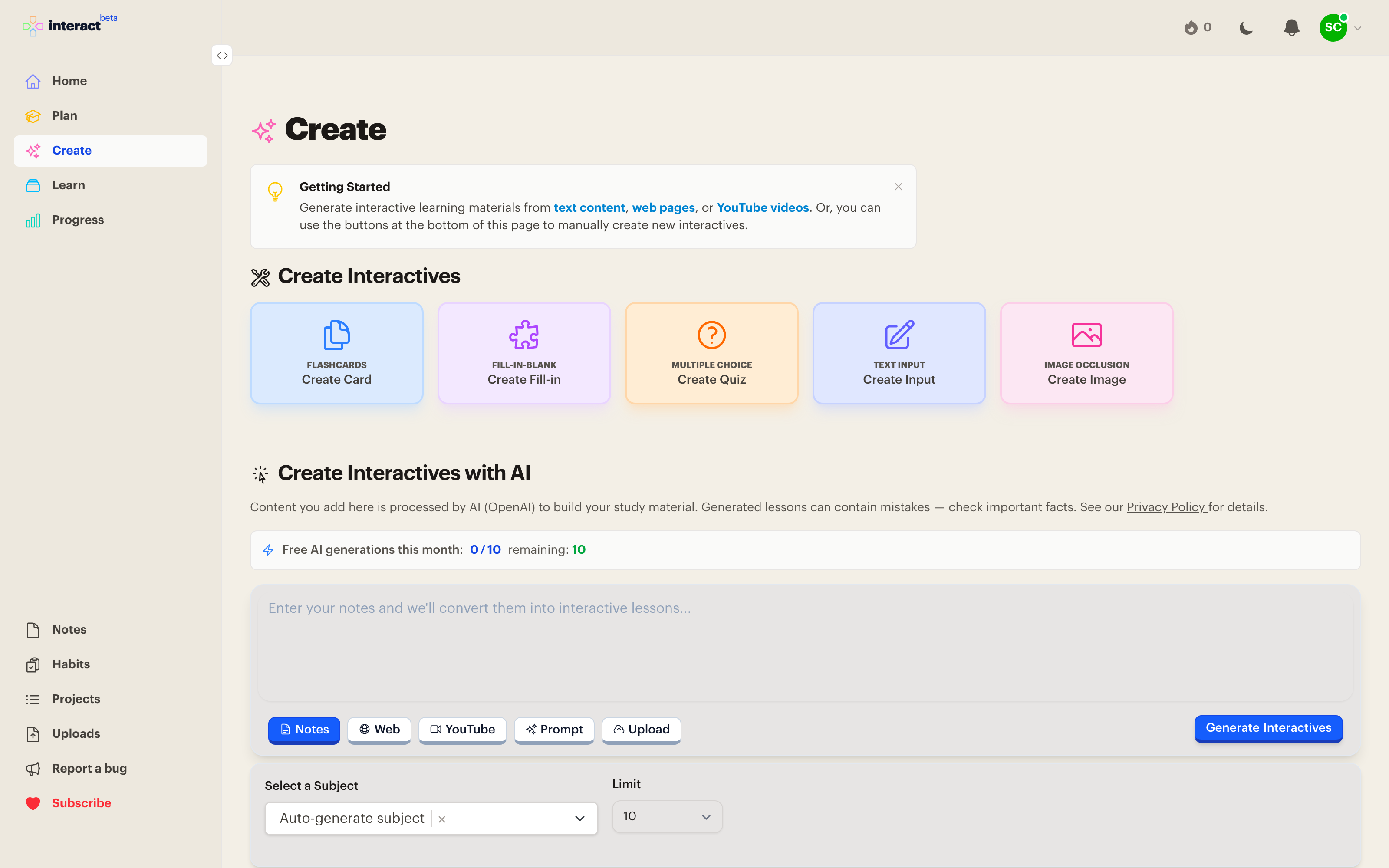
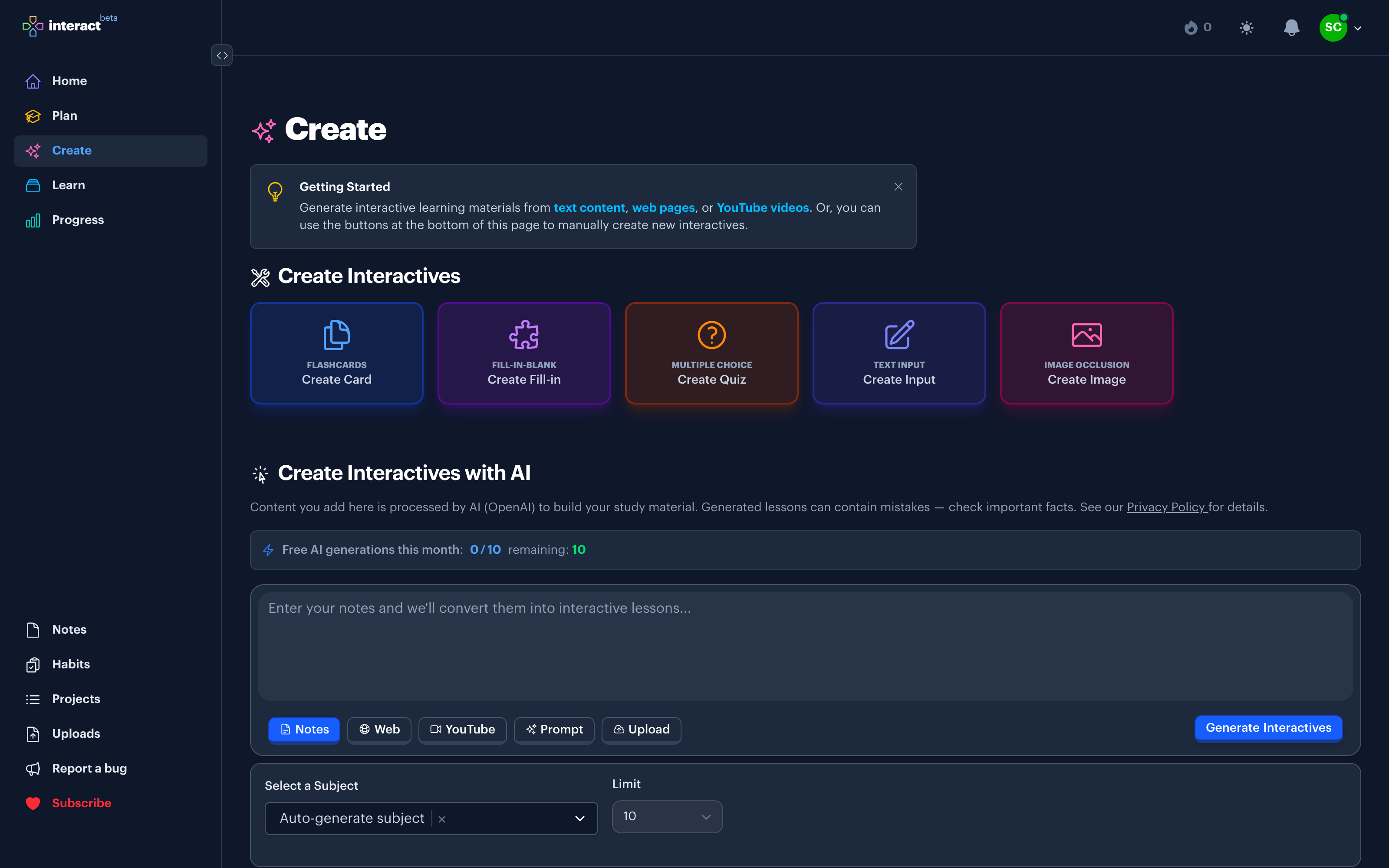
Flashcards. A front and a back. The classic. Keep the front focused on a single idea so grading yourself stays honest.
Clozes. A sentence with one or more words blanked out. You pick the missing word from a set of options. Great for vocabulary, definitions, and anything with a precise phrasing worth remembering.
Quizzes. A multiple choice question with one correct answer. Good for concepts where recognizing the right answer among plausible wrong ones is the skill.
Typed answers. A sentence with a blank you fill by typing the answer yourself. The strictest form of recall, and the closest to a real test.
Image occlusions. Upload an image and mask regions of it. Reviews reveal the masks one at a time. See the Image Occlusion guide for a walkthrough.
Everything you create can be edited from its subject page. If a review keeps annoying you because the wording is off, fix it right then. Small edits keep your collection healthy.