

Made with
in Orlando, Florida.
© 2026 Create With LLC. All rights reserved.
Guides
Paste a YouTube link and get an interactive lesson built from the video. A walkthrough of the flow, what kinds of videos work best, and practical tips.
YouTube is where a huge amount of real learning happens, and where most of it is forgotten a week later. This guide turns a video you just watched into material you'll still know next month.
That's it. From link to lesson typically takes under a minute.
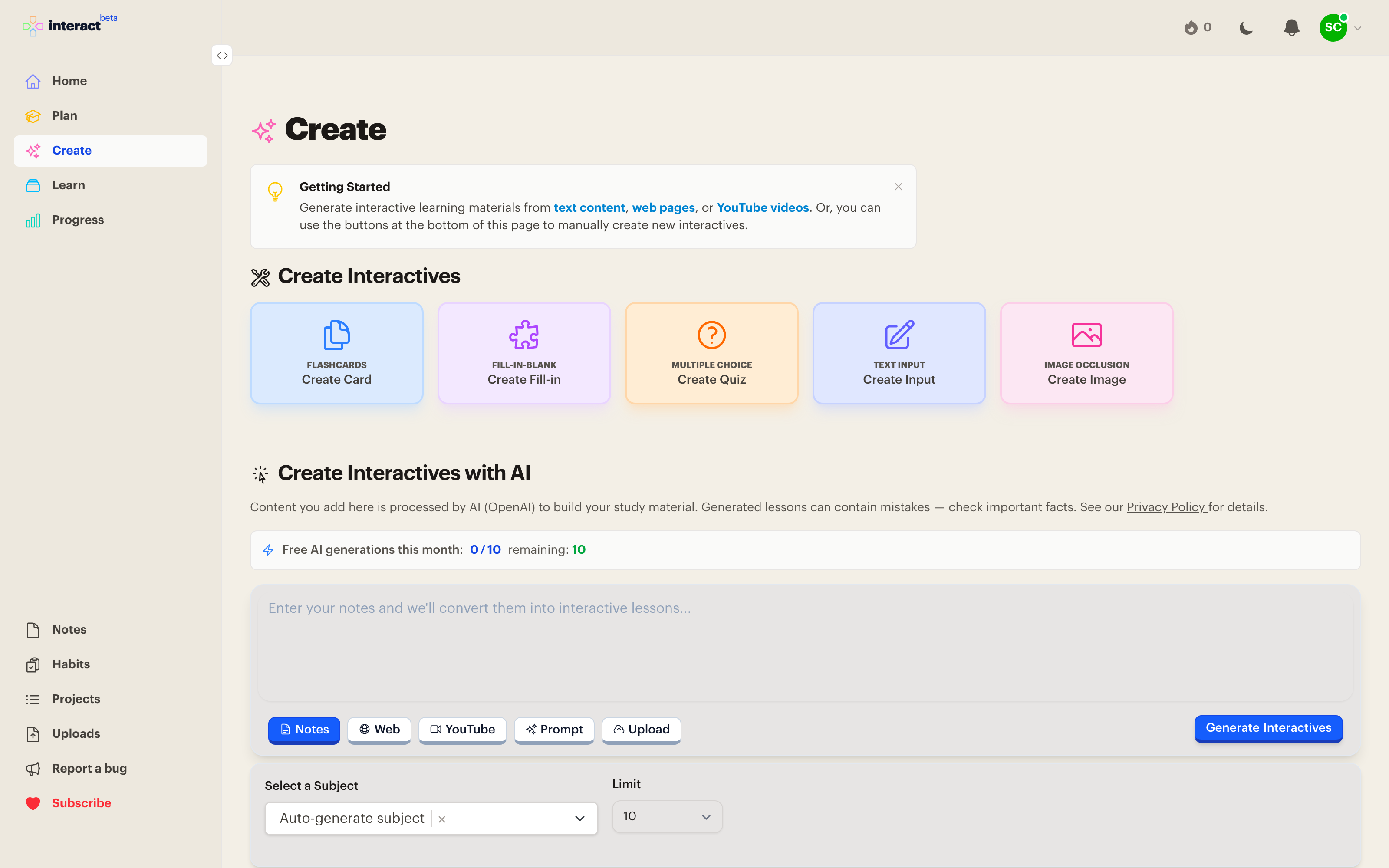
The generator works from what's said in the video, so it shines on talky, information-dense content: lectures, tutorials, explainers, conference talks, documentary-style essays. If a human could take useful notes from it, Interact can build a lesson from it.
Music videos, vlogs, and mostly-visual content give it much less to work with.
Not ready to commit? You can fetch a video's content without generating interactives, look it over, and generate from it when you're ready. This is handy for triaging a pile of saved links.
Instead of pasting links one at a time, save videos as resources on a subject as you find them. Your watch-later list becomes part of your curriculum, and each video is one tap away from becoming a lesson. See Subjects & Curriculum.